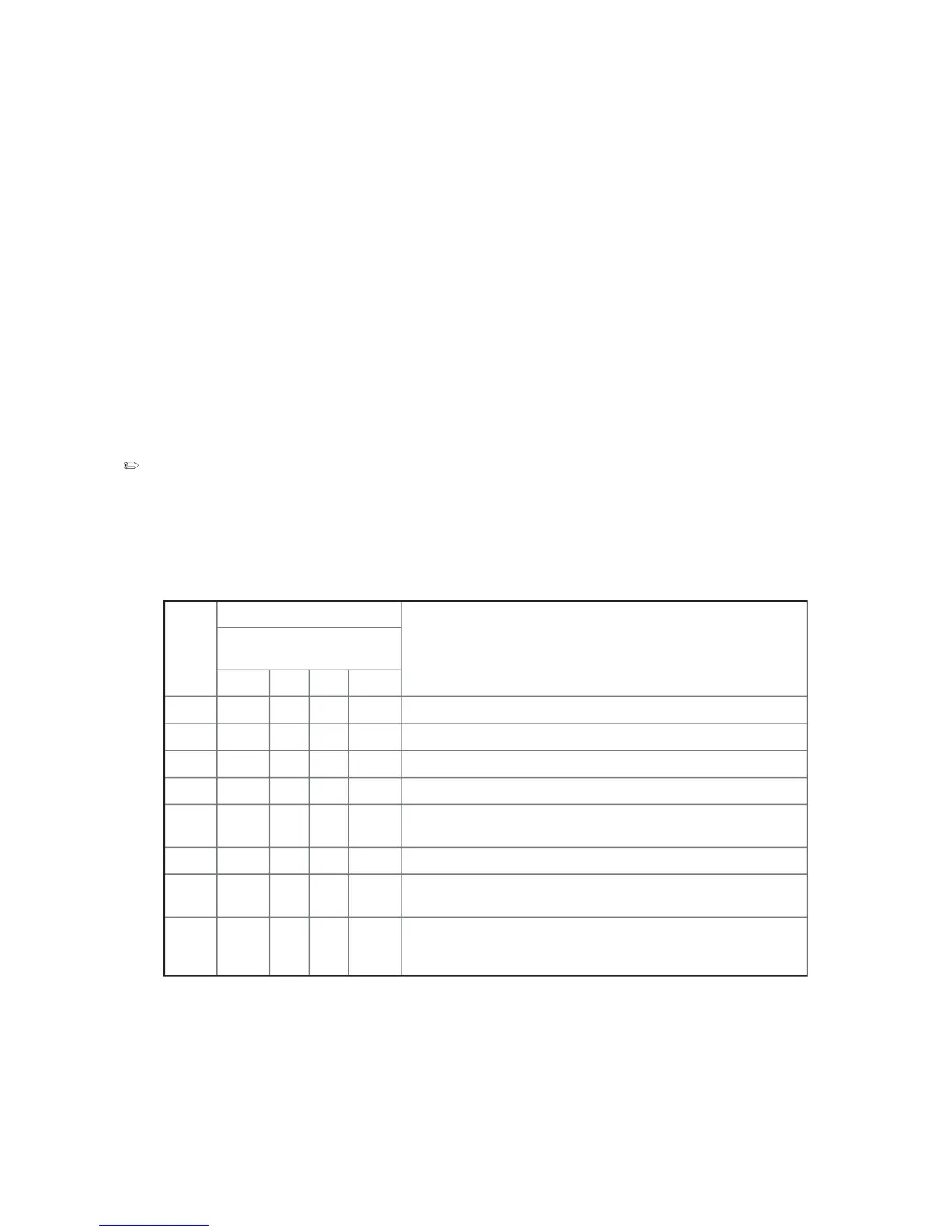
failures, a set of four bi-color diagnostic LEDs is located on the back
edge of the baseboard. Each of the four LEDs can have one of four states: Off, Green, Red,
The LED diagnostics feature consists of a hardware decoder and four dual color LEDs. During
POST, the LEDs will display all normal Port80 codes representing the progress of the BIOS
POST. Each postcode will be represented by a combination of colors from the 4 LEDs. The
LEDs are in pairs of green and red. The post codes are broken into two nibbles, an upper
and a lower nibble. Each bit in the upper nibble is represented by a red LED and each bit in
the lower nibble is represented by a green LED. If both bits are set in the upper and lower
nibble then both red and green LEDs are lit, resulting in an amber color. Likewise, if both
bits are clear then the red and green LEDs are off.
During the POST process, each light sequence represents a specific Port-80 POST code. If
a system should hang during POST, the Diagnostic LEDs will present the last test executed
before the hang. When reading the lights, the LEDs should be observed from the back of the
system. The most significant bit (MSB) is the first LED on the left, and the least significant
bit (LSB) is the last LED on the right.
When comparing a diagnostic LED color string from the baseboard to those listed in the
diagnostic LED decoder in the following tables, the LEDs on the baseboard should be
referenced when viewed by looking into the system from the back. Reading the LEDs from
left to right, the Hi bit is located on the left.
Uncompress various BIOS Modules.
Verify password Checksum.
Read Microcode updates from BIOS ROM.
Initializing the processors. Set up processor registers. Select least
featured processor as the BSP.
Hook before the keyboard BAT command is issued.
Keyboard Controller Test: The keyboard controller input buffer is
free. Next, issuing the BAT command to the keyboard controller.
Init after Keyboard Test: The keyboard controller BAT command
result has been verified. Next, performing any necessary initializa-
tion after the keyboard controller BAT command test.



 To Next Page