104
QM00991-1
Presentation tools
PC-LESS Presentation (continued)
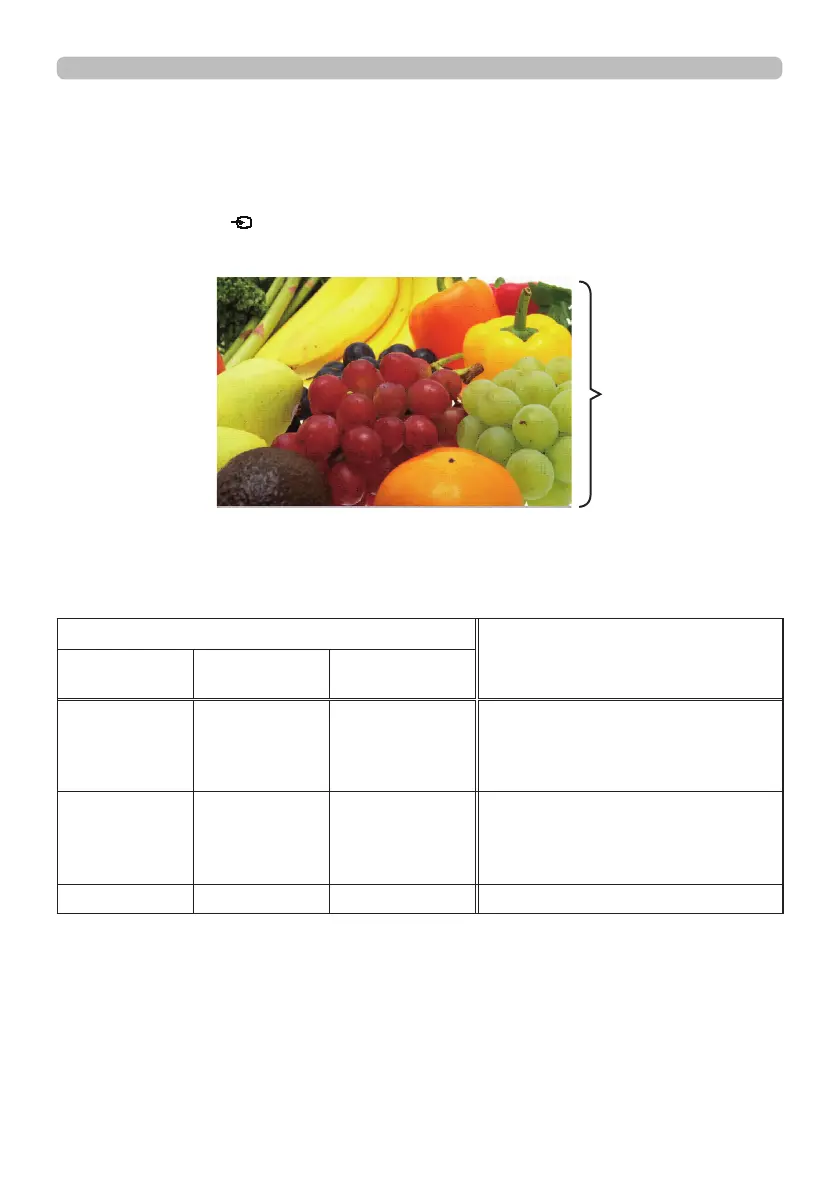
The Full Screen mode shows a full display image. To display in Full Screen mode,
select an image in the Thumbnail screen. Then press the ENTER button on the
remote control, the
button on the control panel or click [ENTER] on the Web
Remote Control.
Full Screen Mode
Button operation
Functions
The remote
control
Control panel
Web Remote
Control
▼
►
or
PAGE DOWN
▼
or
►
[▼]
[►]
or
[PAGE DOWN]
Shows the next le.
▲
◄
or
PAGE UP
▲
or
◄
[▲]
[◄]
or
[PAGE UP]
Shows the previous le.
ENTER INPUT [ENTER] Displays Thumbnail.
The following operations are enabled in the Full Screen mode while a still image
is displayed.
Full screen display
Operations for still images



 To Next Page