38
QM00991-1
Operating
To change this function, follow the steps below.
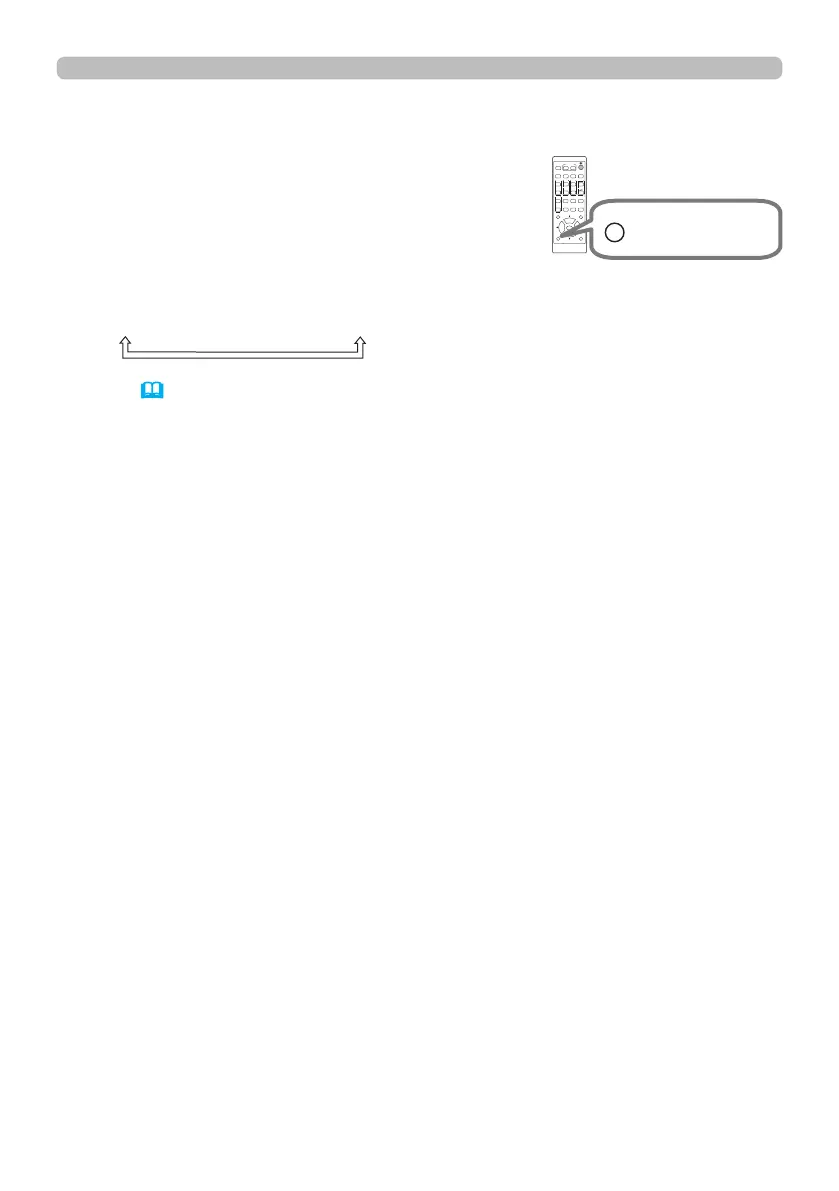
1. Press the OSD MSG button on the remote control
for 3 seconds.
2. The INHIBIT OSD will be displayed.
While this OSD is displayed, press the OSD MSG
button again on the remote control.
3. Toggle and change the function.
NORMAL
ó
SILENT
ó
INHIBIT
Refer to (
68
) for details.
Limiting OSD display
ASPECT
BLANK
ESC MENU
RESET
AUTO
PAGE
DOWN
ON
OFF
FREEZE
UP
ENTER
FOCUS
-
+
ZOOM
-
+
INPUT
INTERACTIVE
MYBUTTON
1 2
PbyP
MAGNIFY
VOLUME
-
+
GEOMETRY PICTURE MUTE
NETWORK
OSD MSG
ASPECT
BLANK
ESC MENU
RESET
AUTO
PAGE
DOWN
ON
OFF
FREEZE
UP
ENTER
FOCUS
-
+
ZOOM
-
+
INPUT
INTERACTIVE
MYBUTTON
1 2
PbyP
MAGNIFY
VOLUME
-
+
GEOMETRY PICTURE MUTE
NETWORK
OSD MSG
OSD MSG button



 To Next Page