55
QM00991-1
IMAGE menu
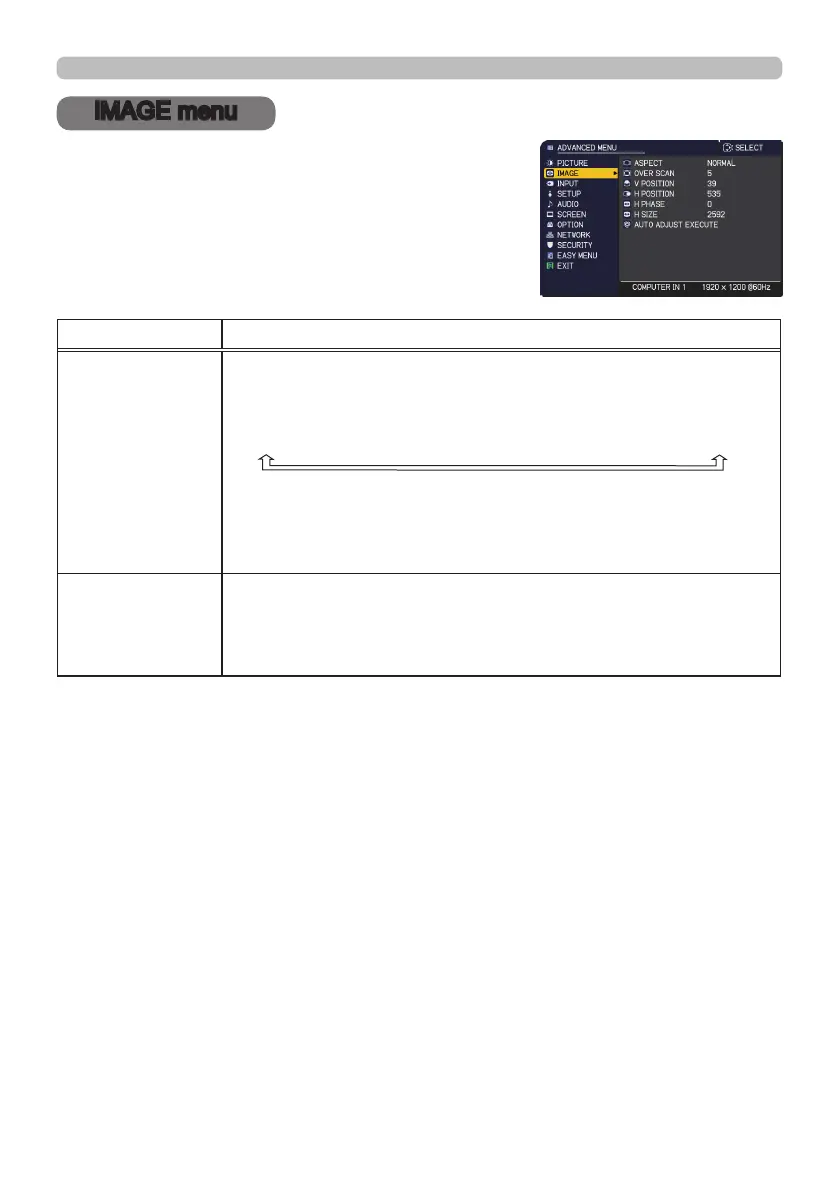
IMAGE menu
From the IMAGE menu, items shown in the table
below can be performed.
Select an item using the ▲/▼ cursor buttons, and
press the ► cursor button or ENTER button to
execute the item. Then perform it according to the
following table.
Item Description
ASPECT
Using the ▲/▼ buttons switches the mode for aspect ratio.
For a computer signal, HDMI
TM
signal, a video signal or
component video signal
NORMAL
ó
4:3
ó
16:9
ó
16:10
ó
14:9
ó
ZOOM
ó
NATIVE
For an input signal from the LAN or USB TYPE A port, or if
there is no signal
Full Screen (xed)
• The NORMAL mode keeps the original aspect ratio of the signal.
OVER SCAN
Using the ◄/► buttons adjusts the over-scan ratio.
Small (It magnies picture)
ó
Large (It reduces picture)
• This item cannot be selected for a computer signal of COMPUTER
IN, USB TYPE A and LAN port.
(continued on next page)



 To Next Page