52
QM00991-1
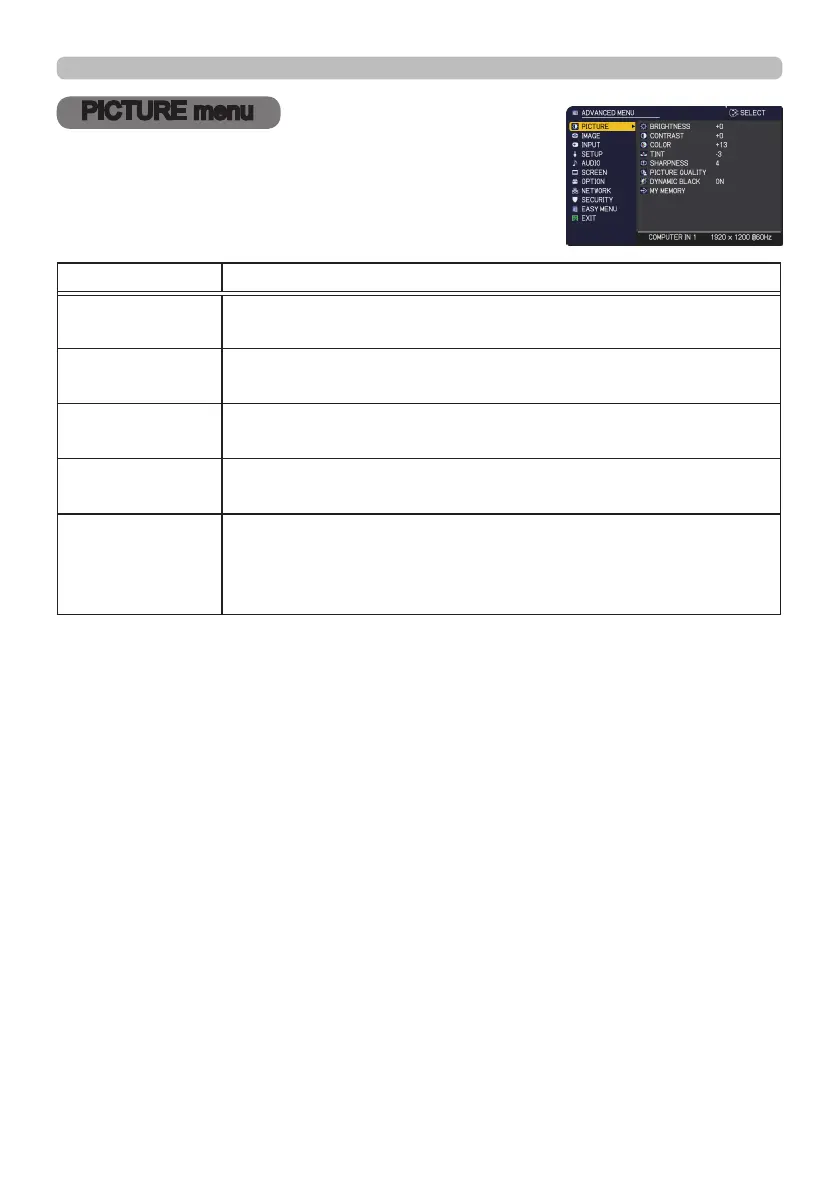
PICTURE menu
PICTURE menu
From the PICTURE menu, items shown in the table
below can be performed.
Select an item using the ▲/▼ cursor buttons, and press
the ► cursor button or ENTER button to execute the
item. Then perform it according to the following table.
Item Description
BRIGHTNESS
Using the
◄/►
buttons adjusts the brightness.
Dark
ó
Light
CONTRAST
Using the
◄/►
buttons adjusts the contrast.
Weak
ó
Strong
COLOR
Using the ◄/► buttons adjusts the strength of whole color.
Weak
ó
Strong
TINT
Using the ◄/► buttons adjusts the tint.
Reddish
ó
Greenish
SHARPNESS
Using the ◄/► buttons adjusts the sharpness.
Weak
ó
Strong
• There may be some noise and/or the screen may icker for a
moment when an adjustment is made. This is not a malfunction.
(continued on next page)



 To Next Page