77
QM00991-1
OPTION menu
Item Description
AUTO POWER
OFF
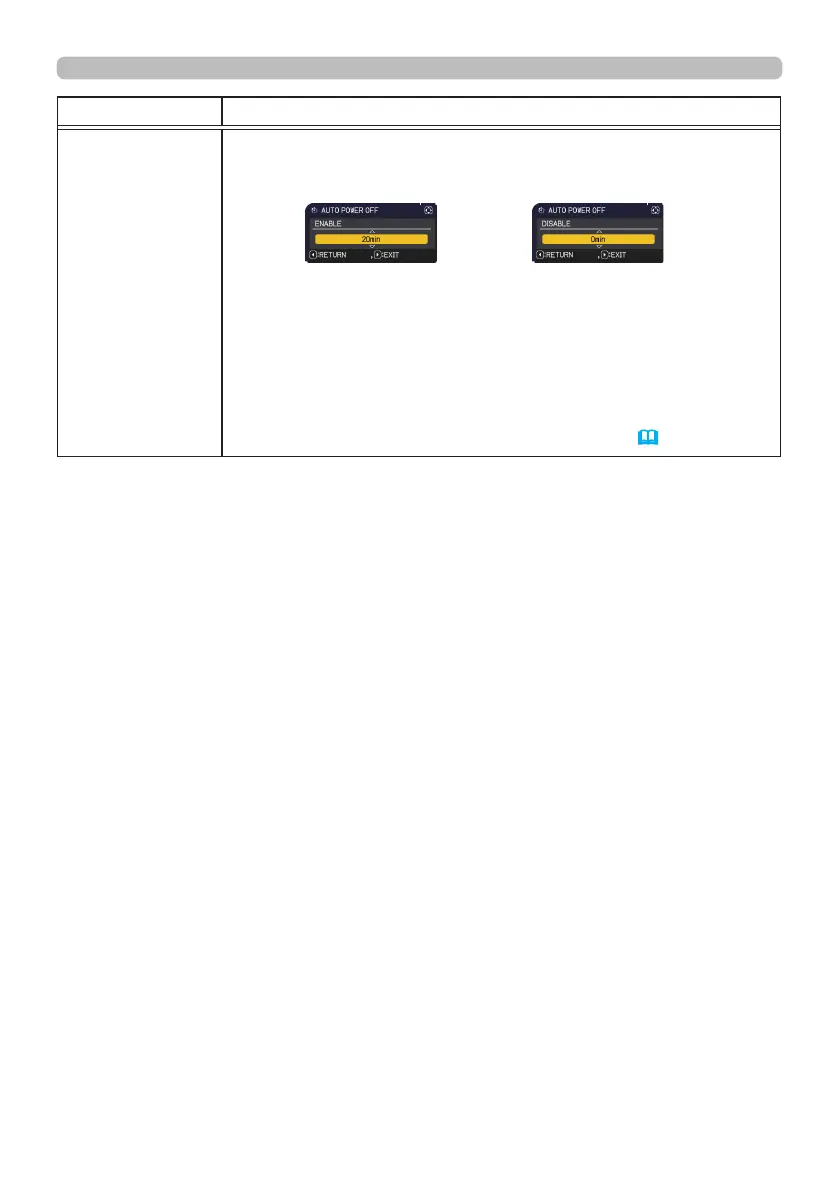
Using the ▲/▼ buttons adjusts the time to count down to
automatically turn the projector o.
Long (max. 99 minutes)
ó
Short (min. 0 minute = DISABLE)
When the time is set to 0, the projector is not turned o automatically.
When the time is set to 1 to 99, and when the passed time with
no-signal or an unsuitable signal reaches at the set time, the light
source will be turned o.
If one of the projector's buttons or the remote control buttons
is pressed or one of the commands (except get commands) is
transmitted to the CONTROL port during the corresponding time,
projector will not be turned o.
Please refer to the section “Turning o the power”
(
35).
(continued on next page)



 To Next Page