USER Manual
25
○
2
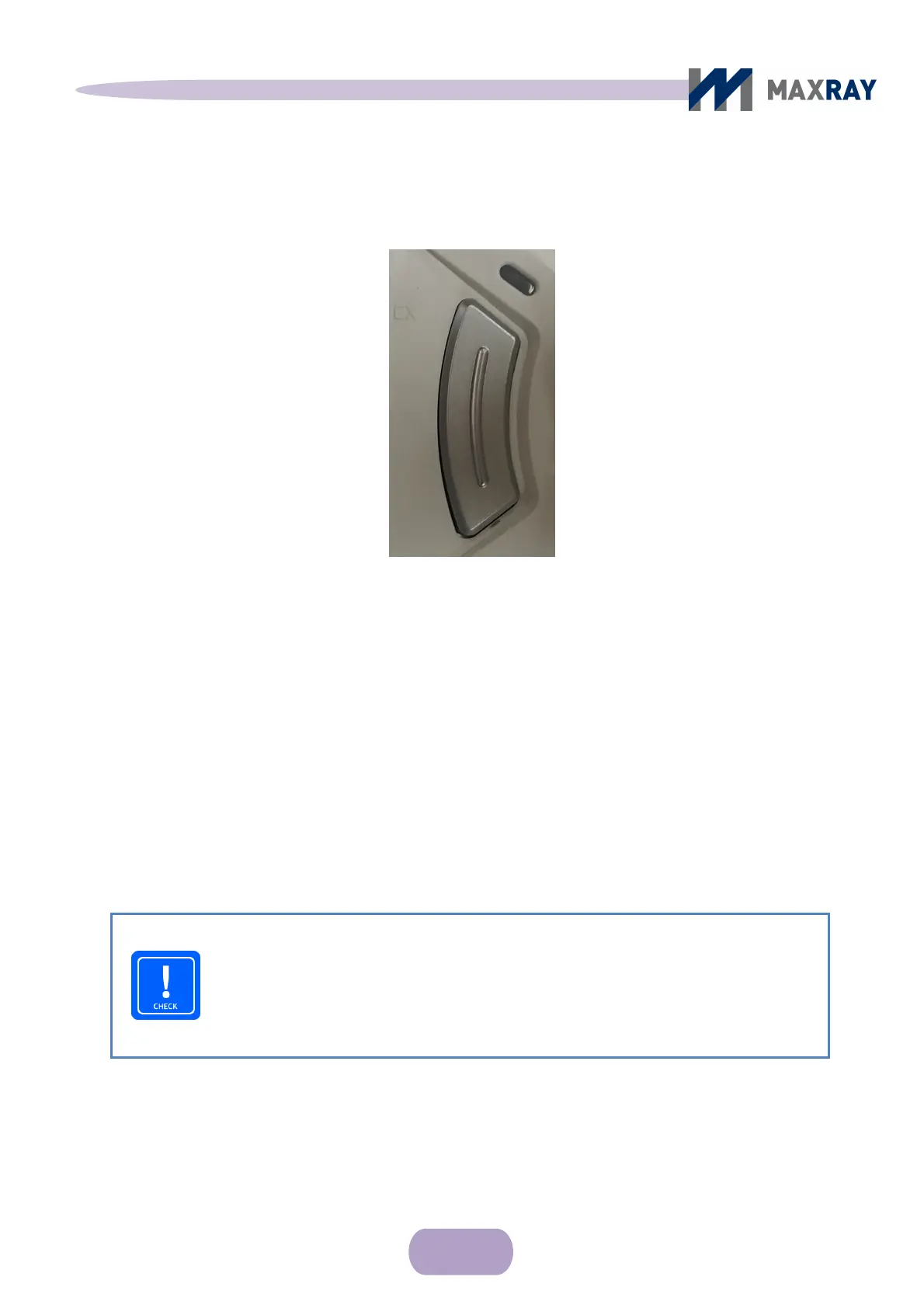
Front side exposure button and function
Figure 6.7 Front side exposure button
If ‘Dual’ is selected on the ‘exposure button enable/disable’ function setup
display, pressing and holding the exposure button will cause the X-ray exposure.
The X-ray exposure is accompanied by a tone while the button is engaged. The
irradiation will stop when the button is released. (DMS method - Dead Man Switch)
CHECK
Because the product only generates X-rays while the button is pressed,
releasing the button during the accompanying sound will suspend X-ray
generation.



 To Next Page