USER Manual
35
7.4 Environment setup
7.4.1 Environment setup screen
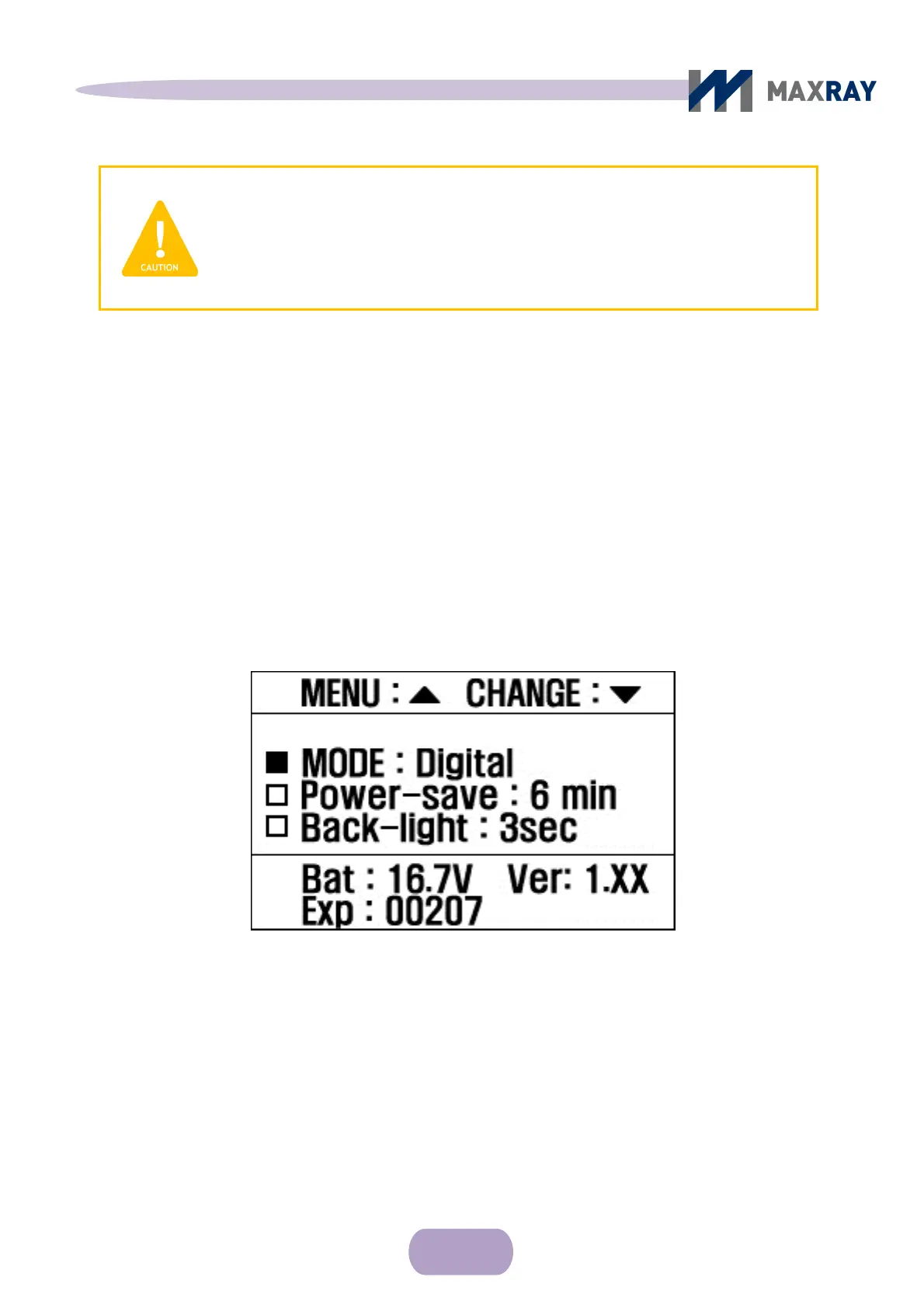
After turning on the device, press the power button and the ▲ button at the
same time to switch to the environment setting display (see Figure 7.4).
Figure 7.4 Environment setup display
Press ▲ button to move through menu.
Press ▼ button to change values.
After changing the desired settings, turn off the device and turn it back on. The
device will now operate under the changed settings.
CAUTION
Exposure time settings by teeth type can vary according to the sensor
type and film, distance to patient, and the image preference. Please refer
to the settings as recommendations only.



 To Next Page