USER Manual
43
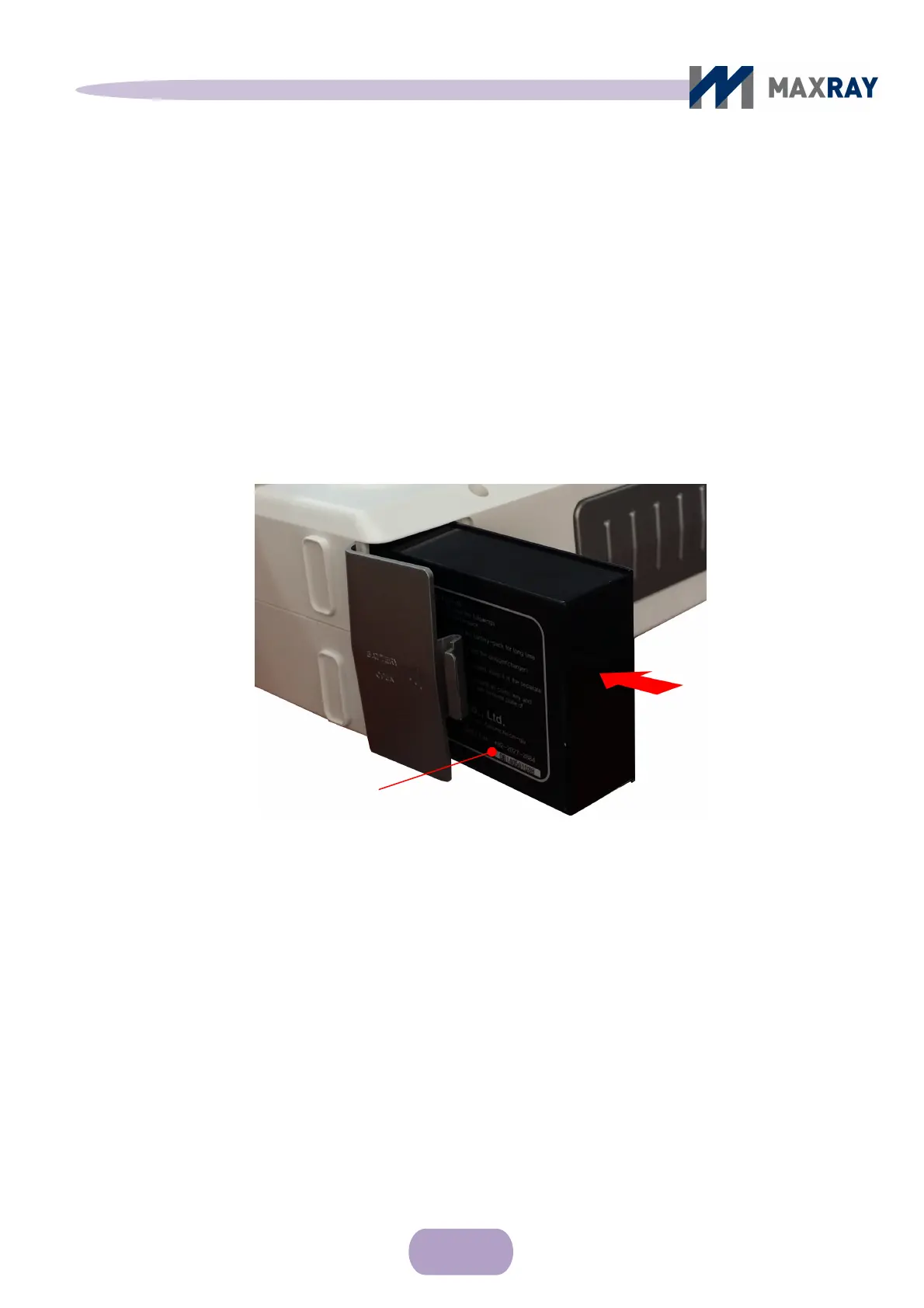
arrow from the side of the main body, with the battery label face-down (see
Figure 7.11). The battery should fit into the slot's grooves smoothly.
Close the battery cover. The cover will connect with the main body and make a
clicking noise once it has properly been closed.
Turn the power on to confirm that the device is operating normally.
Figure 7.11 Main body battery pack insertion
7.7.2 Battery level and charging
The DX-3000’s battery has a high power output and, for safety purposes, is
designed to charge separately from the main body.
The user will be notified that it is time to charge the battery through either a
buzzing sound, the LCD screen, the low battery-indicating light or the low power
level upon powering up the device.
Insert the battery with the
label face-down. The
battery slot will have
grooves for the battery to
slide into.
Direction of Insertion



 To Next Page