USER Manual
36
7.4.2 Environment setup list
MODE
Once you choose Film or Digital mode, the relevant teeth images for each
exposure sector are applied.
Press the ▲ button to select ‘MODE’ and press the ▼ button to choose ‘Film’
or ‘Digital’.
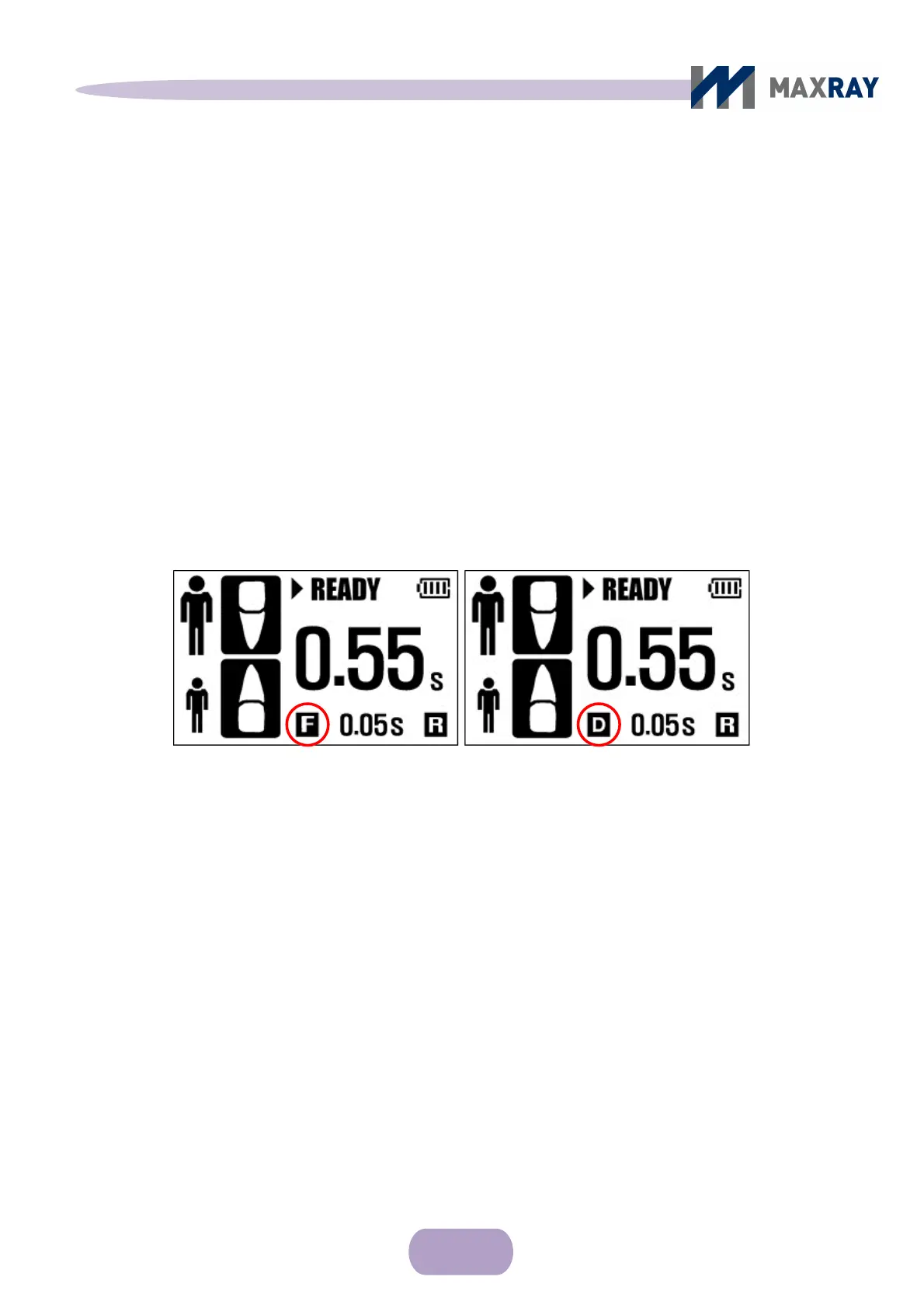
After selecting either ‘Film’ or ‘Digital’ and saving the settings,
‘F’(Film) or ‘D’(Digital) will appear on the main control display (see Figure 7.5).
Figure 7.5 Mode Setting
Power-save
If the device has not been used for some time, the power will automatically
shut off to avoid unnecessary power consumption.
The default time setting is 5 minutes and it is adjustable from 1 minute to 10
minutes, by 1minute intervals.
Film Mode Di
ital Mode



 To Next Page