USER Manual
38
7.5 Function setup
7.5.1 Function setup screen
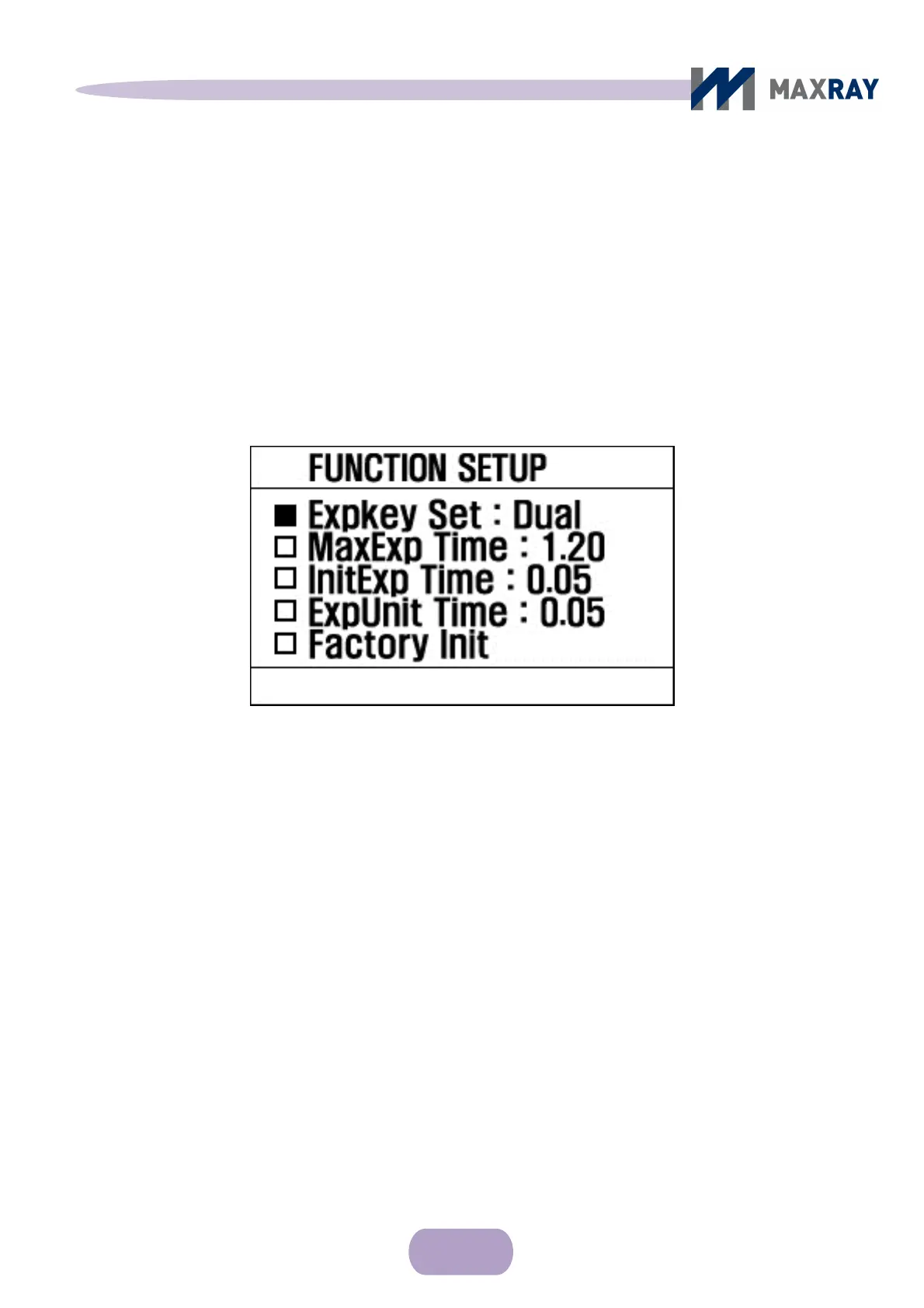
After turning on the device, press the power button and the ▼ button at the
same time for a second to reach the function setup display (see Figure 7.6).
Figure 7.6 Function setup screen
Press the ▼ button to move through the menu.
Press the ▲ button to change values.
After changing the desired settings, turn off device and turn it back on. The
device will now operate under the changed settings.
7.5.2 Function setup list
Expkey Set
Locks or unlocks the exposure button function. If locked (i.e. 'REMOTE'),
X-ray exposure is available by wired remote control only.



 To Next Page