USER Manual
41
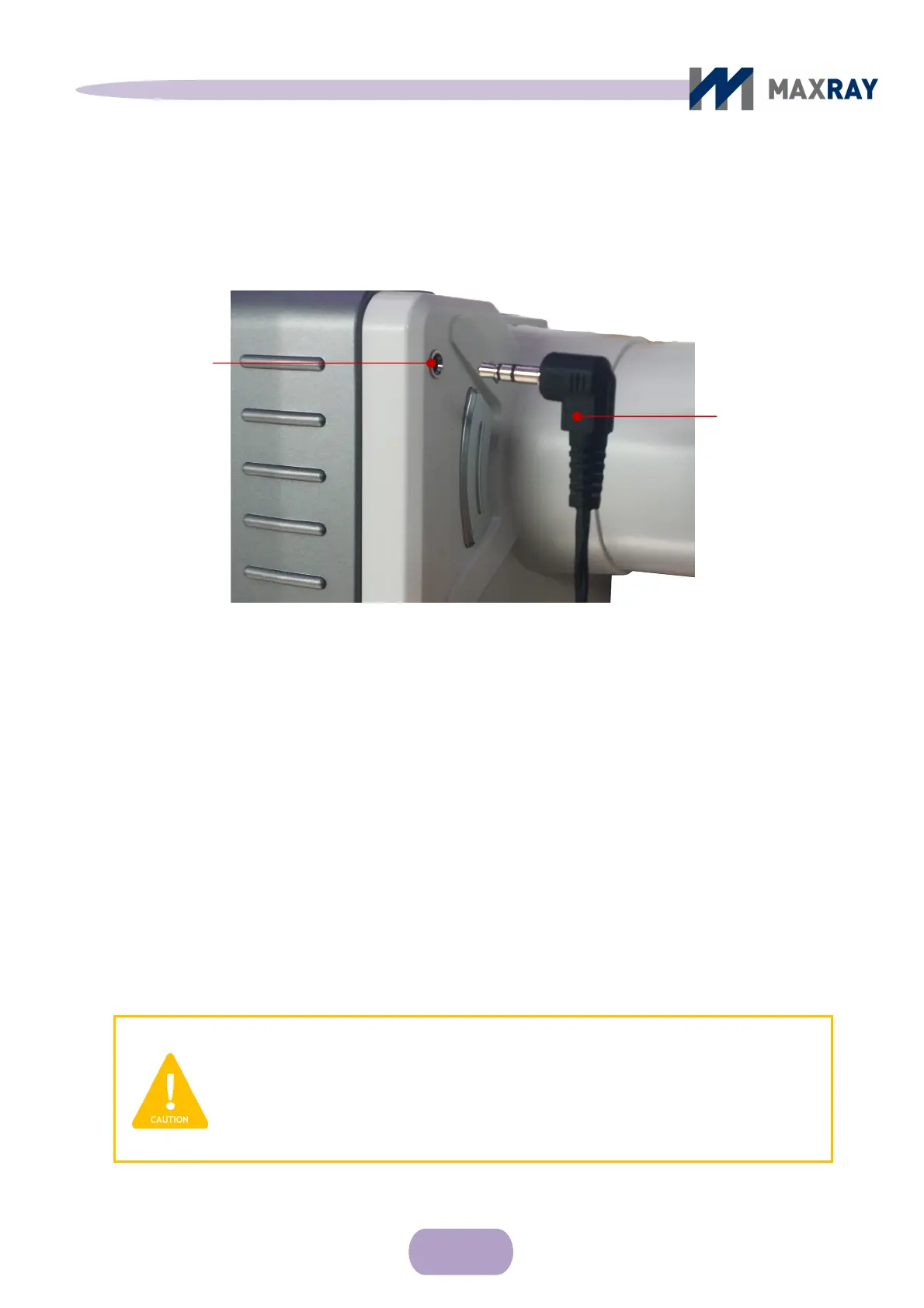
Wired remote
control connector
7.6 Wired remote controller
7.6.1 Wired remote control usage
Wired remote
control jack
Figure 7.9 Wired remote control connection
Connect the wired remote control connector to the wired remote control
jack on the front face of the DX-3000. The remote control jack has to be
connected completely inside the connector for proper operation.
Operating the device using the wired remote control follows the same procedure
as using the exposure button on the main body. The DX-3000 can be mounted on
a stand for prolonged X-ray exposure.
CAUTION
Only used approved wired remote controls. An approved remote
control is not included with the device, but can be purchased
separately from distributors.



 To Next Page