USER Manual
24
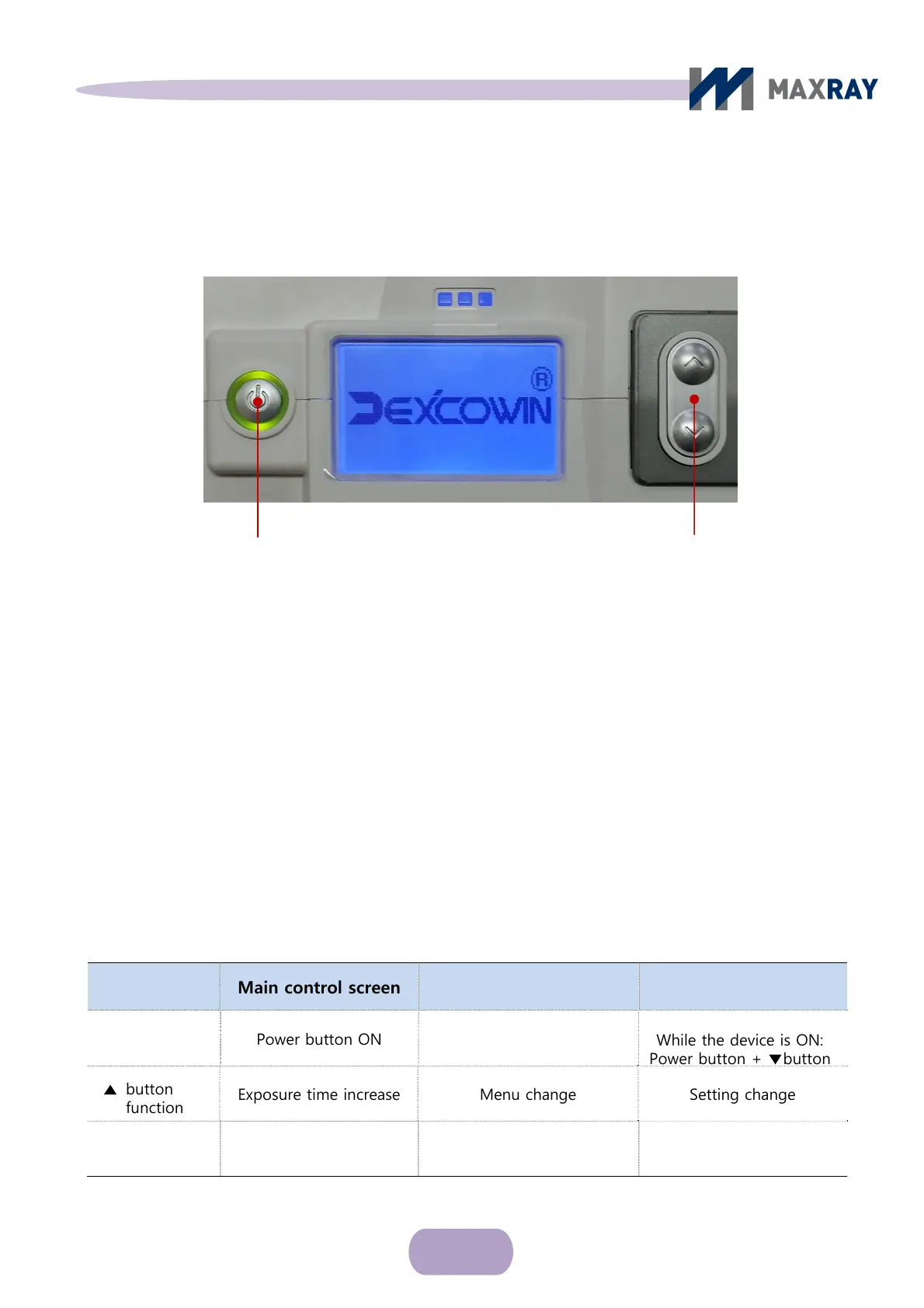
Power button
Time setting button
6.3.3 Buttons and functions
1
○ Top side buttons and functions
Figure 6.6 Top side buttons and functions
Power button: Used to turn on/off the device and as combination button to
enter the environment setup or function setup menus.
Time setting button: Used as the exposure time-set button on the main control
display and to switch between menus or change settings on the environment setup
and function setup menus. The functions of the exposure time-set button on the
different menu screens are displayed in Table 6-1.
Table 6-1.
Functions of time setting buttons
Main control screen Function setting screen
Classification
Power button ON
Environment setting
screen
While the device is ON:
Power button + ▼button
▲ button
function
Exposure time increase Menu change Setting change
▼ button
function
Exposure time decrease Setting change Menu change
Button sequence
to reach screen
While the device is ON:
Power button + ▲button



 To Next Page