162
Controls in detail
Control system
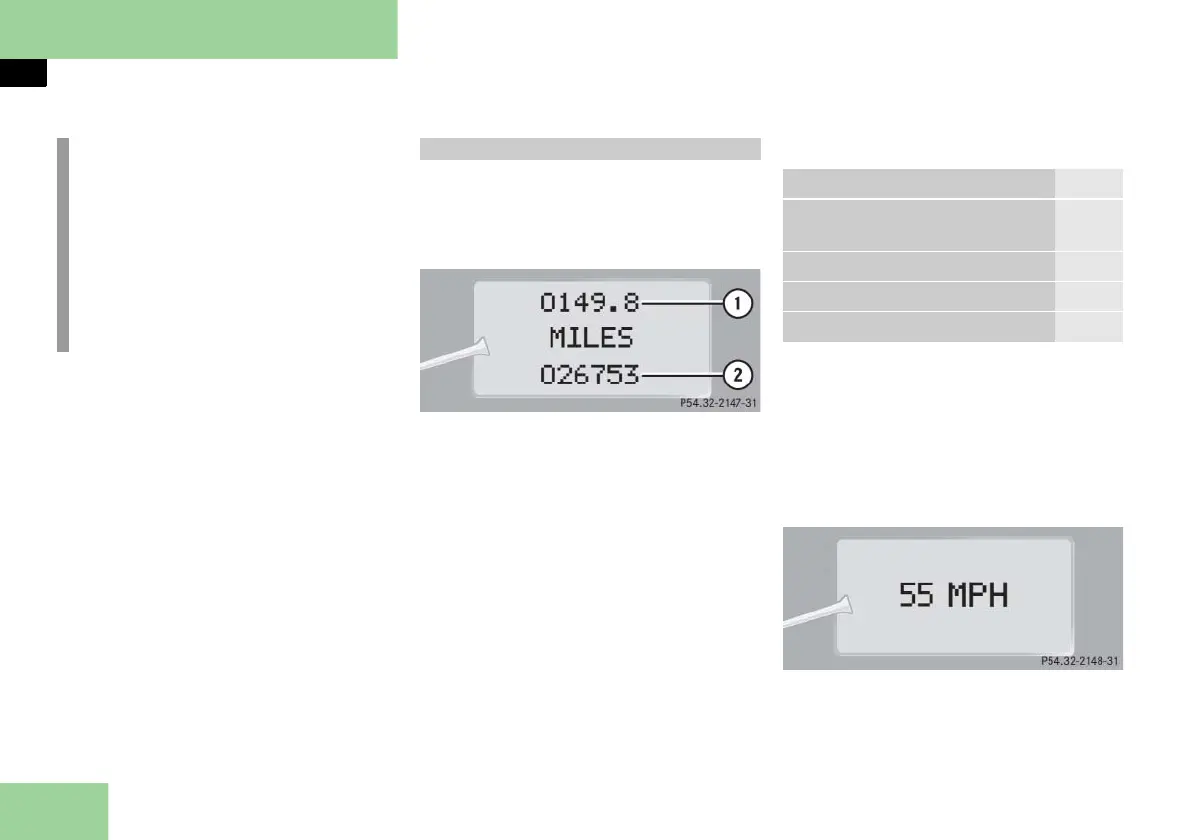
In basic mode, the multifunction display
shows the trip odometer and the main
odometer. This is known as the standard
display.
1 Trip odometer
2 Main odometer
In case you see another display, press
button è or ÿ repeatedly until the
standard display appears.
You can select the functions in the stan-
dard display menu with button k
or j.
The following functions are available:
Calling up digital speedometer
Press button k or j repeatedly
until you see the digital speedometer
appear in the multifunction display.
The current vehicle speed is shown in
the multifunction display.
Current vehicle speed
i
The headings used in the menus table
are designed to facilitate navigation
within the system and are not neces-
sarily identical to those shown in the
control system displays.
The first function displayed in each
menu will automatically show you
which part of the system you are in.
Standard display menu
Function Page
Calling up maintenance service
display
373
Checking tire pressure 365
Checking engine oil level 357
Calling up digital speedometer 162



 To Next Page