427
Practical hints
Pocket PC*
Pocket PC*
The memory card slot is located in the
top panel of the Pocket PC.
Do not remove the memory card from
the Pocket PC.
If the memory card was inadvertently re-
moved from the Pocket PC, you have to
insert the memory card again.
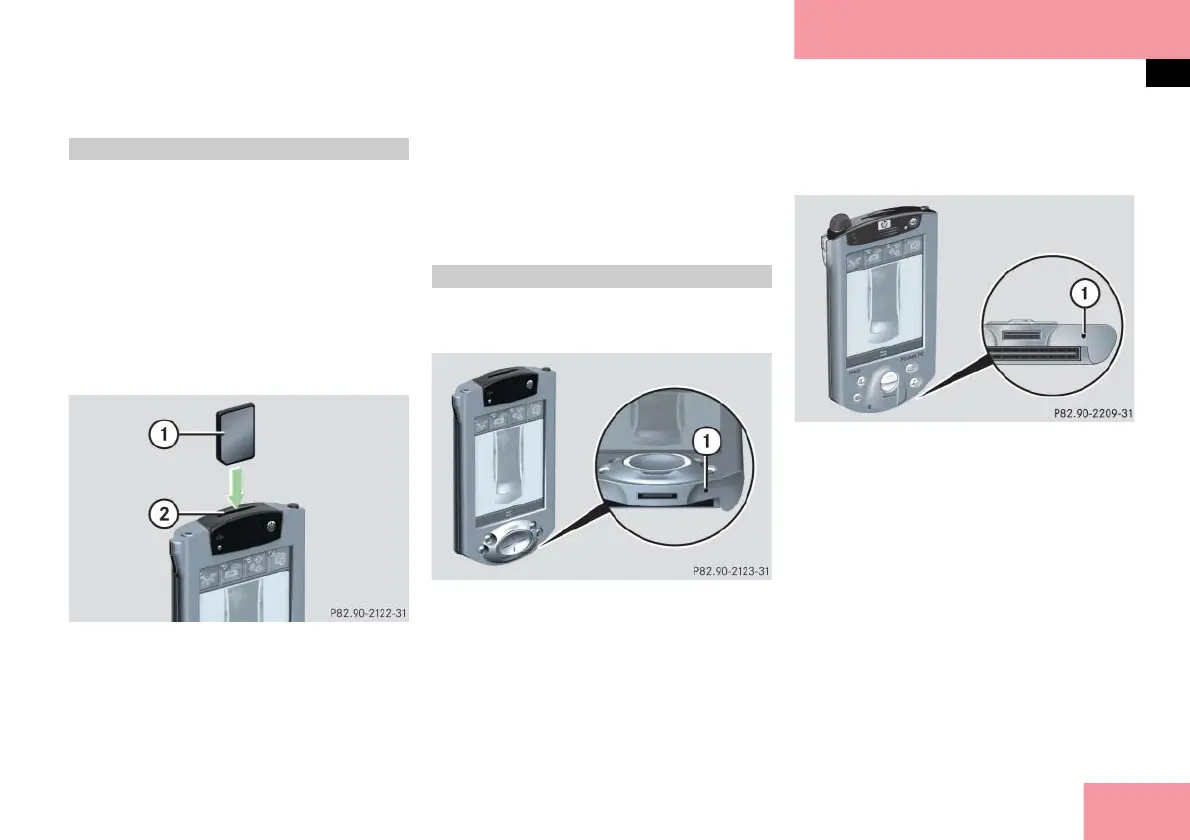
Installing
Pocket PC 1 shown; Pocket PC 2 varies slightly
1 Memory card
2 Slot
Push memory card 1 into slot 2 un-
til it engages.
The side of the memory card 1 with
the rounded corner should be on the
lower left.
The reset button is on the lower right-
hand side of the bottom panel.
Pocket PC 1
1 Reset button
The reset button is on the lower right-
hand side of the bottom panel.
Pocket PC 2
1 Reset button
Make sure the memory card is in-
stalled in the Pocket PC (
page 427).
Remove the stylus from the upper
right-hand corner of your Pocket PC
( page 312) or ( page 315).
Insert the stylus into reset button 1
for approx. one second.
Remove the stylus from reset
button 1.
The Pocket PC is automatically
switched on.
Installing the memory card
Resetting the Pocket PC



 To Next Page