171
Controls in detail
Control system
Use the vehicle status message memory
menu to scan malfunction and warning
messages that may be stored in the sys-
tem. Such messages appear in the multi-
function display and are based on
conditions or system status the vehicle’s
system has recorded.
Press button è or ÿ repeatedly
until the vehicle status message mem-
ory appears in the multifunction dis-
play.
No vehicle status messages
If no conditions are recorded in the
memory, the message in the multifunc-
tion display is:
NO MESSAGES
Vehicle status messages have been re-
corded
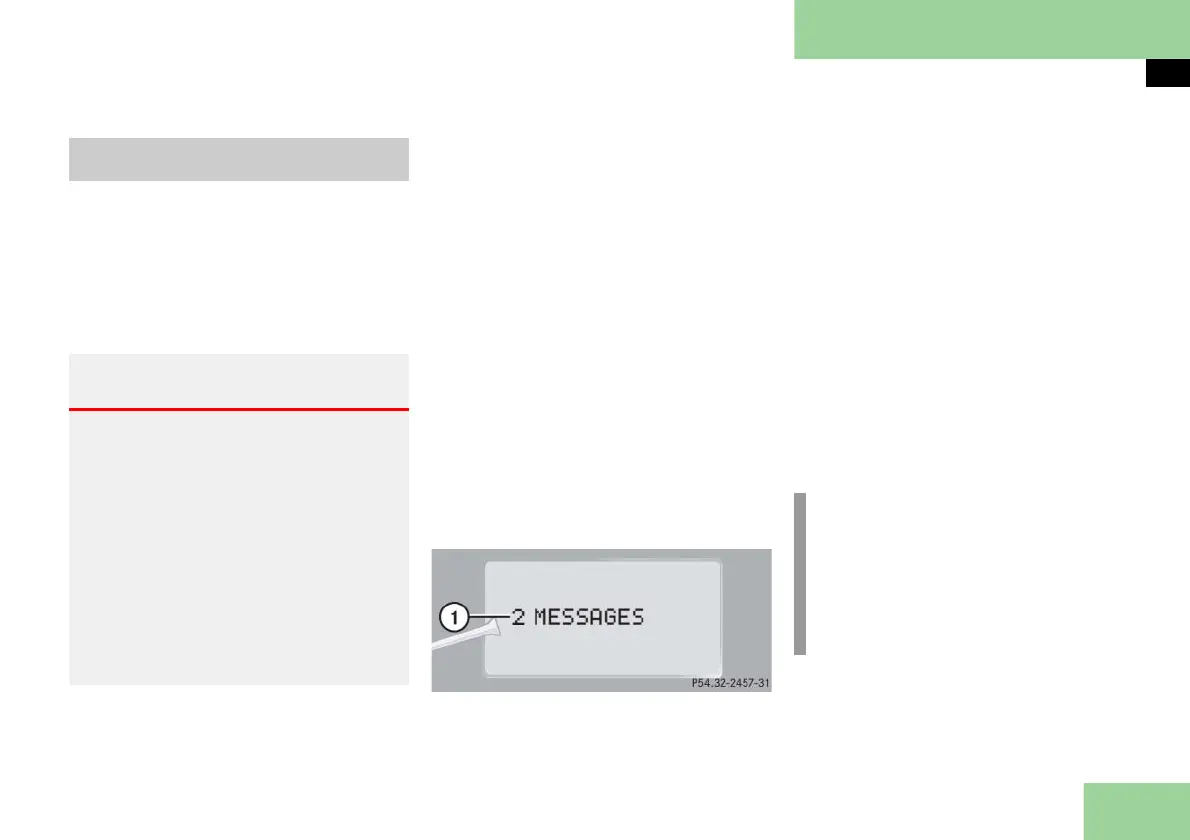
If conditions have occurred causing sta-
tus messages to be recorded, the number
of messages appears in the multifunction
display:
1 Number of messages
Press button k or j.
The stored messages will now be dis-
played in order. See the "Practical
hints" section for malfunction and
warning messages (
page 391).
Should the vehicle’s system record any
conditions while driving, the number of
messages will reappear in the multifunc-
tion display when the SmartKey in the
starter switch is turned to position 0 or
removed from the starter switch. If you
press reset button J (
page 25) on the
right hand side of the instrument cluster,
the next message will be displayed im-
mediately.
Vehicle status message memory
menu
Warning! G
Malfunction and warning messages are
only indicated for certain systems and are
intentionally not very detailed. The mal-
function and warning messages are simply
a reminder with respect to the operation
of certain systems and do not replace the
owner’s and/or driver’s responsibility to
maintain the vehicle’s operating safety by
having all required maintenance and safe-
ty checks performed on the vehicle and by
bringing the vehicle to an authorized
Maybach Studio to address the malfunc-
tion and warning messages
( page 391).
i
The vehicle status message memory
will be cleared when you switch on
ignition. You will then only see high-
priority messages in the multifunc-
tion display. These are highlighted in
red color (
page 391).



 To Next Page