170
Controls in detail
Control system
Fuel consumption since last reset
Press button ÿ or è repeatedly
until you see the first function of the
trip computer menu.
Press button j or k repeatedly
until you see
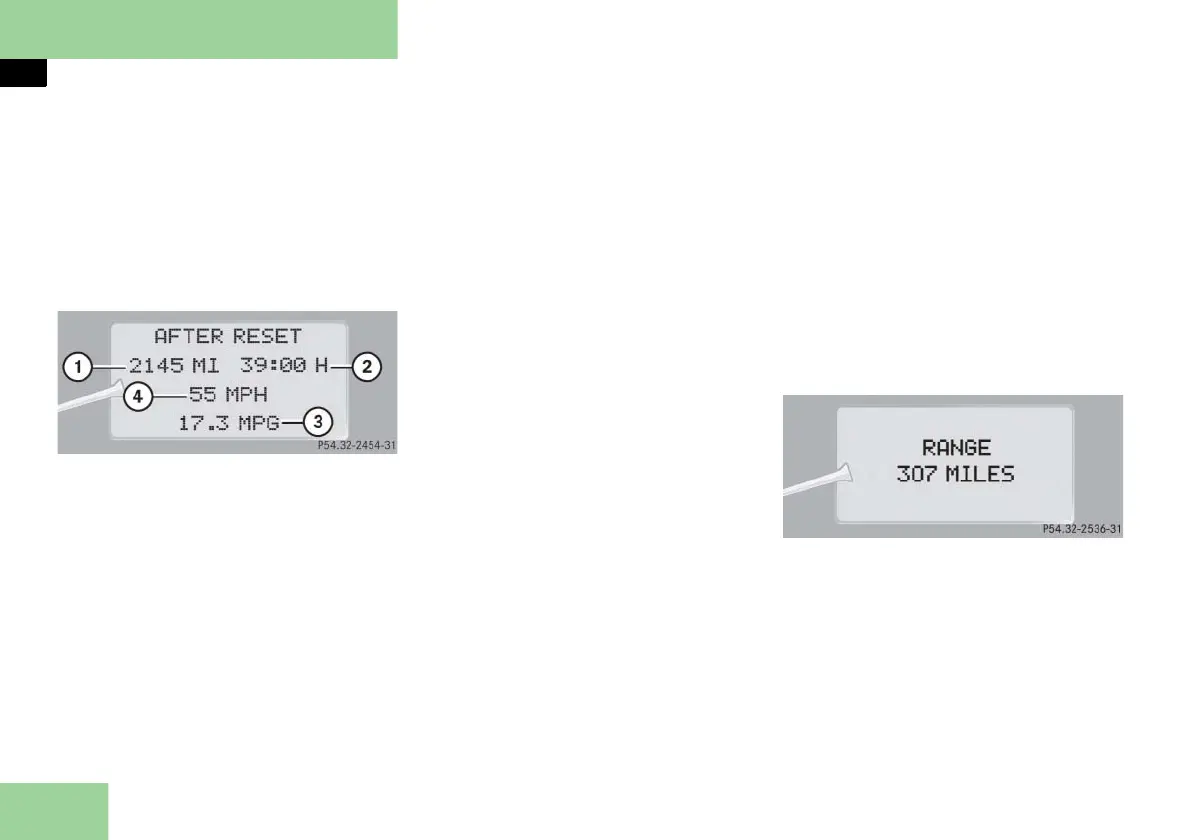
AFTER RESET
in the mul-
tifunction display.
1 Distance driven since last reset
2 Time elapsed since last reset
3 Average fuel consumption since last
reset
4 Average speed since last reset
Resetting fuel consumption statistics
Press button ÿ or è repeatedly
until you see the first function of the
trip computer menu.
Press button j or k repeatedly
until you see the reading that you
want to reset in the multifunction
display.
Press and hold reset button J
(
page 25) in the instrument cluster
until the value is reset to
0
.
Call up range (distance to empty)
Press button ÿ or è repeatedly
until you see the first function of the
trip computer menu.
Press button j or k repeatedly
until you see
RANGE
in the multifunc-
tion display.
In the multifunction display you will
see the calculated range based on the
current fuel tank level.



 To Next Page