284
Controls in detail
Useful features
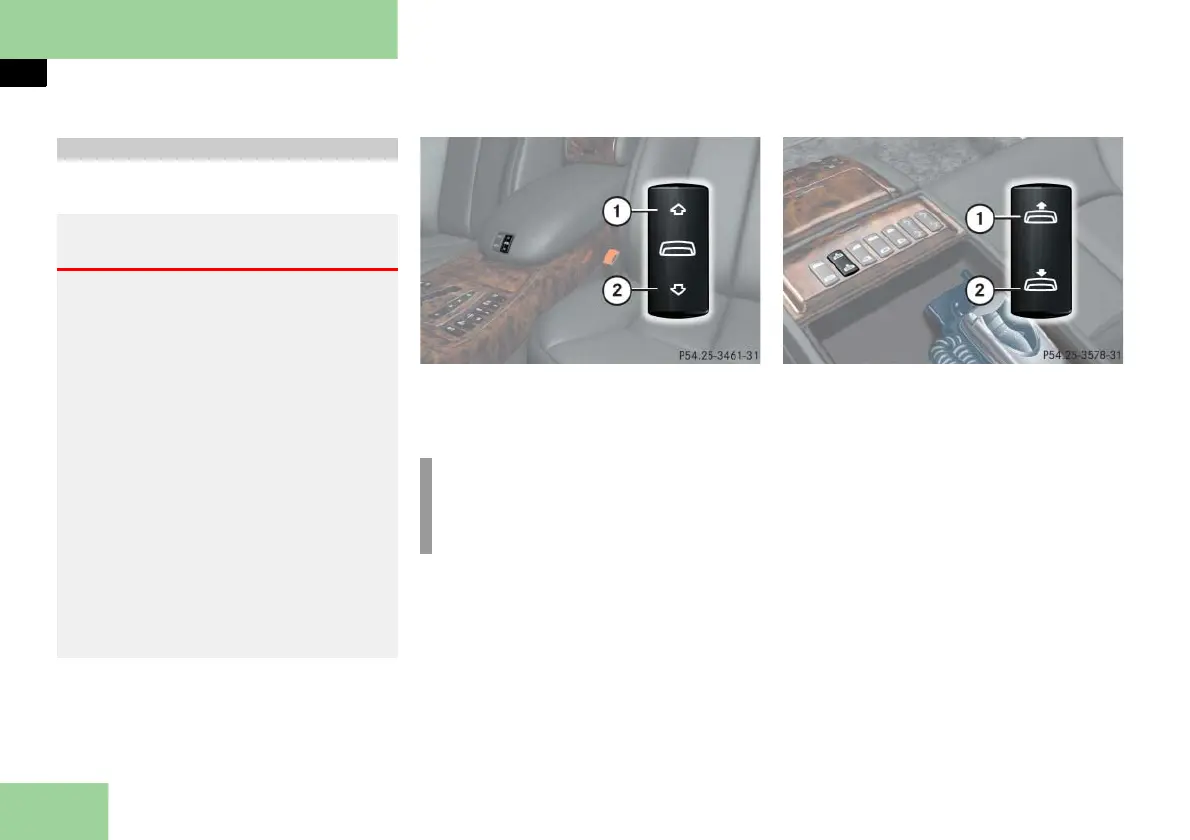
Operating the partition
Switch in cockpit
1 To close the partition
2 To open the partition
Switch in rear passenger compartment
1 To close the partition
2 To open the partition
When operating from the rear, you
must first open the storage compart-
ment in the rear center armrest
(
page 266).
Closing the partition
Lightly press switch 1 to resistance
point.
The partition will close until you re-
lease the switch.
Partition*
Warning! G
When operating the partition, make sure
there is no danger of anyone being
harmed by the opening or closing proce-
dure.
The opening or closing procedure can be
immediately halted by releasing the switch
or, if the switch was pressed past the resis-
tance point and released, by pressing the
respective switch again.
When leaving the vehicle, always remove
the SmartKey or SmartKey with
KEYLESS-GO** from the starter switch,
take it with you, and lock the vehicle. Do
not leave children unattended in the vehi-
cle, or with access to an unlocked vehicle.
Unsupervised use of vehicle equipment
may cause an accident and/or serious per-
sonal injury.
i
Closing the partition from the rear is
not possible if you activate the over-
ride switch (
page 94).



 To Next Page