167
Controls in detail
Control system
Press button j or k repeatedly
until the desired name appears in the
multifunction display.
The stored names are displayed in as-
cending or descending alphabetical
order.
Press button s.
The system dials the selected phone
number.
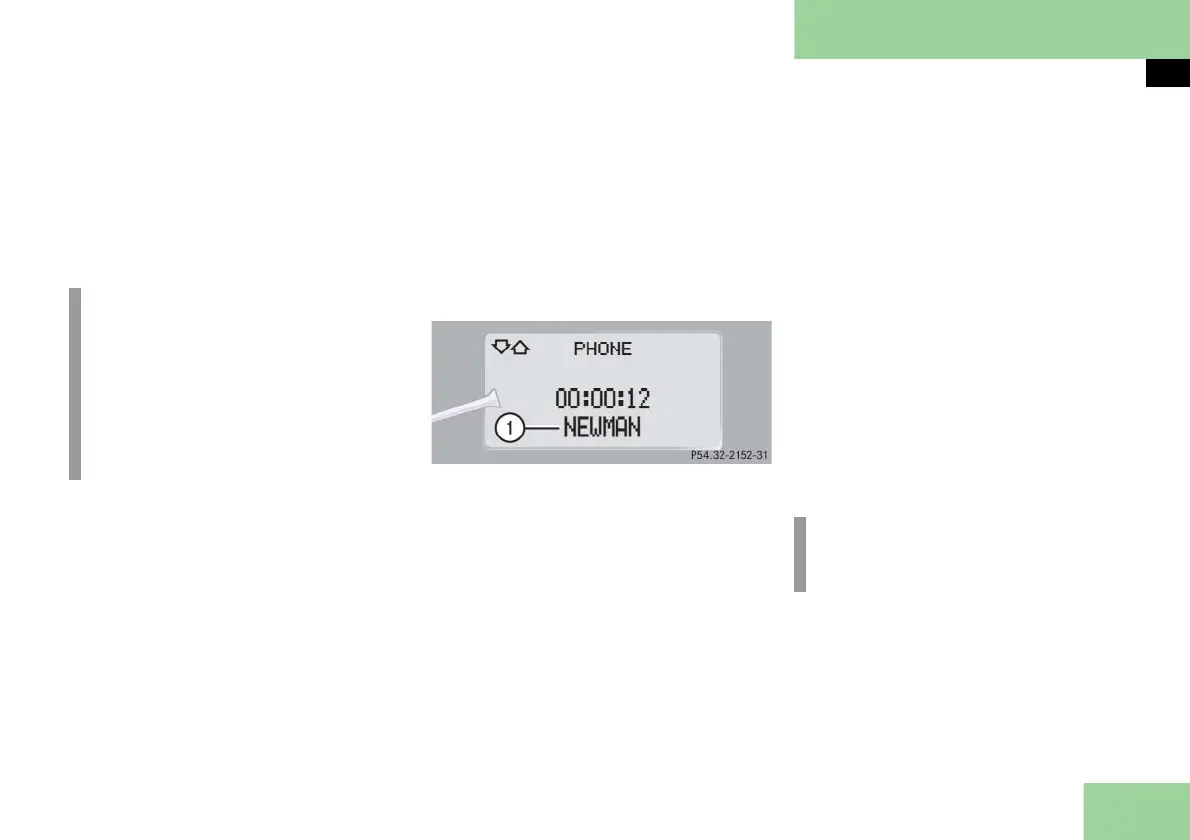
If the connection is successful, the
name of the party you called and
the duration of the call will ap-
pear in the multifunction display.
1 Caller’s name
If no connection is made, the con-
trol system stores the dialed num-
ber in the redial memory.
Redialing
The control system stores the most re-
cently dialed phone numbers. This elimi-
nates the need to search through your
entire phone book.
Press button ÿ or è repeatedly
until you see the
PHONE
menu in the
multifunction display.
Press button s.
In the multifunction display you see
the first number in the redial memo-
ry.
Press button j or k repeatedly
until the desired name appears in the
multifunction display.
Press button s.
The control system dials the selected
phone number.
i
If you press and hold button j
or k for longer than one second,
the system scrolls rapidly through the
list of names until you release the
button again.
Cancel the quick search mode by
pressing t.
i
If you do not want to use the tele-
phone, press button t.



 To Next Page