183
Controls in detail
Control system
Activating easy-entry/exit feature
Use this function to activate and deacti-
vate the easy-entry/exit feature
(
page 127).
Move the selection marker with
button
æ
or
ç
to
the
CONVENIENCE
submenu.
Press button
j
or
k
repeatedly
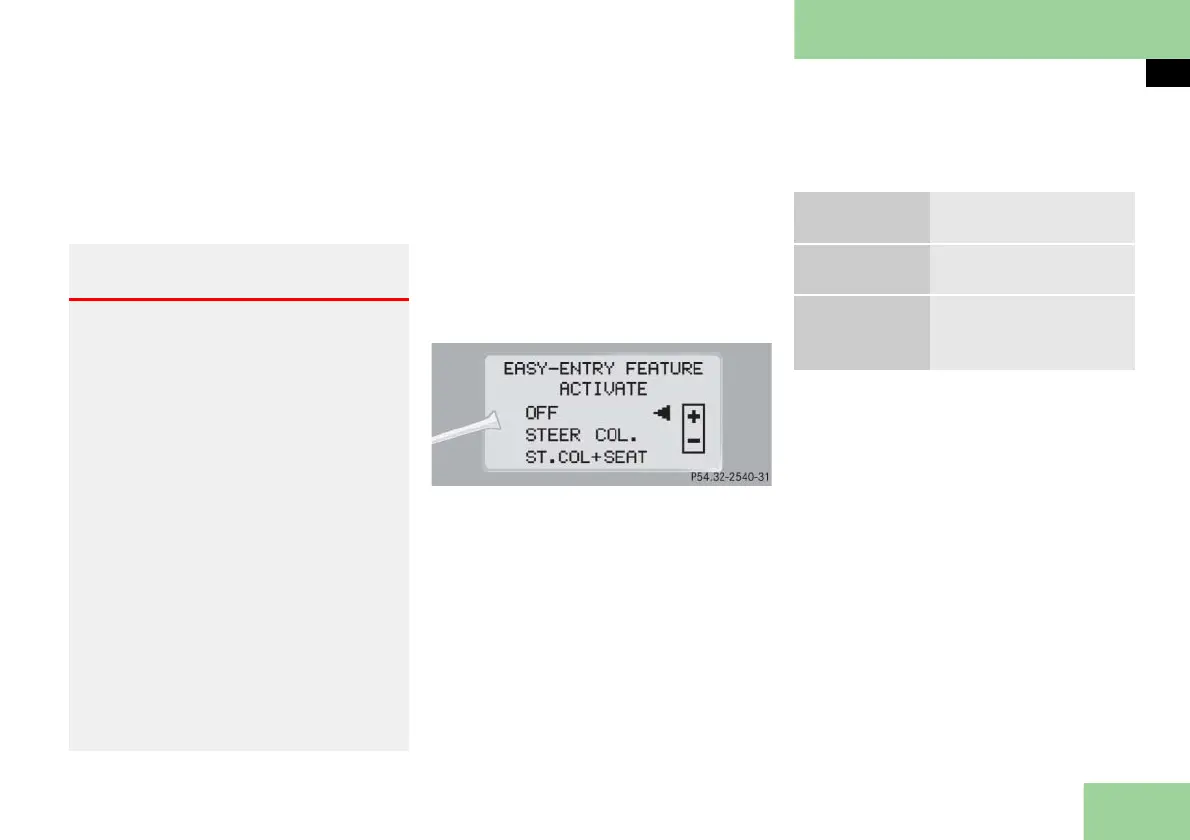
until you see
EASY-ENTRY FEATURE AC-
TIVATE
in the multifunction display
.
The selection marker is on the current
setting.
Press button
æ
or
ç
to change
the easy-entry/exit setting.
The following settings are available for
the easy-entry/exit feature:
Warning! G
You must make sure no one can become
trapped or injured by the moving steering
wheel and driver’s seat when the easy-en-
try/exit feature is activated.
To cancel seat/steering wheel movement,
do one of the following:
Press seat adjustment switch
( page 58).
Move steering column stalk
( page 60).
Press the memory button
( page 141).
The steering wheel and driver’s seat stop
moving.
Do not leave children unattended in the
vehicle, or with access to an unlocked vehi-
cle. Children could open the driver’s door
and unintentionally activate the easy-en-
try/exit feature, which could result in an
accident and/or serious personal injury.
OFF
The easy-entry/exit fea-
ture is deactivated.
STEER. COL
Only the steering col-
umn is moved.
ST.COL+SEAT
Both the steering col-
umn and the driver’s
seat are moved.



 To Next Page