333
Controls in detail
Pocket PC remote control*
Raising the tilt/sliding sunroof
Press and hold symbol 3.
The sunroof is raised until you release
symbol 3.
Lowering the tilt/sliding sunroof
Press and hold symbol 4.
The sunroof is lowered until you re-
lease symbol 4.
Fully raising the tilt/sliding sunroof
Briefly press symbol 6.
The sunroof is raised completely.
To stop the procedure, press
symbol 6 again.
Fully lowering the tilt/sliding sunroof
Briefly press symbol 5.
The sunroof closes completely.
To stop the procedure, press
symbol 5 again.
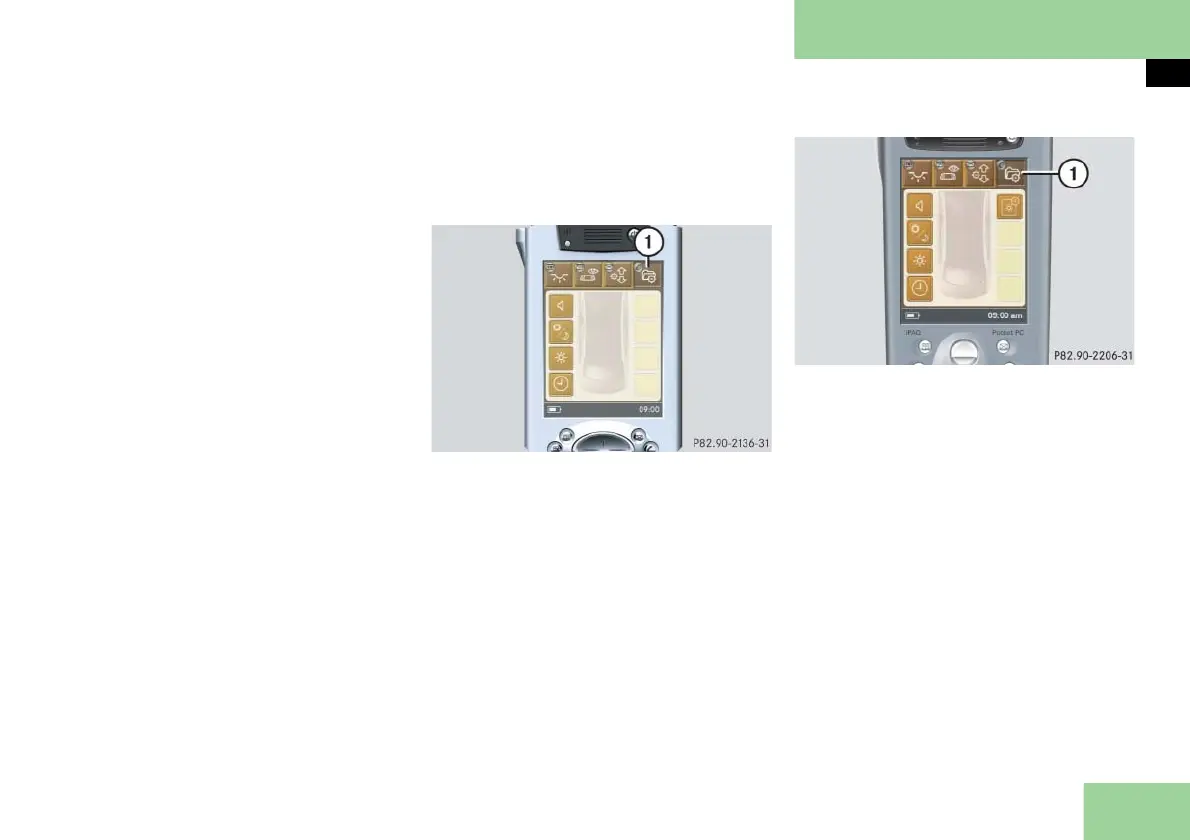
Selecting main menu: Pocket PC settings
In this menu, you can select the settings
for your Pocket PC.
Pocket PC settings: Pocket PC 1
1 Main menu: Settings
Pocket PC settings: Pocket PC 2
1 Main menu: Settings
Press main menu button: Settings 1.
The selected symbol in button 1 is
highlighted in the display and you
will see the corresponding submenus.



 To Next Page