366
Operation
Tires and wheels
Switch on the ignition.
Press button è or ÿ on the mul-
tifunction steering wheel repeatedly
until the standard display menu ap-
pears in the multifunction display
(
page 158).
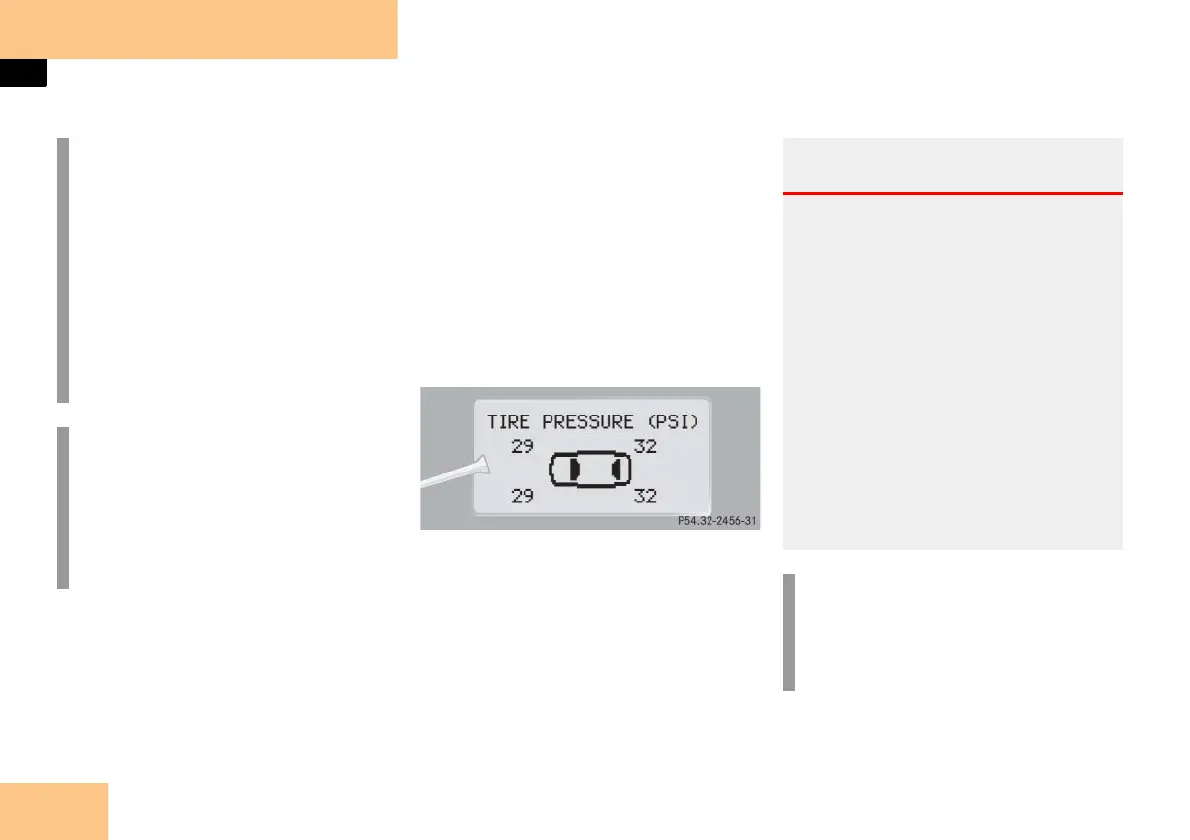
Press button k or j repeatedly
until you see the current inflation
pressures for each tire appear in the
multifunction display.
i
After reactivating the tire inflation
pressure monitor, the inflation pres-
sures are displayed only after a few
minutes’ driving time.
During this time, you will see the fol-
lowing message in the display:
TIRE PRES. DISPLAY
APPEARS AFTER
DRIVING A FEW
MINUTES
i
Possible differences between the
readings of a tire pressure gauge of
an air hose, e.g. gas station equip-
ment, and the vehicle’s control sys-
tem can occur. The readings issued by
the control system are more precise.
Warning! G
When the tire pressure monitoring system
warning lamp is lit, one or more of your
tires is significantly under-inflated. You
should stop and check your tires as soon as
possible, and inflate them to the proper
pressure as indicated on the vehicle’s tire
information placard. Driving on a signifi-
cantly under-inflated tire causes the tire to
overheat and can lead to tire failure. Un-
der-inflation also reduces fuel efficiency
and tire tread life, and may affect the vehi-
cle’s handling and stopping ability. Each
tire, including the spare, should be
checked monthly when cold and set to the
recommended inflation pressure as speci-
fied in the vehicle placard and owner’s
manual.
i
The recommended tire inflation pres-
sure for your vehicle can be found on
the inside of the fuel filler flap, not in
the owner’s manual.



 To Next Page