6
CLASSIC 15+ Robotic Pool Cleaner | User Instructions
5.2 Operating the robot without using your smartphone
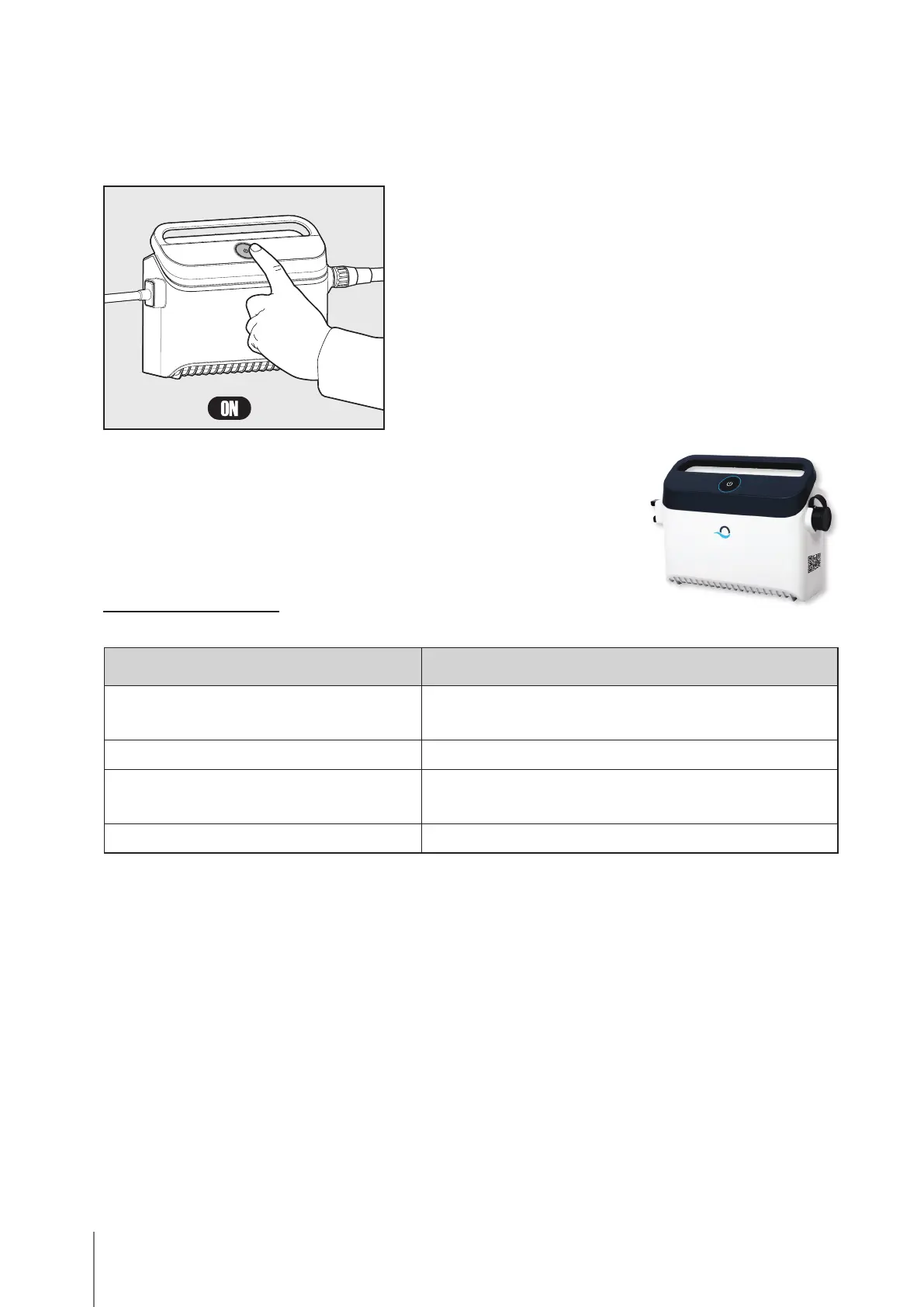
Place the robot in the pool and press the power button to turn the robot ON.
The robot will now operate until it has reached the end of the cleaning cycle.
5.3 Using the power supply
Your power supply is designed with:
• A single ON/OFF button for an easy operation.
• LED indicators for the advanced features.
LED indications table:
Lights display Meaning
Blue circle blinks 4 times Occurs after connecting the power-supply to the
power outlet
Blue connectivity light is consistent Bluetooth® connected
Green and Blue connectivity lights
blink alternately
Pairing process is ongoing
Green connectivity light is on Wi-Fi® connected to home network
WEEKLY SCHEDULE:
Press power button for 5 seconds to start
weekly timer. Leave robot in pool - it will
clean every 2 days until week ends. Rinse
filter weekly.
Note: Be sure to remove robot before
adding pool shocking chemicals. These
deteriorate the plastic and seals.
* You can also easily control the schedule
via the MyDolphin
TM
Plus app.









 To Next Page