How to Use the Doors
To prevent the key from being left in
the vehicle, make sure that you carry
the key before locking.
Locking/Unlocking Using the Key
Refer to How to Use the Key on page
4-5.
Locking/Unlocking Using the Touch
Sensor (Vehicles with Advanced
Keyless Function)
Locking
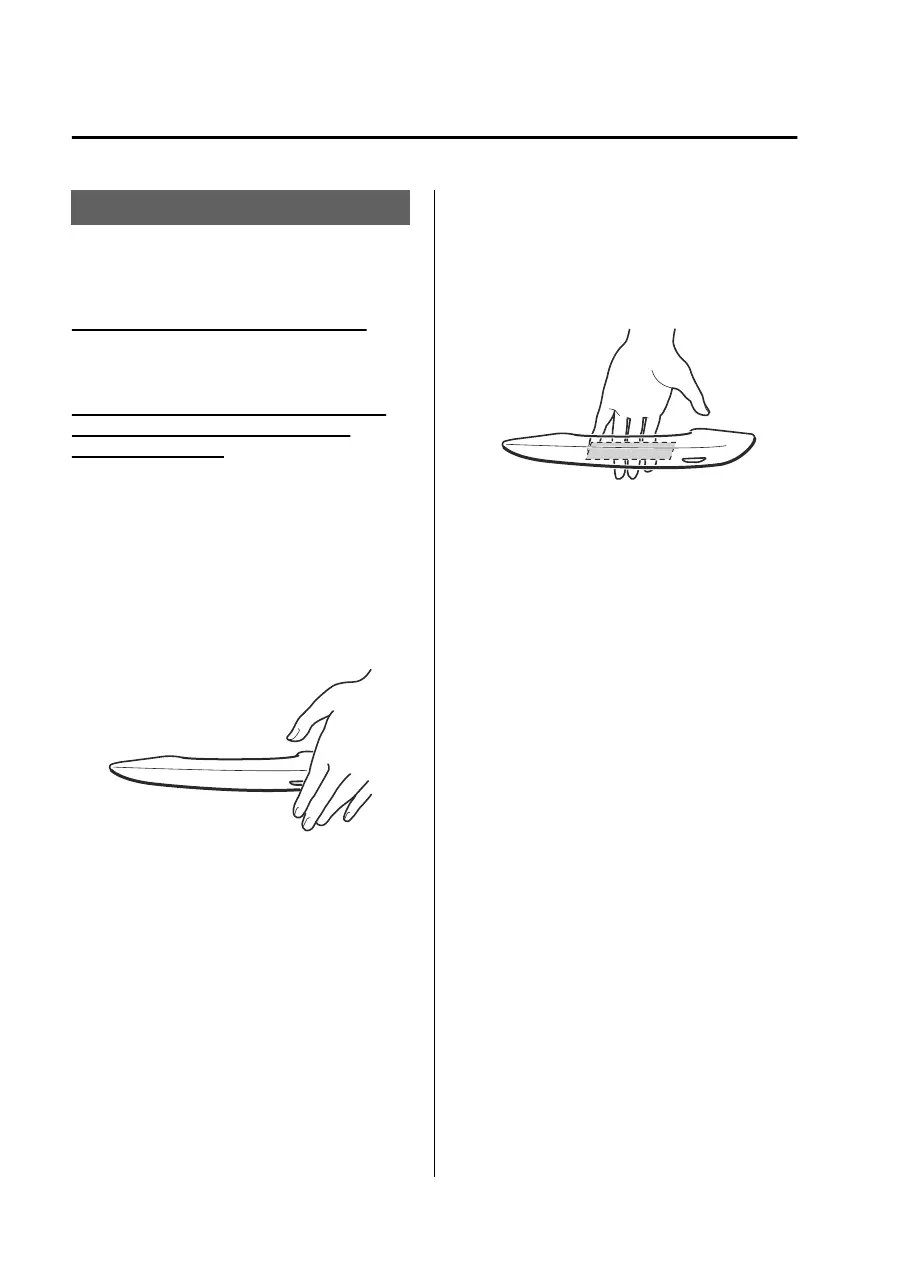
Touch the sensing area of the door lock
touch sensor when all of the following
conditions are met.
The vehicle power is switched OFF.
All the doors are closed.
The key is on the sensing area of the
touch sensor.
The following locations are locked by
touching the sensing area of the door
lock touch sensor.
All doors
Fuel-filler
lid
Liftgate
When locking, the hazard warning
lights operate one time.
A beep sound operates one time.
Unlocking
When all of the following conditions
are met, touch the sensing area of the
door release touch sensor.
The vehicle power is switched OFF.
The driver’s door is locked.
Three seconds or longer have passed
since the doors were locked.
The key is on the sensing area of the
touch sensor.
(Unlocking from the driver's door)
The following locations are unlocked
by touching the sensing area of the
door release touch sensor of the
driver's door.
Driver’s door
Fuel-filler lid
When unlocking, the hazard warning
lights operate two times.
A beep sound operates two times.
(Unlocking from the front passenger’s
door)
The following locations are unlocked
by touching the sensing area of the
door release touch sensor of the front
passenger's door.
All doors
Fuel-filler lid
Liftgate
When unlocking, the hazard warning
lights operate two times.
A beep sound operates two times.
NOTE
The location to be unlocked can be
changed.
Opening/closing
Doors
4-12
Mazda3_8LX5-EA23E_Edition2_new 2023-4-17 20:22:43



 To Next Page