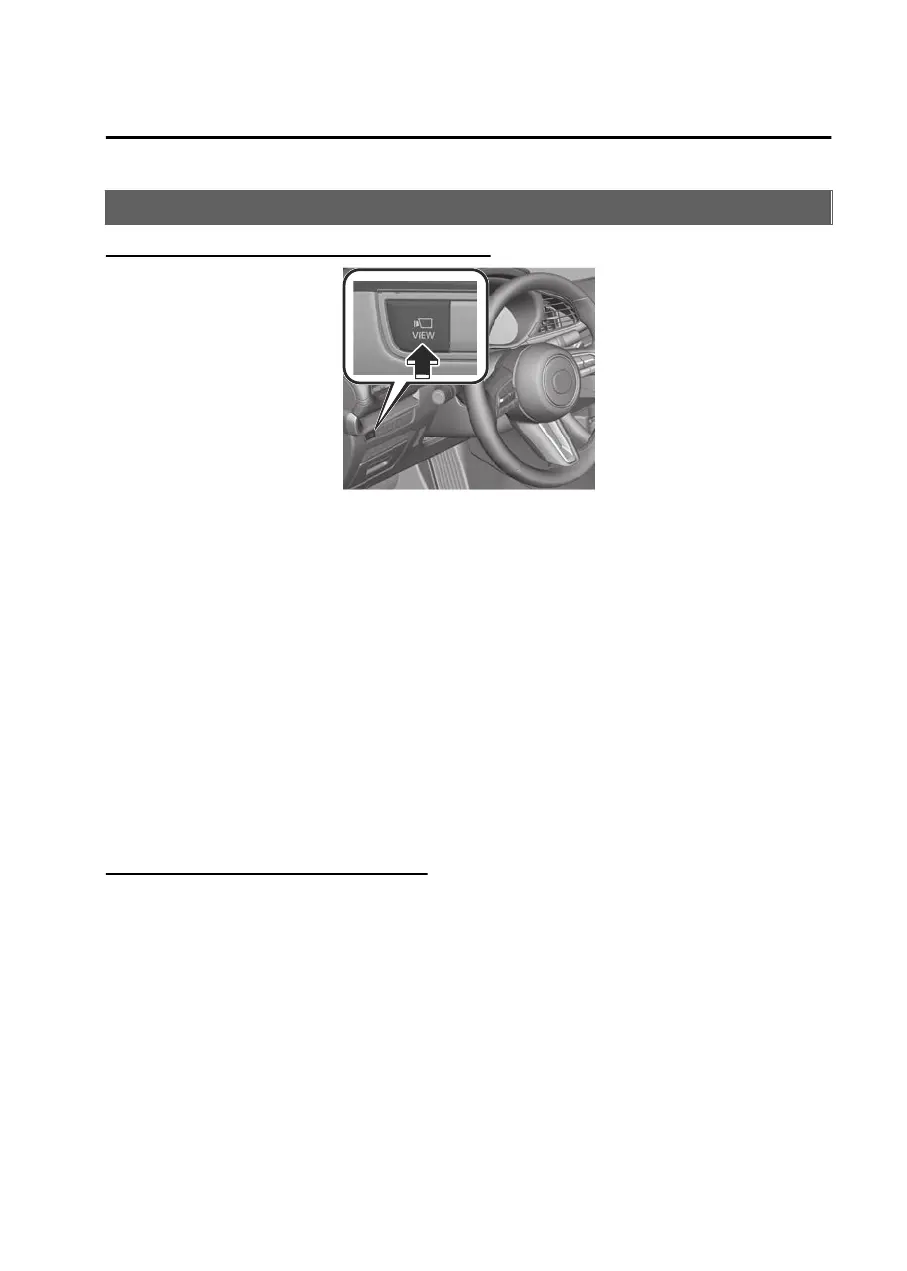
How to Use the 360° View Monitor
Displaying images of the vehicle front/sides
Images are displayed on the center display.
NOTE
When the shift lever/selector lever is in the R position, images of the front/sides
of the vehicle are not displayed.
If any of the following conditions are met, image display of the front/sides of the
vehicle ends.
Switches around the commander knob are pressed.
The vehicle is driven at less than 15 km/h (9.3 mph) for about 4 minutes and 30
seconds.
The vehicle speed is 15 km/h (9.3 mph) or faster.
The vehicle is driven at 15 km/h (9.3 mph) or faster for 8 seconds.
(Manual transmission vehicle)
The parking brake is applied.
(Automatic transmission vehicle)
The selector lever is shifted to the P position.
Displaying images of the vehicle rear
Shift the shift lever/selector lever to the R position.
Images are displayed on the center display.
Driving
360° View Monitor
5-183
Mazda3_8LX5-EA23E_Edition2_new 2023-4-17 20:22:43



 To Next Page