Immediately depress the brake pedal
in the following case.
Because the AUTOHOLD function is
canceled forcibly, the vehicle may
move unexpectedly and result in an
accident.
The message “Depress Brake Pedal.
Brake Hold Disabled” is displayed on
the instrument cluster and the
warning sound is activated at the
same time.
When parking and before leaving the
vehicle, apply the parking brake.
Otherwise, the vehicle may move
unexpectedly and result in an accident.
When parking and before leaving the
vehicle, shift the selector lever to the P
position (automatic transmission) and
apply the parking brake.
CAUTION
If you stop operating the accelerator
pedal before the vehicle starts moving,
the brake may be released. Firmly
depress the brake pedal or depress the
accelerator pedal to start driving the
vehicle.
How to Use the
AUTOHOLD
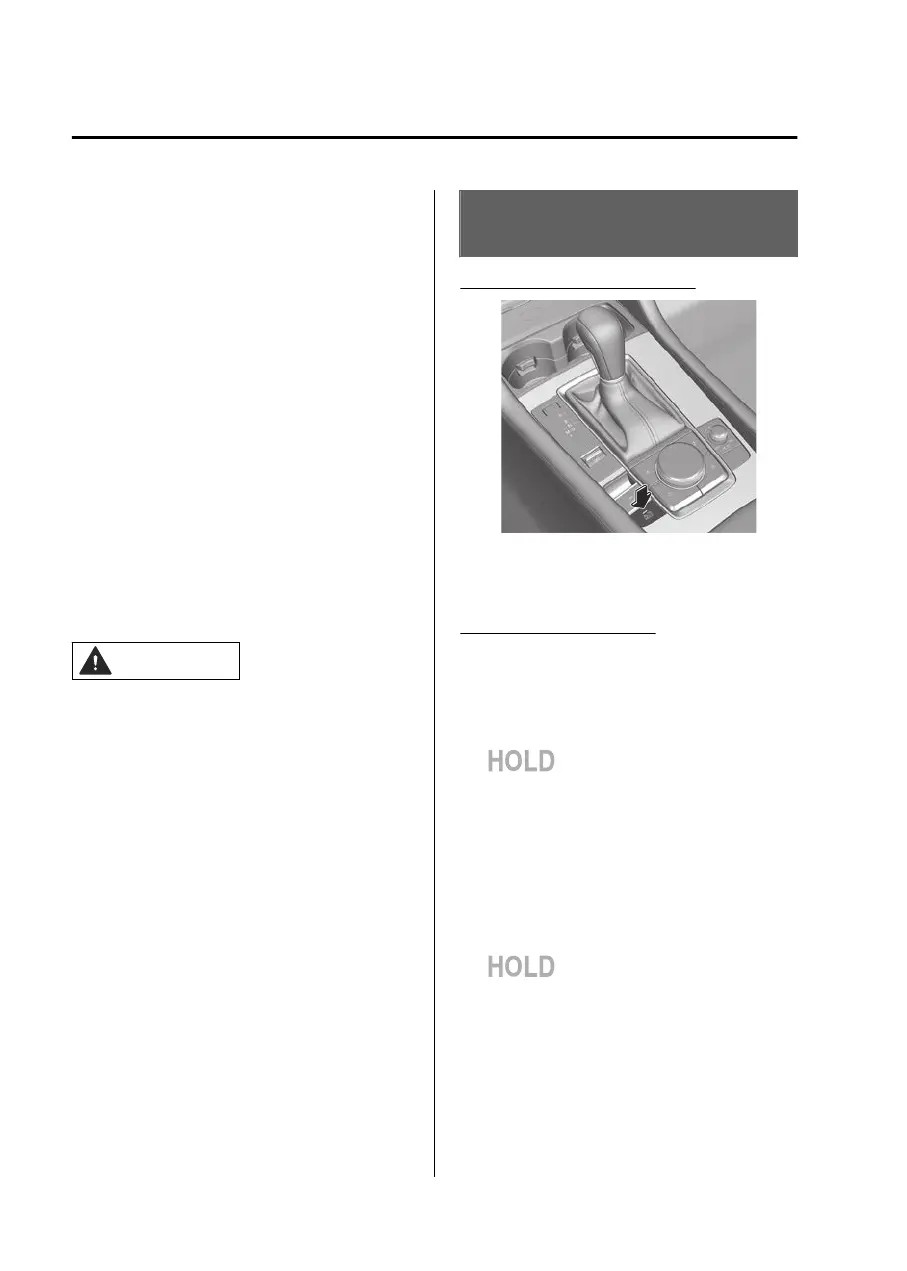
Operating the AUTOHOLD
The AUTOHOLD becomes operational
and the AUTOHOLD standby indicator
light turns on.
Using the AUTOHOLD
1. Stop the vehicle.
When all of the following
conditions are met, the
AUTOHOLD operates and the
AUTOHOLD active indicator light
in the instrument cluster
turns on.
The engine is operating.
The driver’s seat belt is fastened.
The driver’s door is closed.
The parking brake is released.
2. Start driving the vehicle.
The brakes are released and the
AUTOHOLD active indicator light
in the instrument cluster
turns off.
NOTE
When about 10 minutes or longer
have passed since the AUTOHOLD
operated, the parking brake is
applied automatically. When the
parking brake is released, the
AUTOHOLD operates again.
Driving
AUTOHOLD
5-64
Mazda3_8LX5-EA23E_Edition2_new 2023-4-17 20:22:43



 To Next Page