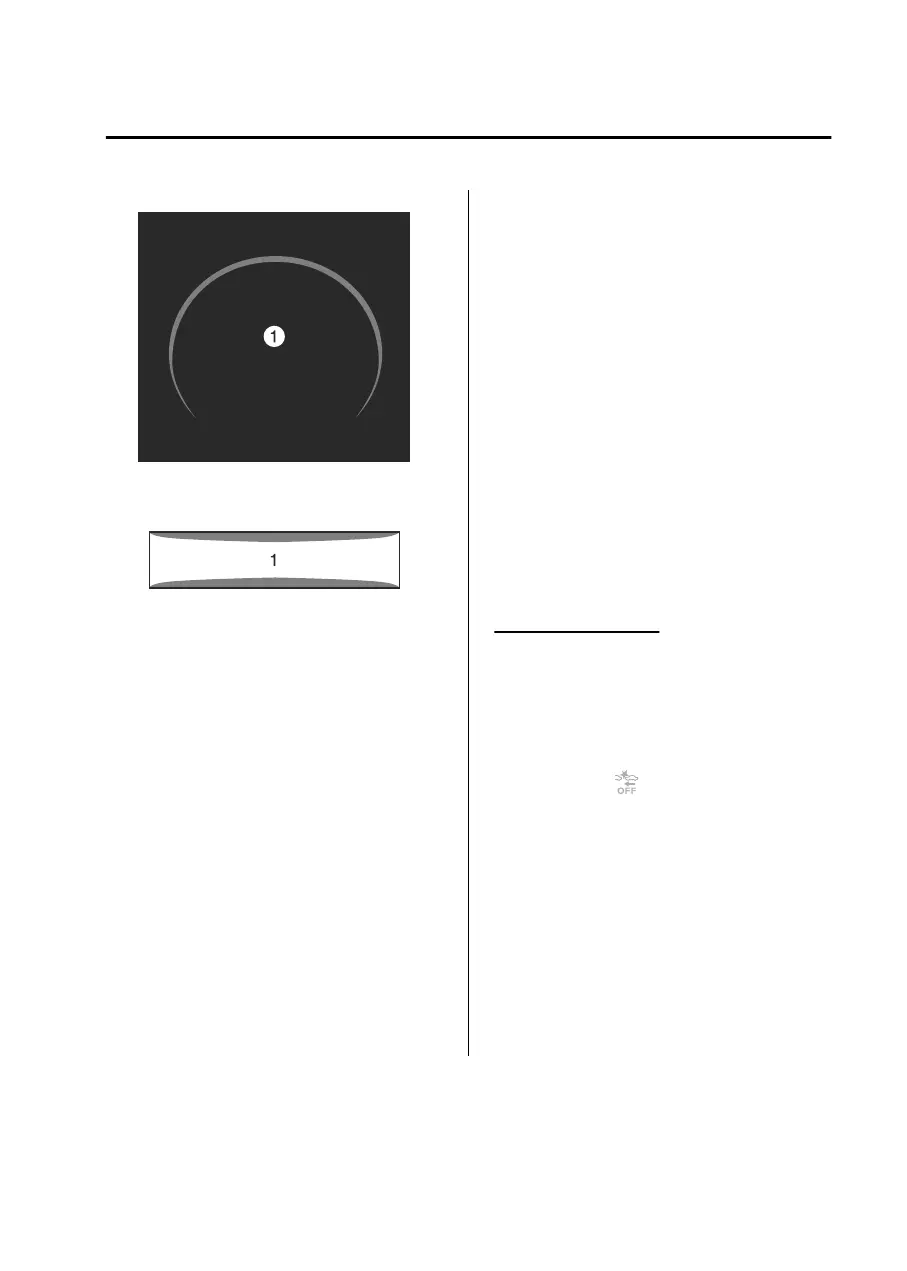
Instrument cluster
1. “BRAKE!”
Active driving display
1. “BRAKE!”
NOTE
If any of the following conditions is
met, the Rear Crossing may not
operate normally.
The rear side radar sensors cannot
detect an object.
Refer to Radar Sensors on page
5-112.
A vehicle is approaching directly
from the rear of your vehicle.
A vehicle is approaching at an
angle from the rear of your vehicle.
A vehicle is approaching from a
direction at an acute angle.
If any of the following conditions is
met, the Rear Crossing may operate.
There is a hanging curtain.
Vehicle is passing through a narrow
gate or a gate with a low ceiling.
(Automatic transmission vehicle)
If the Rear Crossing performs brake
control and the vehicle is stopped,
the system will continue to hold the
brakes for a brief time unless there is
an operation performed by the
driver.
(Manual transmission vehicle)
When the Rear Crossing performs
brake control and the vehicle is
stopped, the brakes are
automatically released after about
2 seconds if the driver does not
depress the brake pedal.
When the Rear Crossing performs
brake control and the vehicle is
stopped, the engine stops if the
driver does not depress the clutch
pedal.
Turning off the SBS
The SBS can be turned
off
using the
Mazda Connect.
Refer to the Settings section in the
Mazda Connect Owner's Manual.
When the SBS is turned
off,
the SBS
OFF indicator
turns on.
Driving
Smart Brake Support (SBS)
5-177
Mazda3_8LX5-EA23E_Edition2_new 2023-4-17 20:22:43



 To Next Page