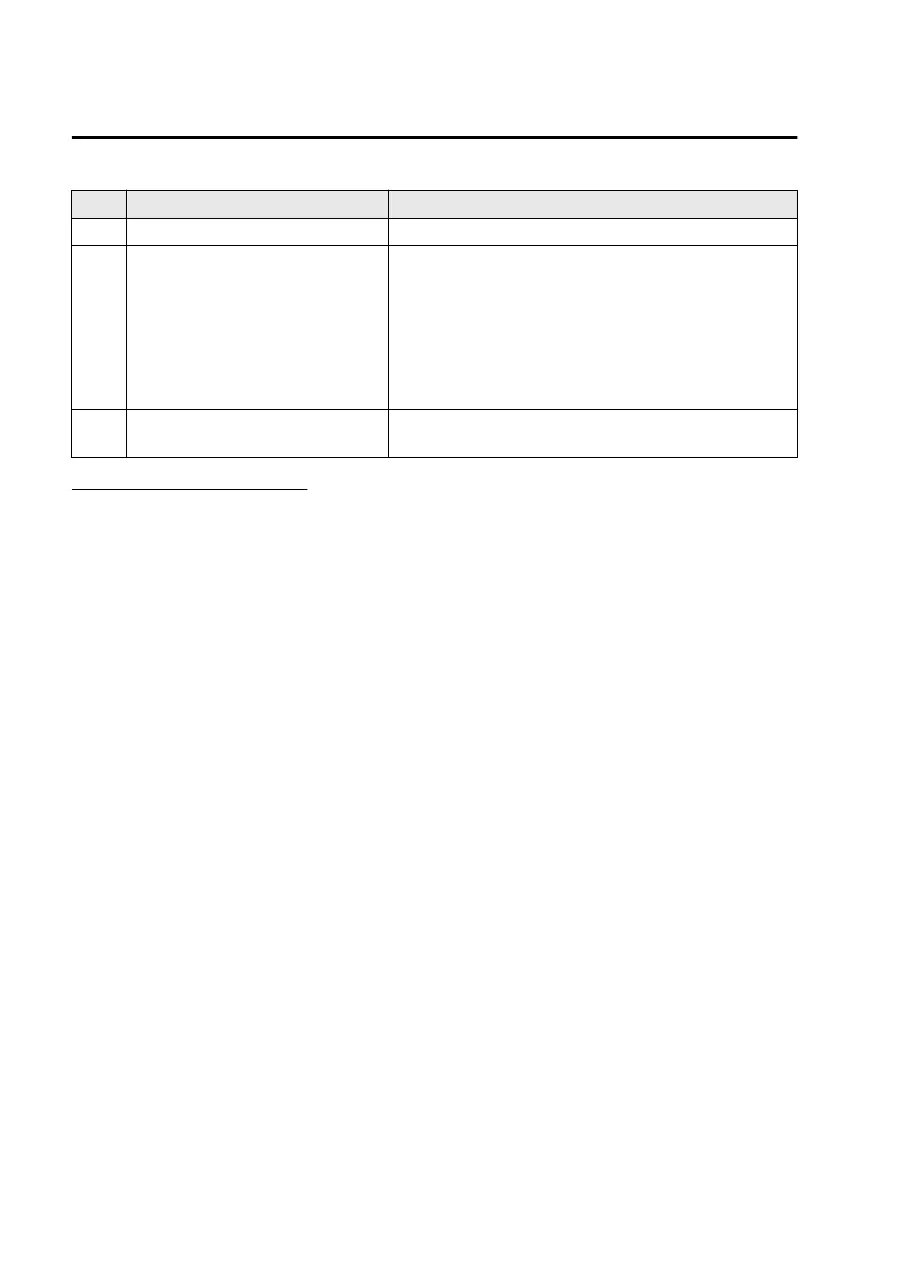
Indication Content
1 Vehicle width guide lines (yellow) Indicates the approximate width of the vehicle.
2
Projected vehicle path distance
guide lines (red/yellow)
These guide lines indicate the approximate distance to a
point measured from the rear of the vehicle (from the
end of the bumper).
The red line indicates the point about 50 cm (19 in)
from the rear end of the rear bumper.
The yellow lines indicate the points about 1 m (39 in)
and 2 m (78 in) from the rear end of the rear bumper.
3 Parking sensor status icon
Indicates that the parking sensor has a problem or it is
switched off.
System problem indication
In the following cases, there might be a problem with the system. Have the vehicle
inspected by an Authorized Mazda Dealer.
"No camera signal." is displayed on the center display.
The display on the center display does not switch to the camera image even if the
selector lever is shifted to the R position.
A portion of the display on the center display is black.
Driving
Rear View Monitor
5-202
Mazda3_8LX5-EA23E_Edition2_new 2023-4-17 20:22:43



 To Next Page