Form No. 8P95-EA-00G
Driving Your Mazda
5-93
76Y032-010
Preset channel tuning
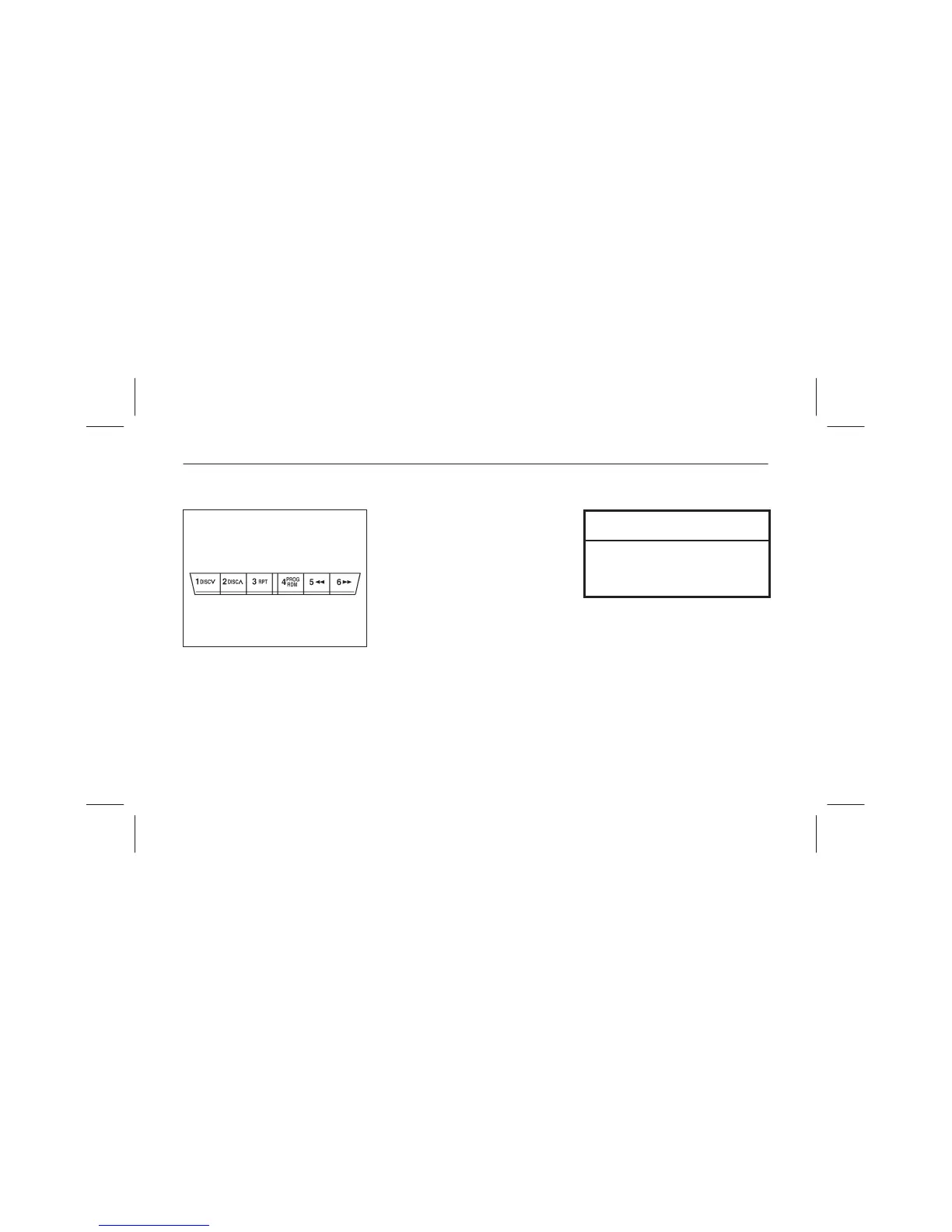
The six preset channels can be used to
store 6 AM and 12 FM stations.
To set a channel first select AM, FM1,
or FM2. Tune to the station you want
and depress a channel preset button for
about 2 seconds until a beep is heard.
The preset channel number and station
frequency will be displayed.
The station is now held in the memory.
Repeat this operation for the other
stations and bands you want to store.
To tune one in the memory, select AM,
FM1, or FM2 and then press its
channel preset button. The station
frequency and the channel number will
be displayed.
NOTE
If the power supply is interrupted
(fuse blows or the battery is
disconnected), the preset channels
will be canceled.



 To Next Page