Form No. 8P95-EA-00G
Driving Your Mazda
5-110
76Y032-012A
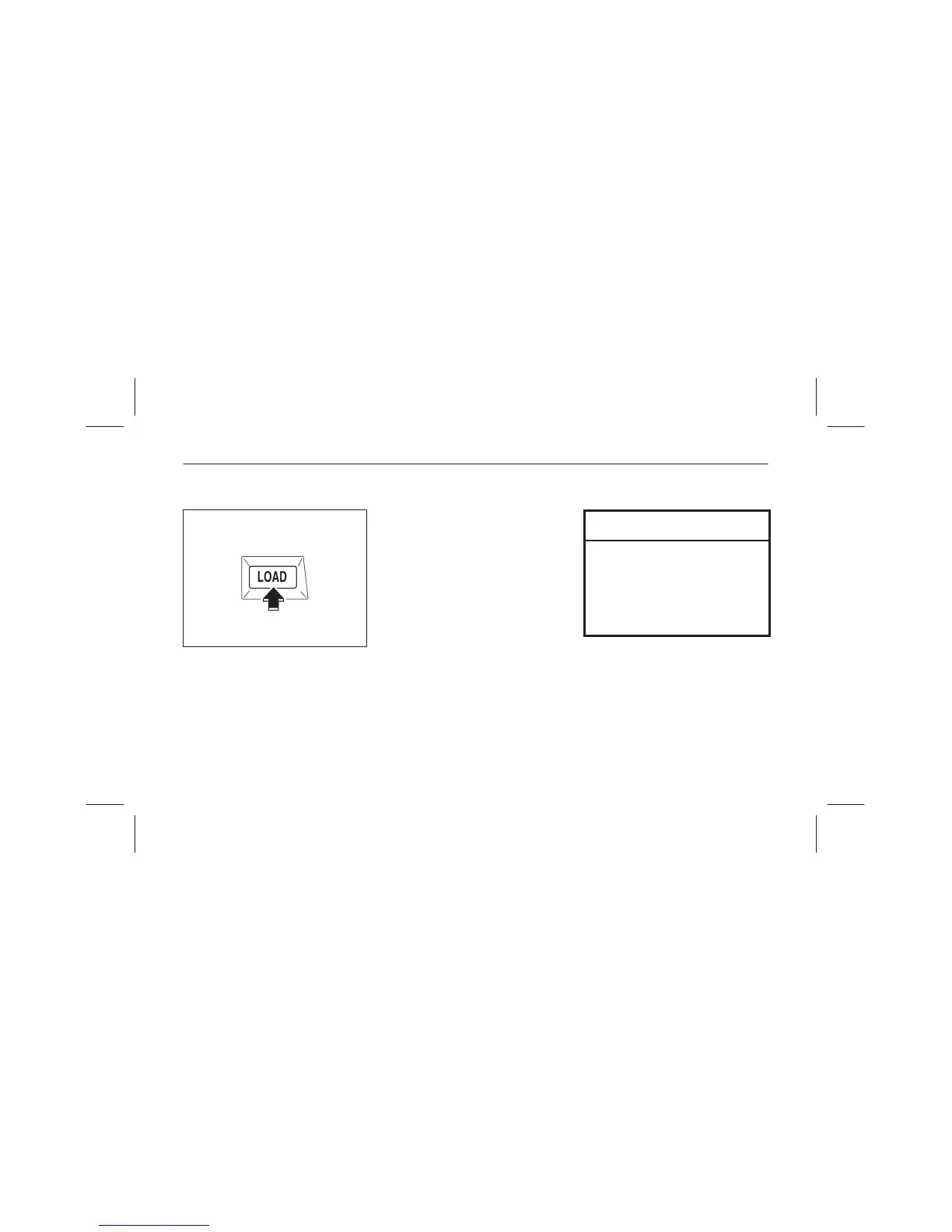
Normal insertion
1. Press the load button.
2. When “In” is displayed, insert the
CD.
Multiple insertion
1. Press and hold the load button for
about 2 seconds until a beep is
heard.
2. When “In” is displayed, insert the
CD.
3. When “In” is displayed again,
insert the next CD.
NOTE
The first-inserted CD will be
played automatically when:
• No CD is inserted within 15
seconds after “In” is displayed.
• The CD trays are full.



 To Next Page