Form No. 8P95-EA-00G
Driving Your Mazda
5-89
J58PAU4032
NOTE
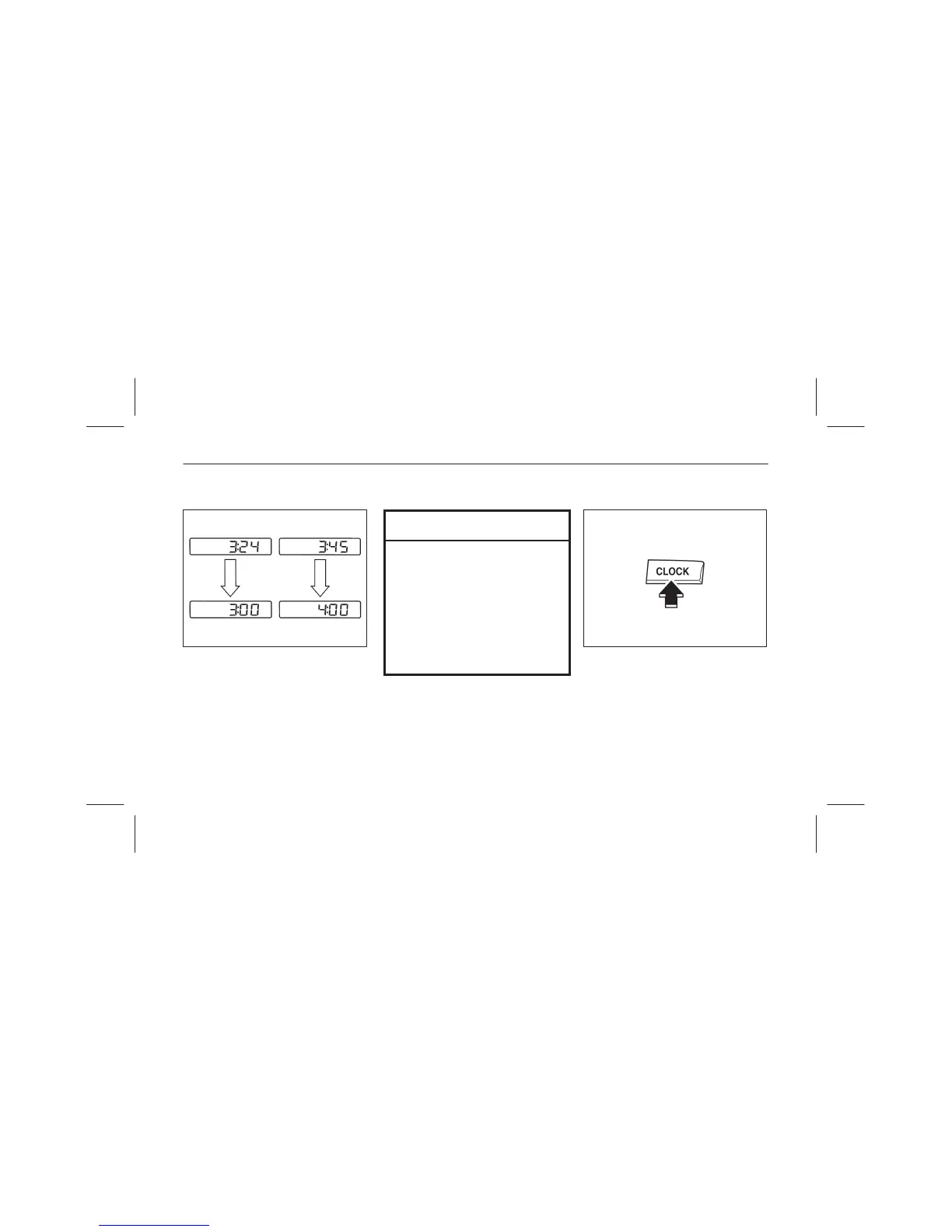
If the time is not adjusted while the
clock’s current time is flashing (if
neither the H nor M is pressed),
and the clock button is pressed a
second time, the minutes will be
set to 00. If the clock’s current
time setting is within the latter part
of the hour (from 30 to 59 min),
the hour setting will automatically
advance one hour.
07L032–003
▼ Changing the display mode
The display on the unit can be changed
by pressing the clock button. This
alternates the display between clock
and audio. When the clock mode has
been selected, the time will be
displayed.



 To Next Page