Form No. 8P95-EA-00G
Driving Your Mazda
5-95
76Y032-005
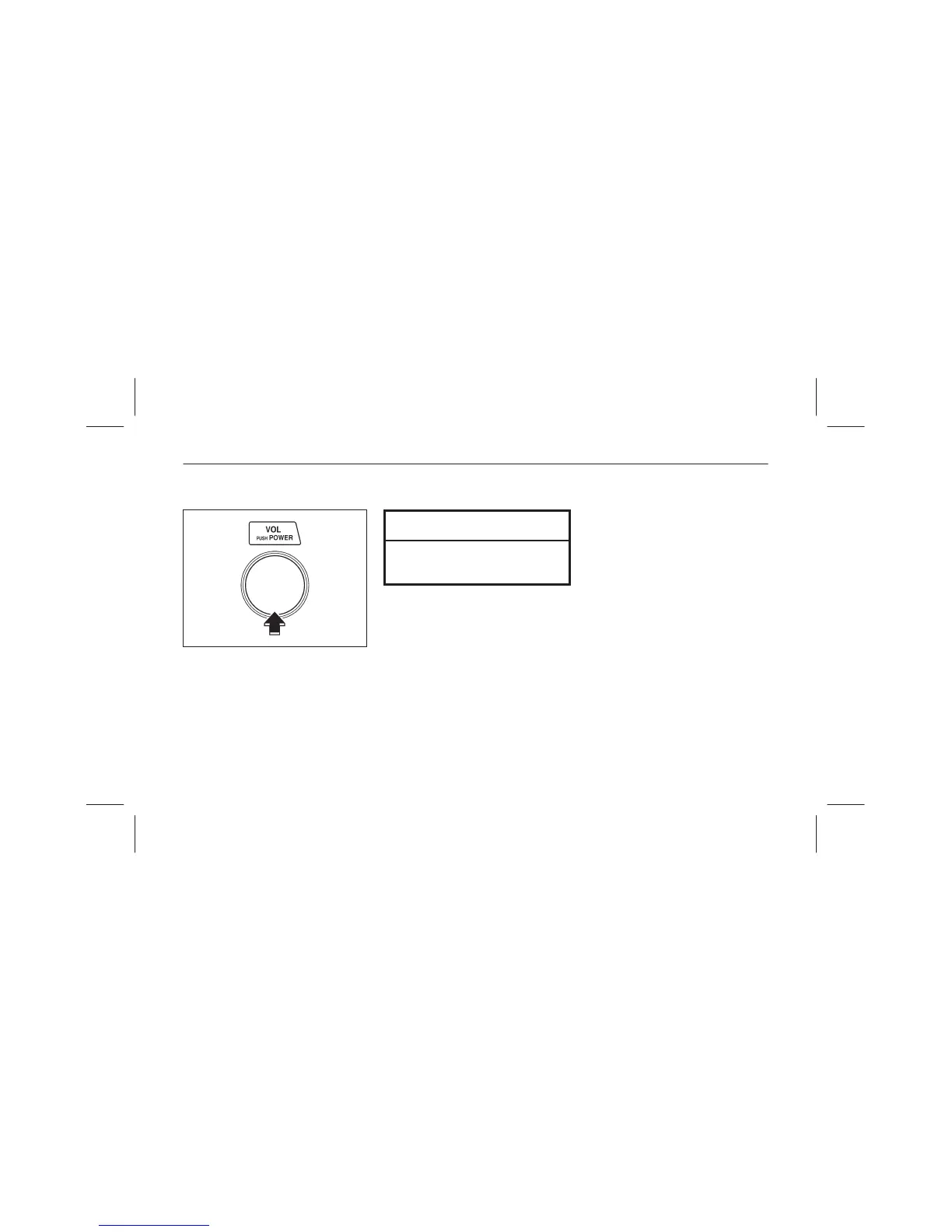
▼ Radio OFF
Press the power/volume knob to turn
off the radio.
NOTE
Press the power/volume knob
again to listen to the frequency last
tuned to.
■ Operating the Cassette Tape
Player
To operate the cassette tape player,
turn the ignition switch to the ACC or
ON position.
▼ Cassette tape insert
Insert the cassette tape into the slot,
open edge to the right and cassette
tape will begin play and “TAPE” will
be displayed. At the end of the cassette
tape, the unit automatically reverses
cassette tape play.
When ▲ is lit, the cassette tape’s top
side is playing. When ▼ is lit, the
bottom side is on.



 To Next Page