36
3.1.1.4 Selectingacitycenterasthedestination
The city center is not the geometric center of the city but an arbitrary point on the
map the creators have chosen. In cities and villages, it is usually the most important
intersection; in larger cities, it is one of the important intersections.
1. Select
after selecting on the MAP screen.
2. Select .
3. If necessary, modify the country and city as described earlier (page 25).
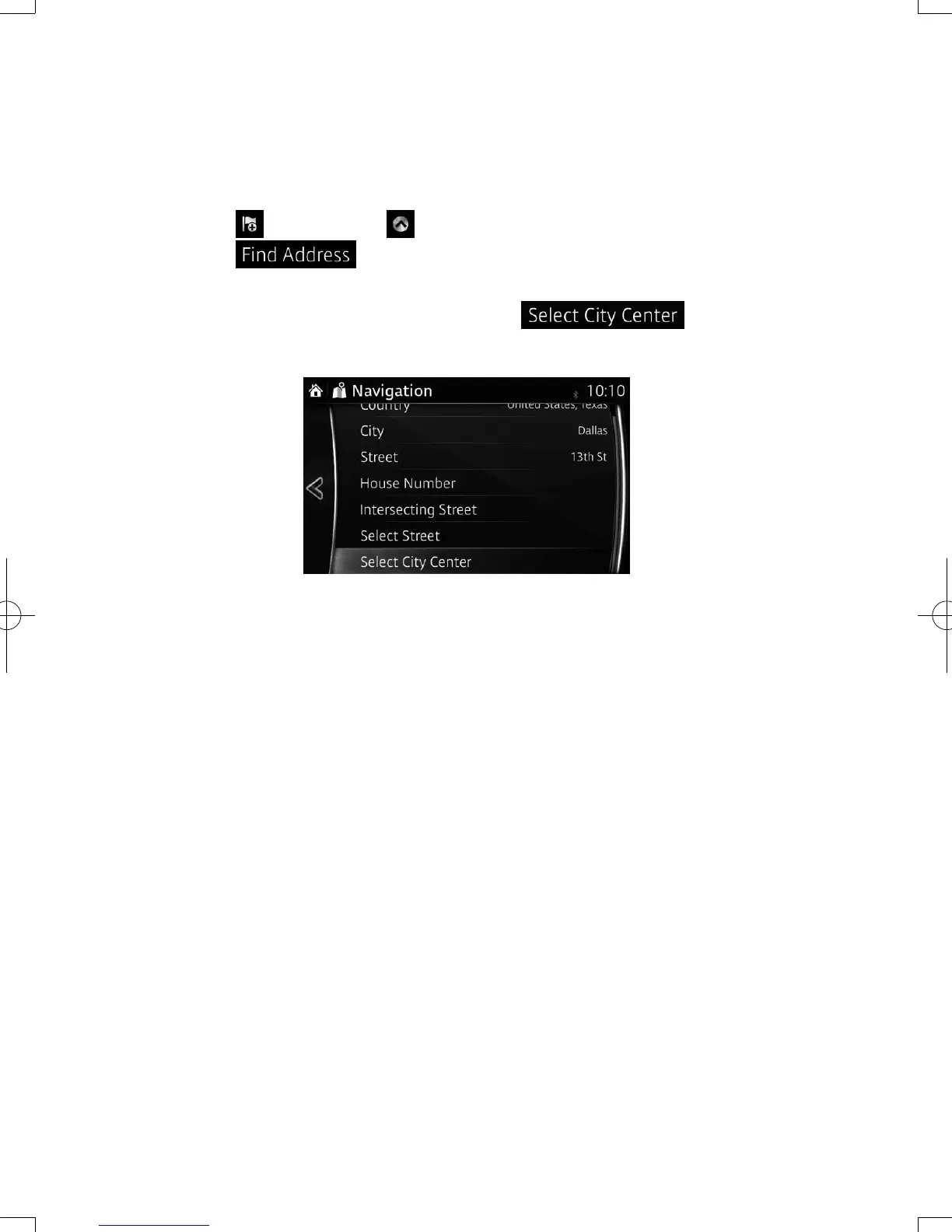
4. Instead of entering the street name, select . This way the
center of the displayed city becomes the destination of the route.
NAV-12AVUAE.indb 36 2015/02/20 15:09:10



 To Next Page