62
3.2 Checkingrouteparametersandaccessingrouterelatedfunctions
You can check different parameters of the route recommended by the navigation
system.
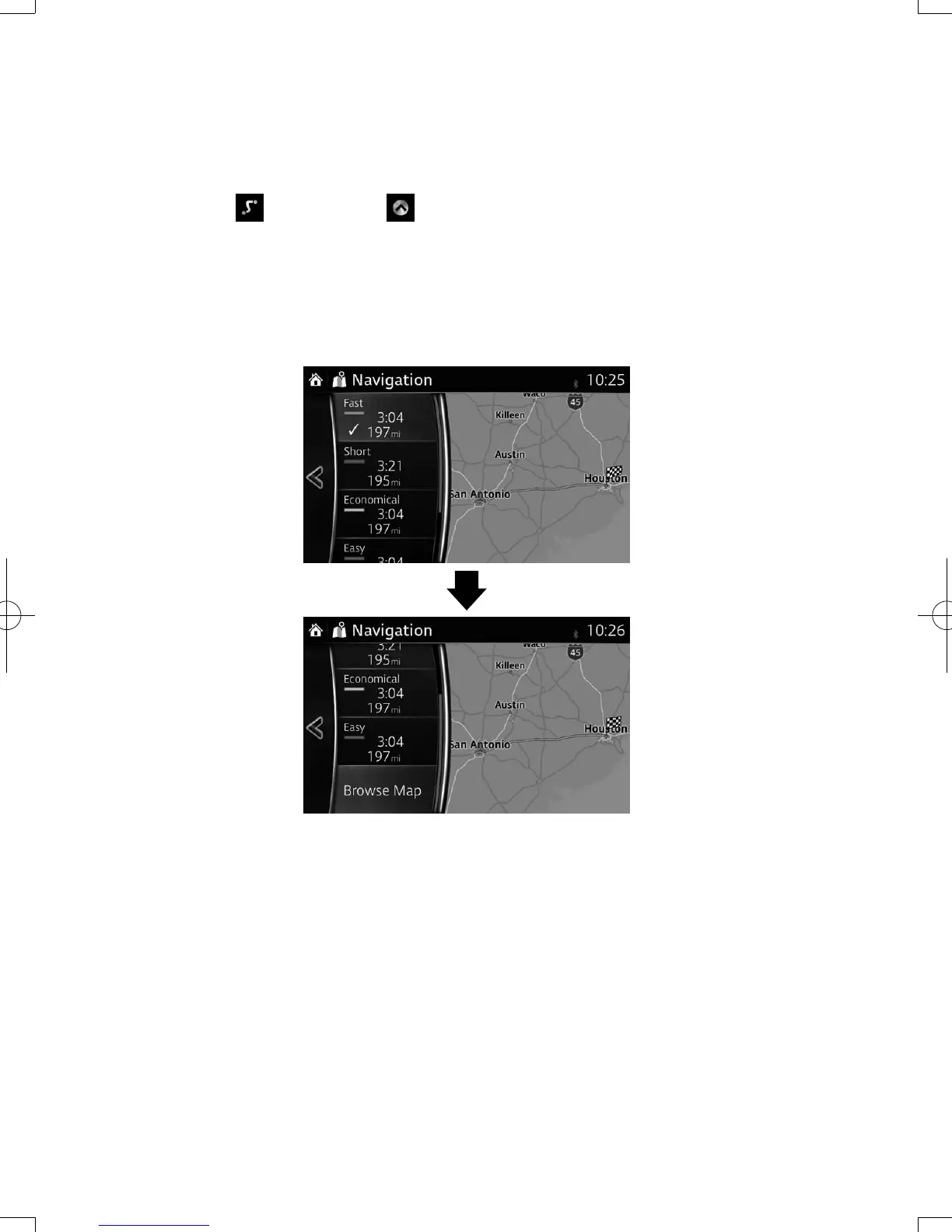
1. Select after selecting on the MAP screen.
2. The following pieces of information are displayed:
• The name and/or address of the destination.
• The total time of the route.
• The total length of the route.
• The route planning method (e.g. Fast).
NAV-12AVUAE.indb 62 2015/02/20 15:09:14



 To Next Page