72
4 ReferenceGuide
4.1 Concepts
4.1.1 SmartZoom
Smart Zoom provides much more than just a usual automatic zoom feature:
• Whilefollowingaroute: when approaching a turn, it will zoom in and raise the
view angle to let you easily recognize your maneuver at the next junction. If the
next turn is at a distance, it will zoom out and lower the view angle to be at so
you can see the road in front of you.
• Whiledrivingwithoutanactiveroute: Smart Zoom will zoom in if you drive
slowly and zoom out when you drive at high speed.
• Off: Turns the Smart Zoom setting off.
4.1.2 Routecalculationandrecalculation
The navigation system calculates the route based on your preferences:
• Route planning methods:
•
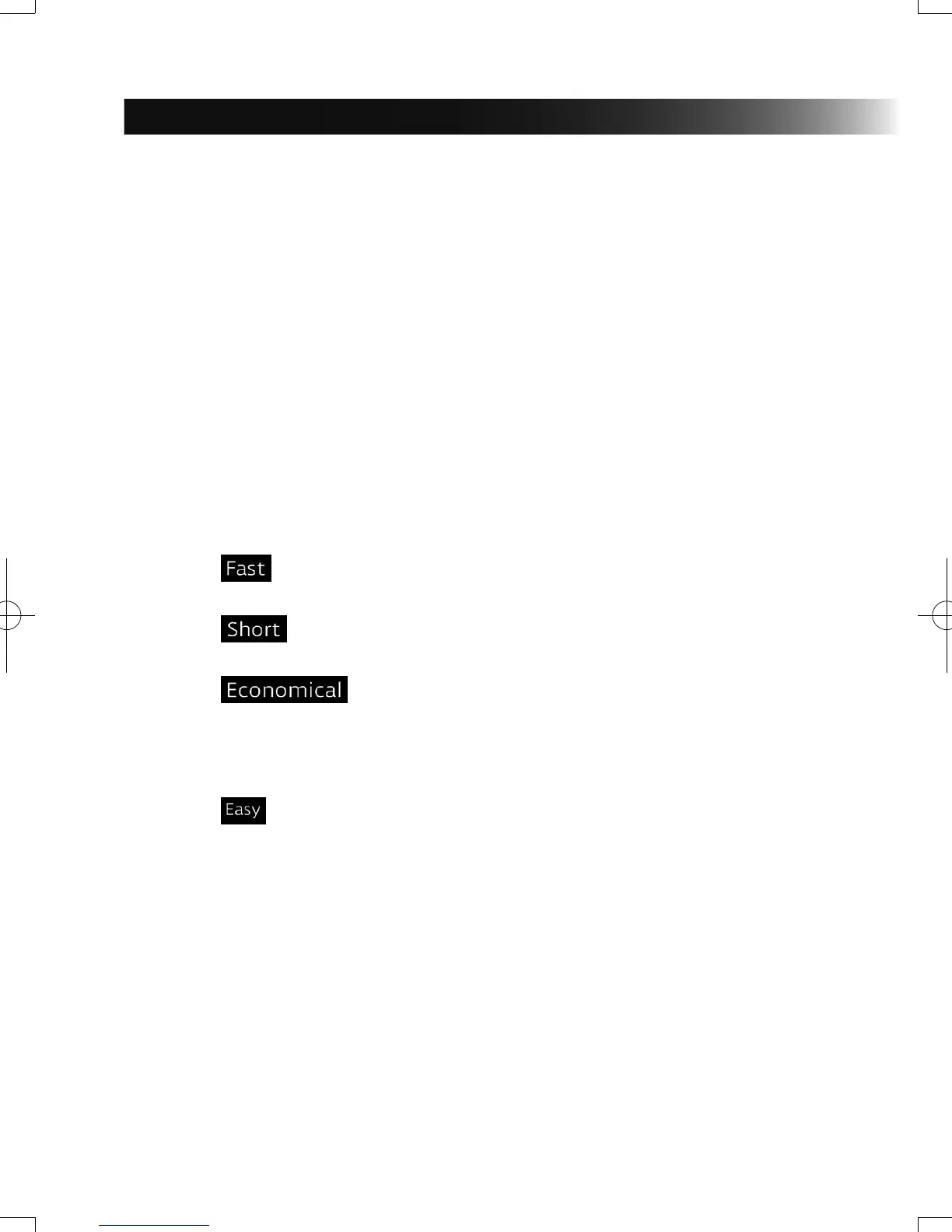
: Gives a quick route if you can travel at or near the speed limit
on all roads.
• : Gives a route that has the smallest total distance of all possible
routes.
• : This method combines the merits of the Fast and Short
routes: The navigation system makes a calculation for the Fast route,
but it also includes other roads in the calculation in consideration of fuel
economy.
• : Results in a route with fewer turns and no difcult maneuvers.
With this option, you can make the navigation system take, for example,
the highway/freeway instead of a series of smaller roads or streets.
NAV-12AVUAE.indb 72 2015/02/20 15:09:15



 To Next Page