70
3.4 SavingalocationasaFavoritedestination
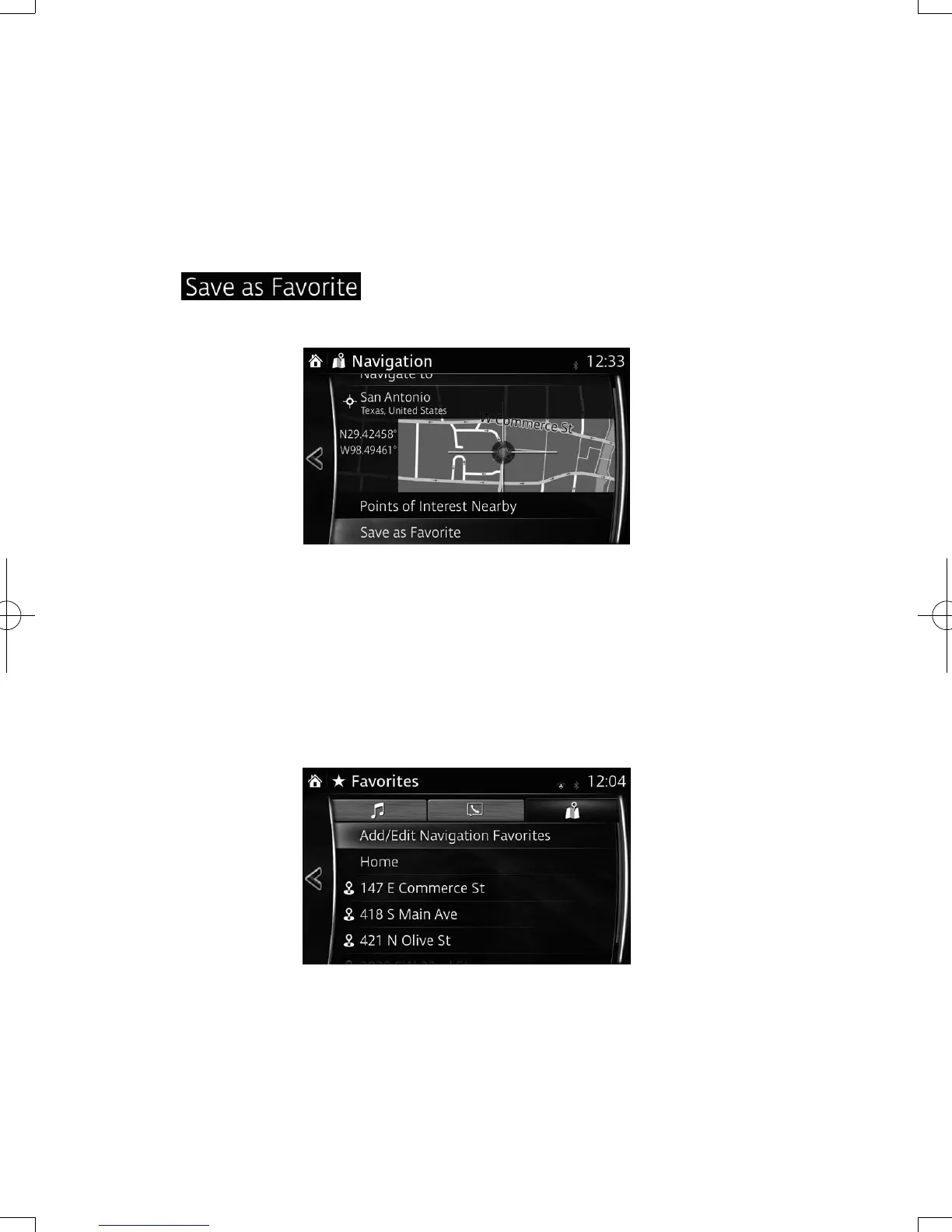
You can add any location to Favorites, the list of frequently used destinations.
Planning a route to one of the Favorite destinations is described on page 56.
1. Select a destination as described before. It can be an address, a Place, any
location on the map, a previously used destination from History, etc.
2. A searched destination can be registered to Favorites by selecting
on the verication screen of the destination search
results.
3.4.1 EditingthedetailsofaFavoritedestination
You can select a location that you have already saved as a Favorite and edit its
details. Adding a location to the list of Favorite destinations is described on page 70.
1. Press the Favorites button on the commander switch.
2. Select the Navigation tab.
3. The list of Favorite destinations is displayed.
NAV-12AVUAE.indb 70 2015/02/20 15:09:15



 To Next Page