63
1
2
3
4
5
6
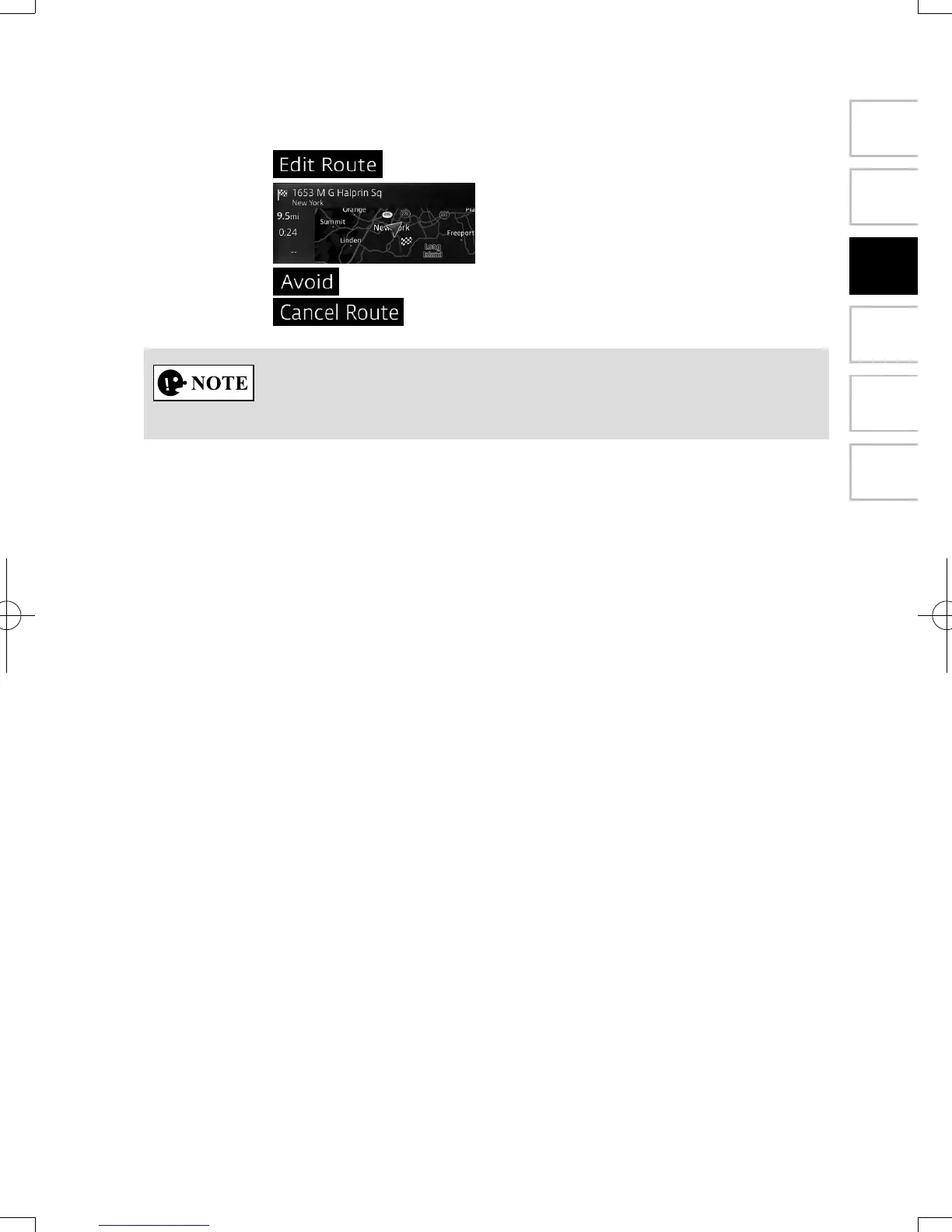
3. You have the following options on this screen (for detailed instructions on
how to use them, see the next chapter):
• Select to edit the route.
• Select to display the entire route on the map.
• Select to bypass a part of the route.
• Select to delete the active route.
There are other convenient functions.
NAV-12AVUAE.indb 63 2015/02/20 15:09:14



 To Next Page