82
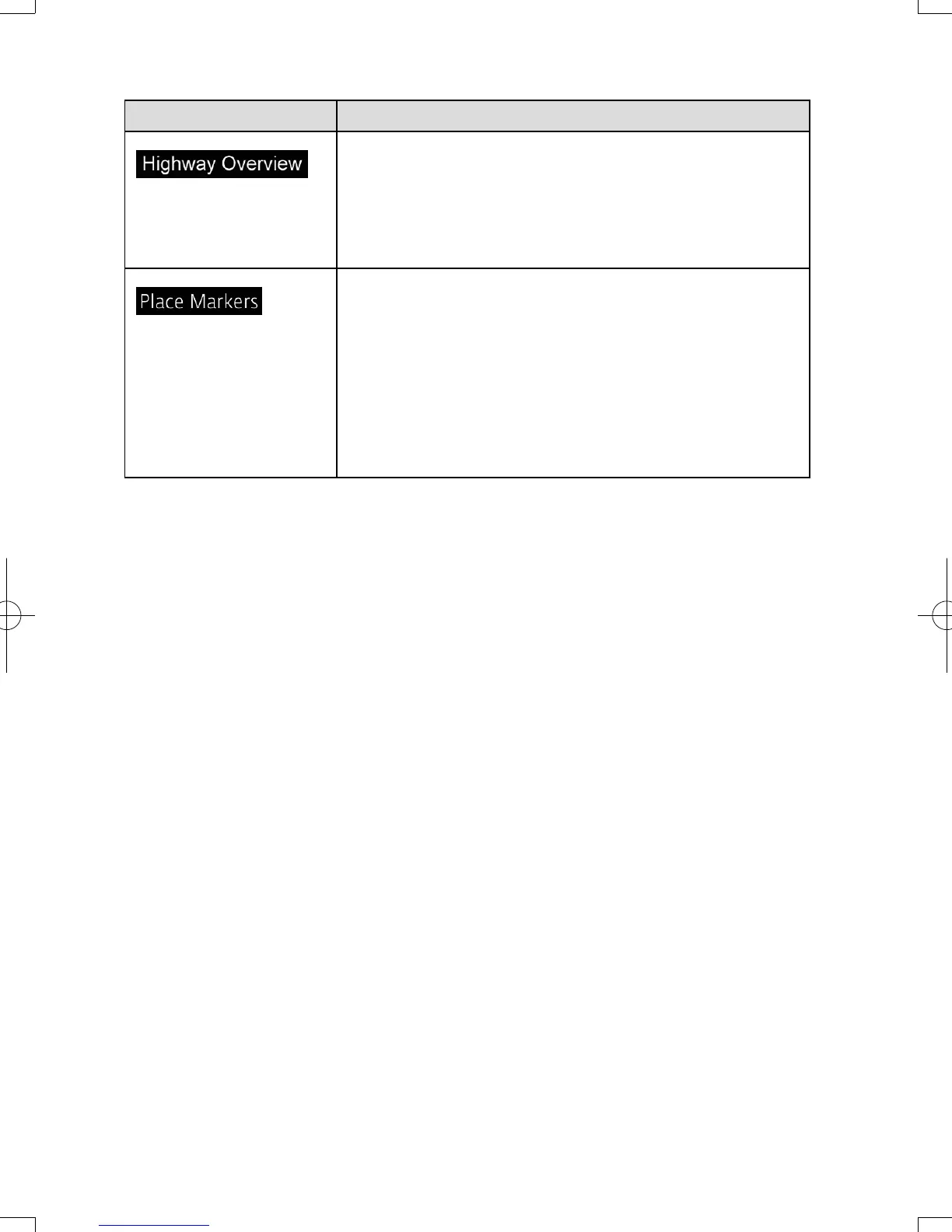
Button Description
When enabled, the map zooms out to show an
overview of the surrounding area if the next route
event (maneuver) is far away. The system goes back
to the normal map view when you approach the next
event.
Select which Places to show on the map while
navigating. Too many Places make the map crowded,
so it is a good idea to show as few as possible. You
have the following possibilities:
• Select the checkbox to show or hide the Place
category.
• Select the name of the Place category to open the list
of its subcategories.
NAV-12AVUAE.indb 82 2015/02/20 15:09:16



 To Next Page