19
MX200
Network Setup Menu
SETUP: NETWORK > FRIENDLY NAME
Friendly name provides a more individual way of
that recognize friendly names.
changed by selecting an alternative name from the
only be entered from the browser interface. Preset
names can be chosen using the front panel or your
remote control.
Network Settings
Network settings allows you manually entering
network information. You may do this if you want to
information will be assigned automatically from your
router.
• IP address
•
•
• DNS address (typically the IP address of your
router)
When you have completed making network settings
changes, select the “Apply All Settings” button to
save your changes.
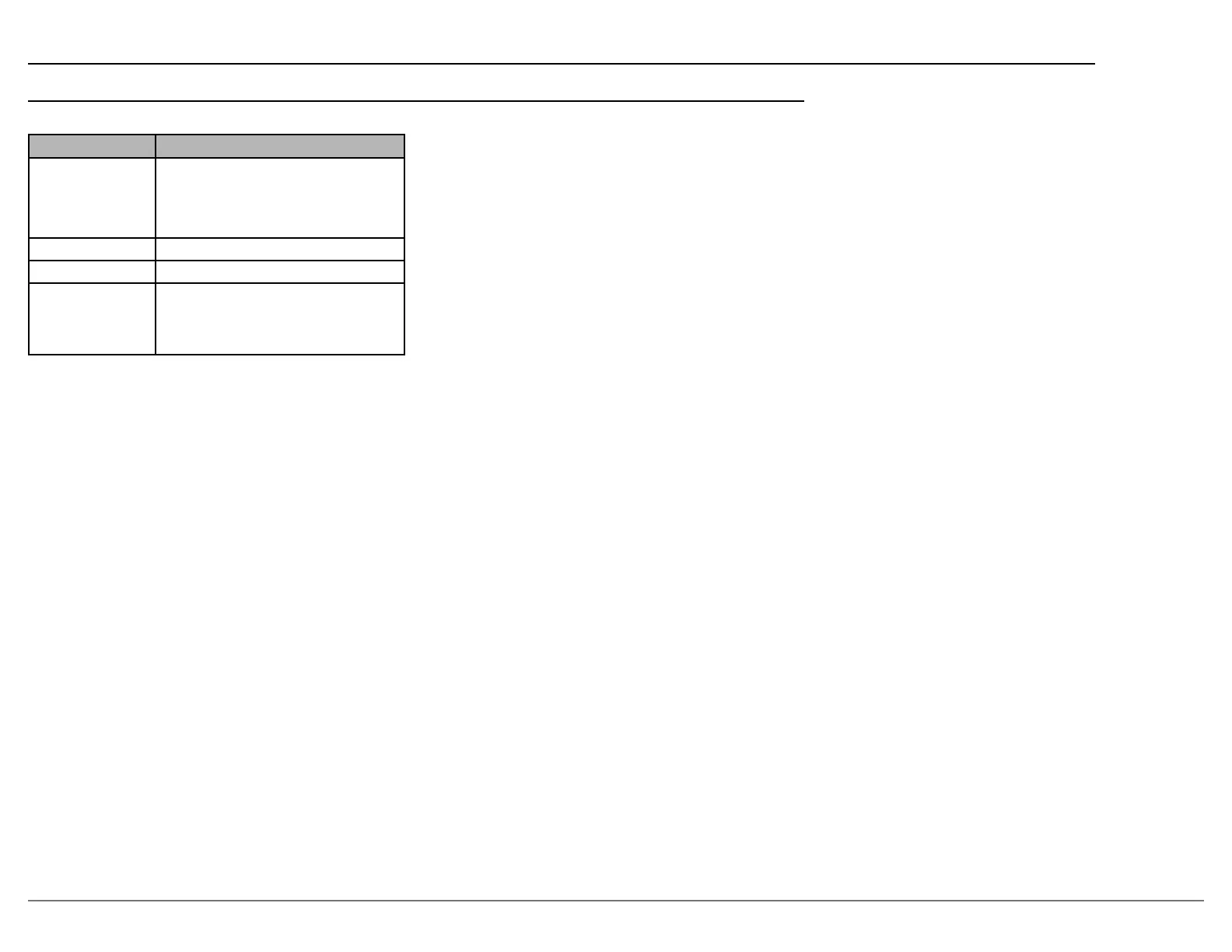
SETUP: NETWORK
Setting Options
Network
Information
Host IP Address
Host Mac Address
Dirac IP Address
Network Identify
Friendly Name
Room, Master Bedroom, Bedroom,
Note: Some options and settings are only available on the browser
version of the setup menu these are indicated with an *.
SETUP: NETWORK > NETWORK INFORMATION
•
•
address.
•
address.
•
SETUP: NETWORK > NETWORK CONTROL
a control system such as one using RS232 commands



 To Next Page