PUSH
TRIM / SETUP
PUSH
POWER / MUTE
BLURAY 4K 55%
Movie Dolby Atmos
P R O C E S S O RA/VMX2 00
BLURAY 4K 55%
Movie Dolby Atmos
P R O C E S S O RA/VMX2 00
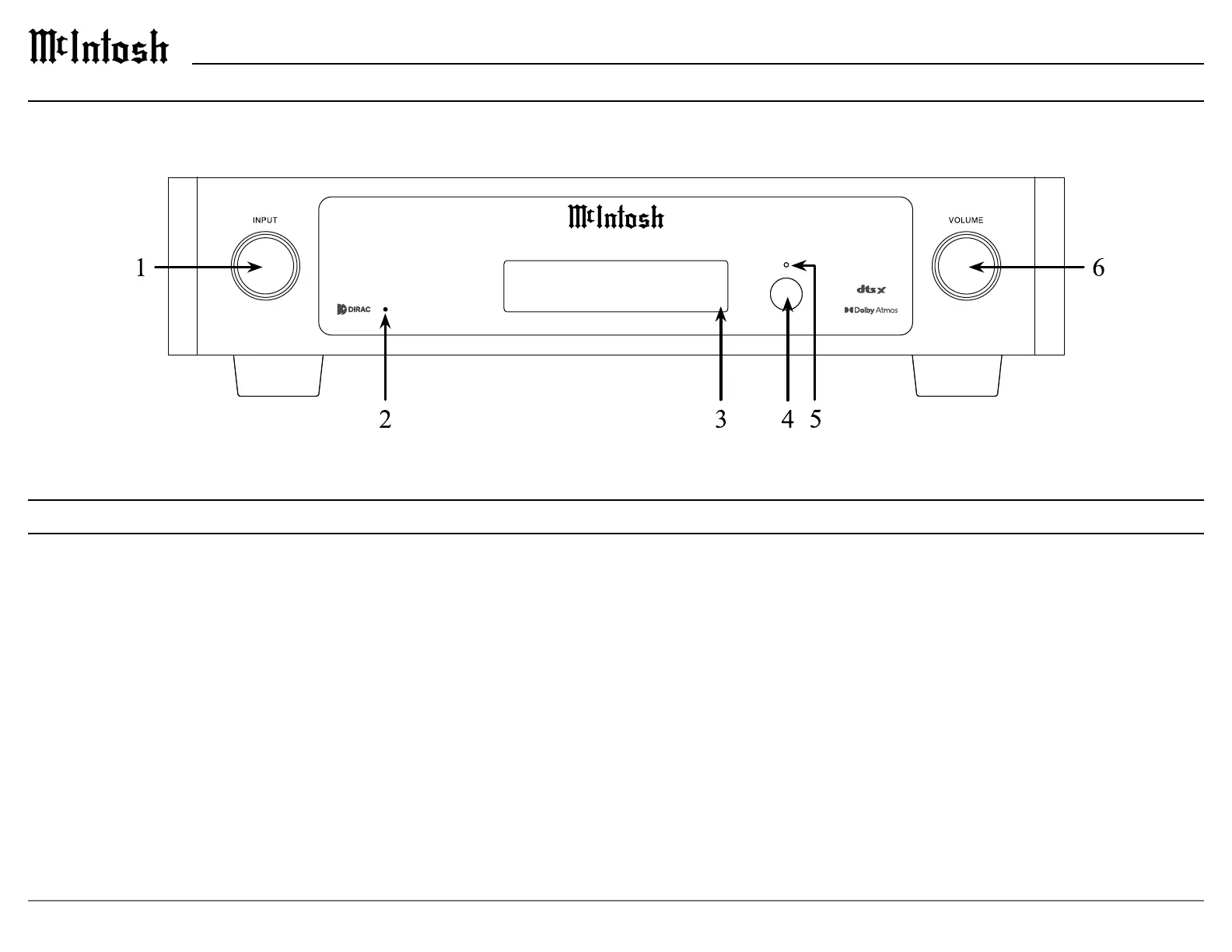
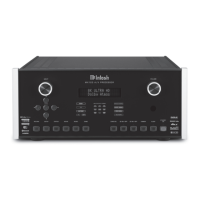
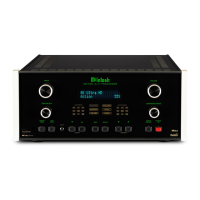
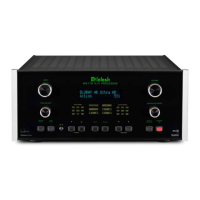
Front Panel
Front Panel
1. INPUT KNOB is used for the following:
• Input Selection: Turn clockwise or counter
clockwise to scroll through inputs.
• Trim Menu: Push and release to enter Trim
Mode and rotate to navigate through options.
• Setup Menu: Push, hold for two seconds, and
release to enter setup mode.
2. Dirac Live LED shows whether Dirac Live EQ
is engaged, LED will be lit, or disengaged, LED
will not be lit.
3. VFD
character screen shows various messages for
setup/trim and playback conditions.
4. IR Sensor
remote control.
5. Standby LED
current power status.
6. VOLUME KNOB is used for the following:
• Power ON: Quick press to power on the
• Adjust Volume: Rotate to adjust the volume.
• Mute:
• Setup/Trim: Rotate to adjust Trim options once
the menus are accessed using the INPUT knob.
• Power OFF: Push and hold for 2 seconds to
appear on the display.



 To Next Page