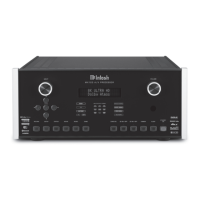
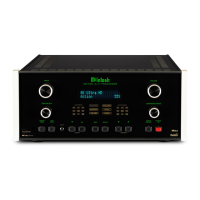
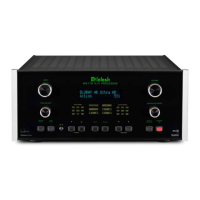
MX200
Navigating the Remote Control
Remote Control Batteries
included). To insert or remove batteries, open the
battery compartment by removing the cover located
on the back of the remote control. To open, pull the
clasp located just above the opening downward.
Additional Discrete Commands
systems are available:
• OPT1
• OPT2
•
•
• HDMI1
• HDMI2
• HDMI3
•
• HDMITV
• PHONO
• AUX 1
• AUX 2
•
These additional commands can be accessed
Assistance or your dealer for more information.
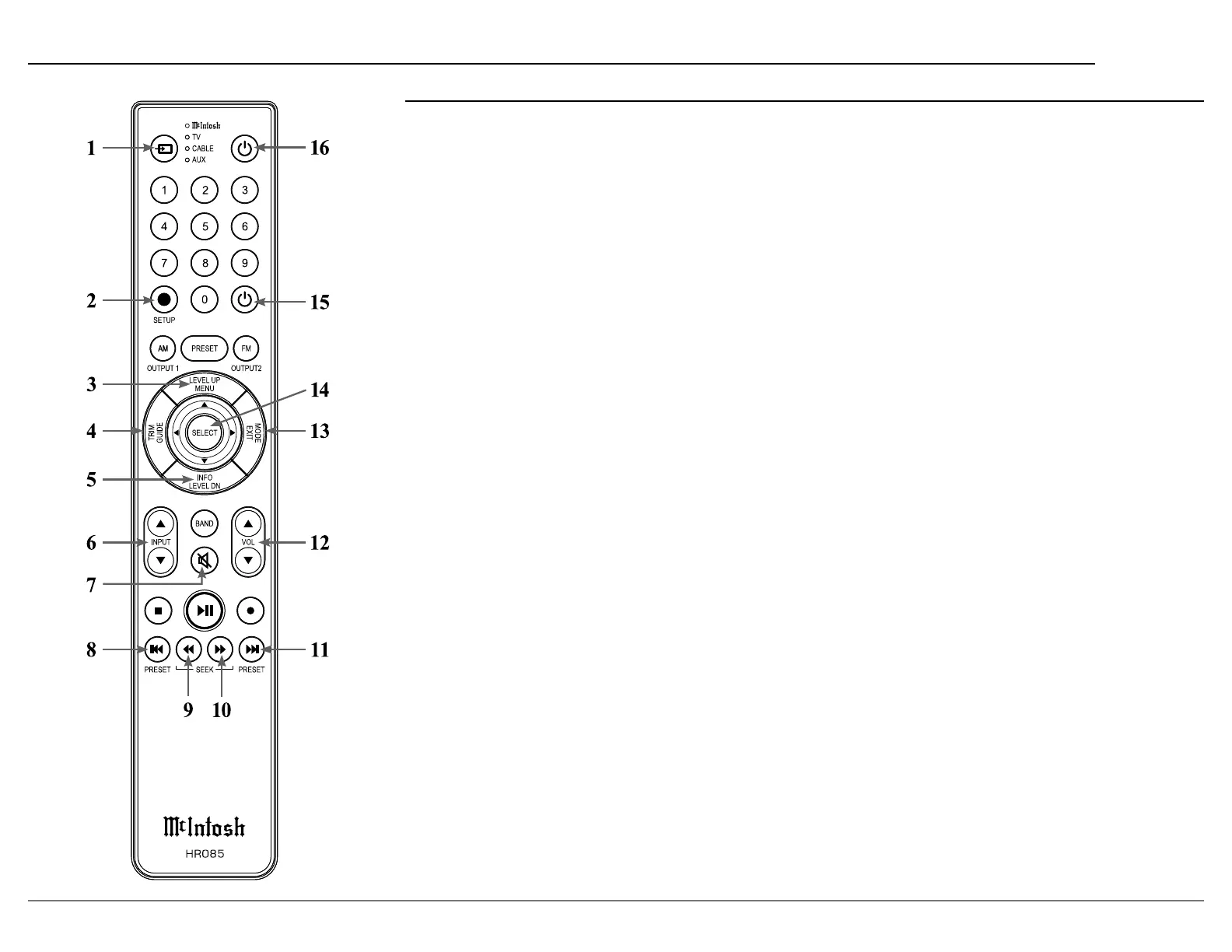
1. Switch Device:
operation. Selected device is indicated by the LED
light.
2. Setup Button: Used to enter setup mode.
3. Level Up/Menu: Accesses menu on compatible
devices.
4. Trim/Guide: Enters trim functions menu. Opens
guide on compatible devices.
5. Info/Level Down: Accesses info on compatible
devices.
6. Input:
7. Mute: Mutes audio playback.
8. Previous/Previous Preset: Return to your previ
ous media selection.
9. Fast Reverse/Seek Down: Navigate backwards
through the current active media using this button.
10. Fast Forward/Seek Up: Navigate forward
through the current active media using this button.
11. Next/Next Preset:
12. Volume: Used to adjust the volume.
13. Mode/Exit:
menu. It will also display information or certain
options.
14. Select: Selects the highlighted option.
15. Power O:
the LED.
16. Power On: Turns on the selected device shown by
the LED.
Note: The HR085 Remote Control has buttons used to control multiple
devices. Buttons whose function are not described are for use
with other McIntosh products.
For more information, refer to the HR085 Owner's Manual on
the McIntosh website at www.mcintoshlabs.com.



 To Next Page