EasyManua.ls Logo

McIntosh MX200 - General Setup Menu

McIntosh MX200
28 pages
Print Icon
To Next Page IconTo Next Page
To Previous Page IconTo Previous Page
Loading...

SETUP: GENERAL > SAVE AND LOAD > SAVE



or its environment.






Note: Configurations created using the browser interface must
be restored using this interface and CANNOT be restored
using the MX200’s front panel interface or MX200’s USB
port.

USB port, you must use the front panel interface.
To use the front panel interface to save the



Save




settings
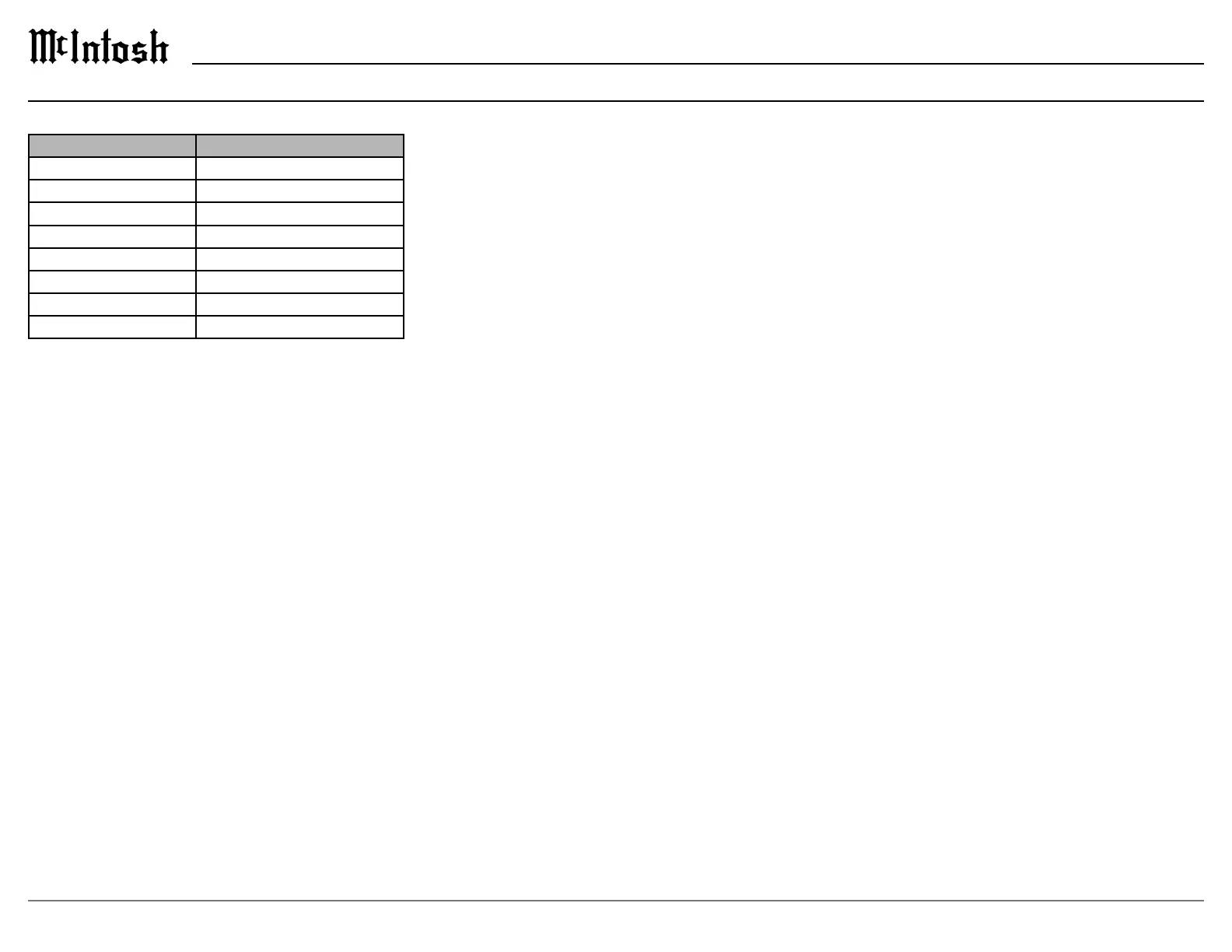
The general menu contains the following options:
Setting Options
Fi r mwa re Version 
Firmware Update Yes , No
Factory Reset Yes , No
Save and Load Save, Load
Trigger 1 All, None, Independent
Trigger 2 All, None, Independent
 
 
SETUP: GENERAL > FIRMWARE
Firmware is software that controls hardware at a

may be issued to address particular issues. If you


arise, your McIntosh dealer has access to the latest



directory of a properly formatted USB drive (FAT
or Fat32). The USB drive should be inserted into

the Update Now button will begin the process. It
is highly recommended that your McIntosh dealer
perform the update process since failure to properly

unusable state.
SETUP: GENERAL > FACTORY RESET


be saved and restored in the “Save and Load” section
of the general setup menu.
SETUP: GENERAL > SAVE AND LOAD > LOAD






have custom named. Select open. The interface will

cycle and the new settings will be loaded.
If you are using the front panel to load a



port.

Load. Progress will be displayed for loading the



SETUP: GENERAL > TRIGGER
Trigger1 and Trigger2 can each be set to power on/


Each Trigger can be set to:
Independent allows each individual input to be

is selected, connected components will receive a
power control signal to power on until the selected


All On sets the power control setting of all inputs
to On. With this selection, any input will generate
a power control signal to be sent for that Trigger.

to On. You can switch to Independent to set any

General Setup Menu

Related product manuals