Speakers Setup Menu
SETUP: SPEAKERS > SPEAKER CONFIG
The available speaker categories are based on the
settings in Amp Assign (see above).
Speaker Options
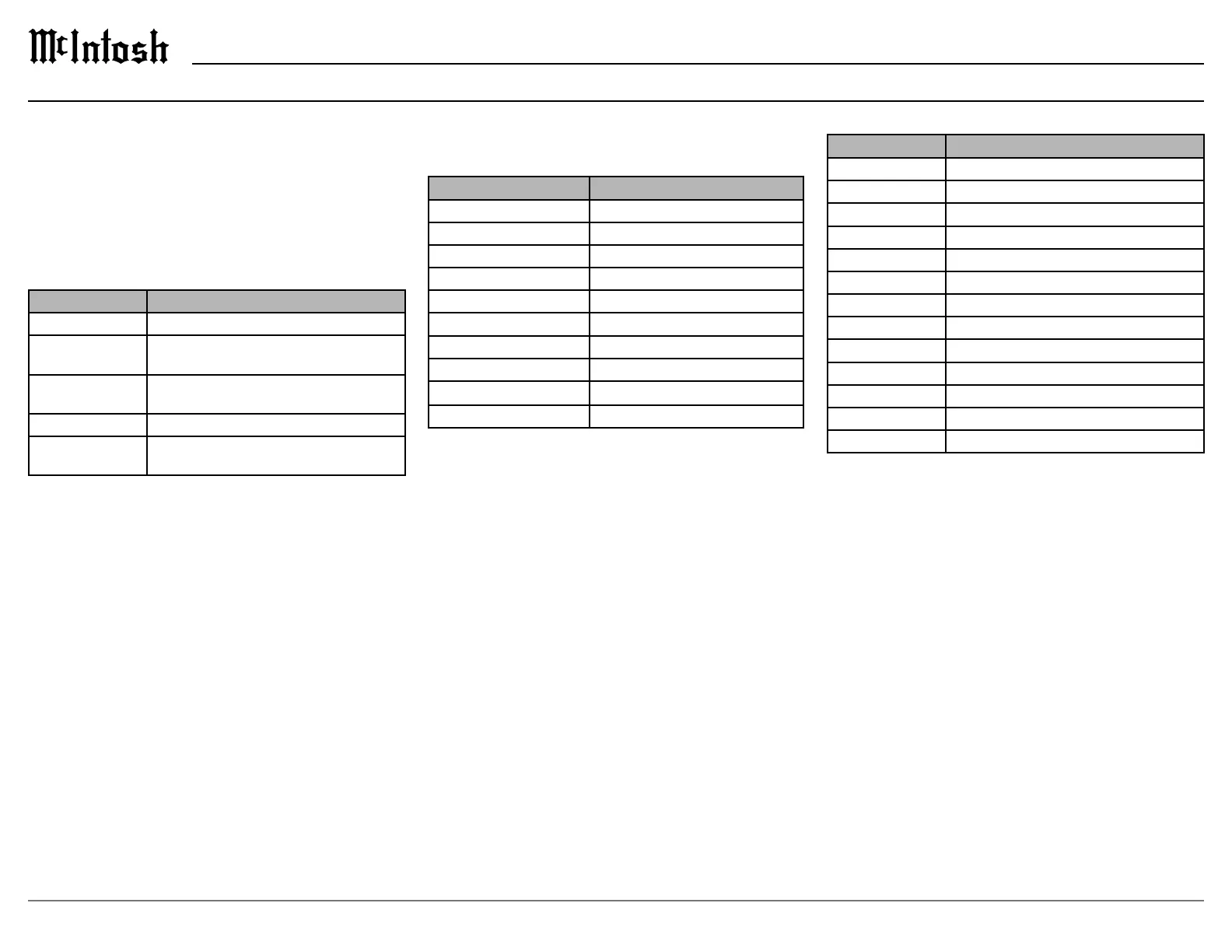
Front Large / Small
Large / Small / None
Subwoofer (SUB) 1 speaker / 2 speaker / None
Surround (SUR) Large / Small / None
Large / Small
Front Height (FR HT) Large / Small
Large / Small
Top Front* Large / Small
Top Rear* Large / Small
Top Middle* Large / Small
Note: 1. Some settings are only available on the browser version of
the setup menu these are indicated with an *.
2. Choosing some options will eliminate other options.
Small.
SETUP: SPEAKERS > SPEAKER DISTANCES
Setting Options
Front Left
Front Right
Surround Right
Rear Right
Rear Left
Surround Left
Top Front Left*
Top Front Right*
Top Rear Left
Top Rear Right
Subwoofer 1
Subwoofer 2
Note:
Some settings are only available on the browser version of
the setup menu these are indicated with an *.
The input of distances of your speakers can be
entered manually. Distances will be provided
automatically when the Dirac Live setup program
is run, after which they can be edited. Having an
accurate accounting of your speaker speeds the Dirac
Live process by avoiding Dirac Live looking for
phantom speakers.
For each speaker, enter the distance from the main
listening position to the speaker in meters. To convert
information. The information entered here provides a
For Dolby enabled speakers, enter the distance to
the speaker. Do not calculate the angled path that the
this.
The speakers setup menu contains the following
submenus:
• Amp Assign
•
• Speaker Distances
• Speaker Level
•
SETUP: SPEAKERS > AMP ASSIGN
Setting Options
Manual Floor
Manual Top SP
Top Speaker
Top Layout
Manual Dolby
Dolby Layout
Note:
1. Some settings are only available on the browser version of
the setup menu these are indicated with an *.
2. Choosing some options will eliminate others.
In amp assign, you select how to use the preampli
scheme you will be using. This assignment is neces
sary before running Dirac Live.



 To Next Page