EasyManua.ls Logo

McIntosh MX200 - Connector and Cable Information

McIntosh MX200
28 pages
Print Icon
To Next Page IconTo Next Page
To Previous Page IconTo Previous Page
Loading...
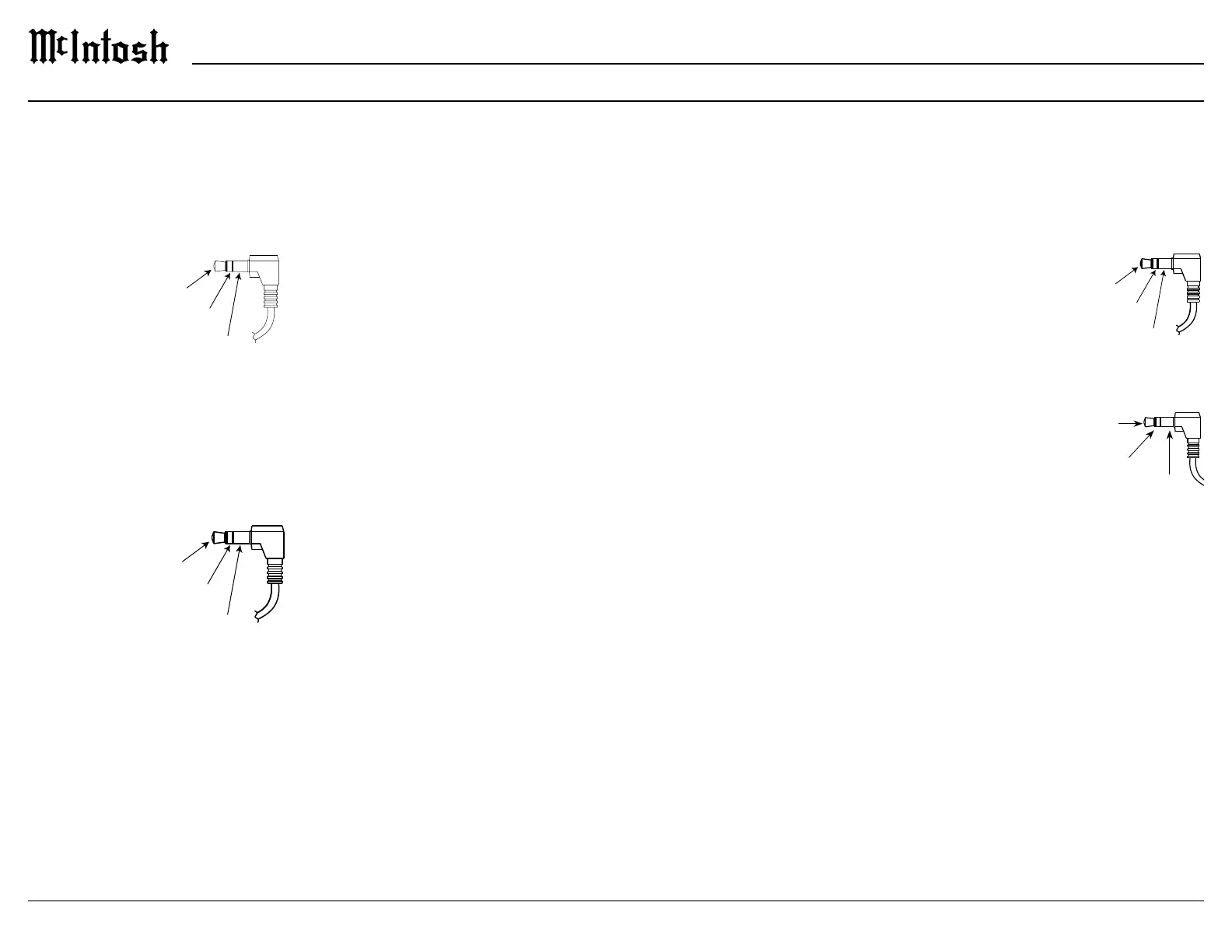
Power Control Connectors



is used for connection to the trigger outputs on the


Data Out Connector

share with McIntosh components connected to the
DATA OUT port on the rear panel. This will allow
the operation of primary functions of a source to be

as allow units that are out of range of an IR signal to
receive commands.
NET Port (Ethernet / 10baseT LAN)

a network router. The network connector is located



will automatically receive an IP address from the
router. This setting can be changed.
Connector and Cable Information
Data
Signal
N/C
Data
Ground
IR Data
Control
Ground
N/C
HDMI

video. To take advantage of this new capability, the




backward compatible, older cables may have issues
with the higher bandwidth.


television.


functions to ensure audio and video are perfectly
matched. This allows for more intelligent operation
between components as well as less cable clutter.

menu.



Atmos and DTS:X.
USB



The USB port is not for
general USB use or charging devices.
Microphone



microphone is used in the Dirac Live
®
calibration for
tuning the system to your room. For instructions see
“Dirac Live® Setup” on page 22.
IR IN Port Connector



the remote control can be used in another location


IR sensors such as a Xantech

Note: The IR receiver must provide its own
power supply.
RS232


controllers.
Typical RS232 settings are:

one stop bit

bits per second
AC Power
This connection is essential. Plug the supplied




Data being transmitted

Data being received

Power
l

Lighting
l

Related product manuals