22 Mecmesin MultiTest-dV Operating Manual
4.13. Setting the Limit Stops
Limit stops help prevent damage to load cells and fixtures by stopping the crosshead
movement before the moving fixtures come into contact with static parts of the stand.
Their positions are adjusted after the fitting of fixtures and test samples.
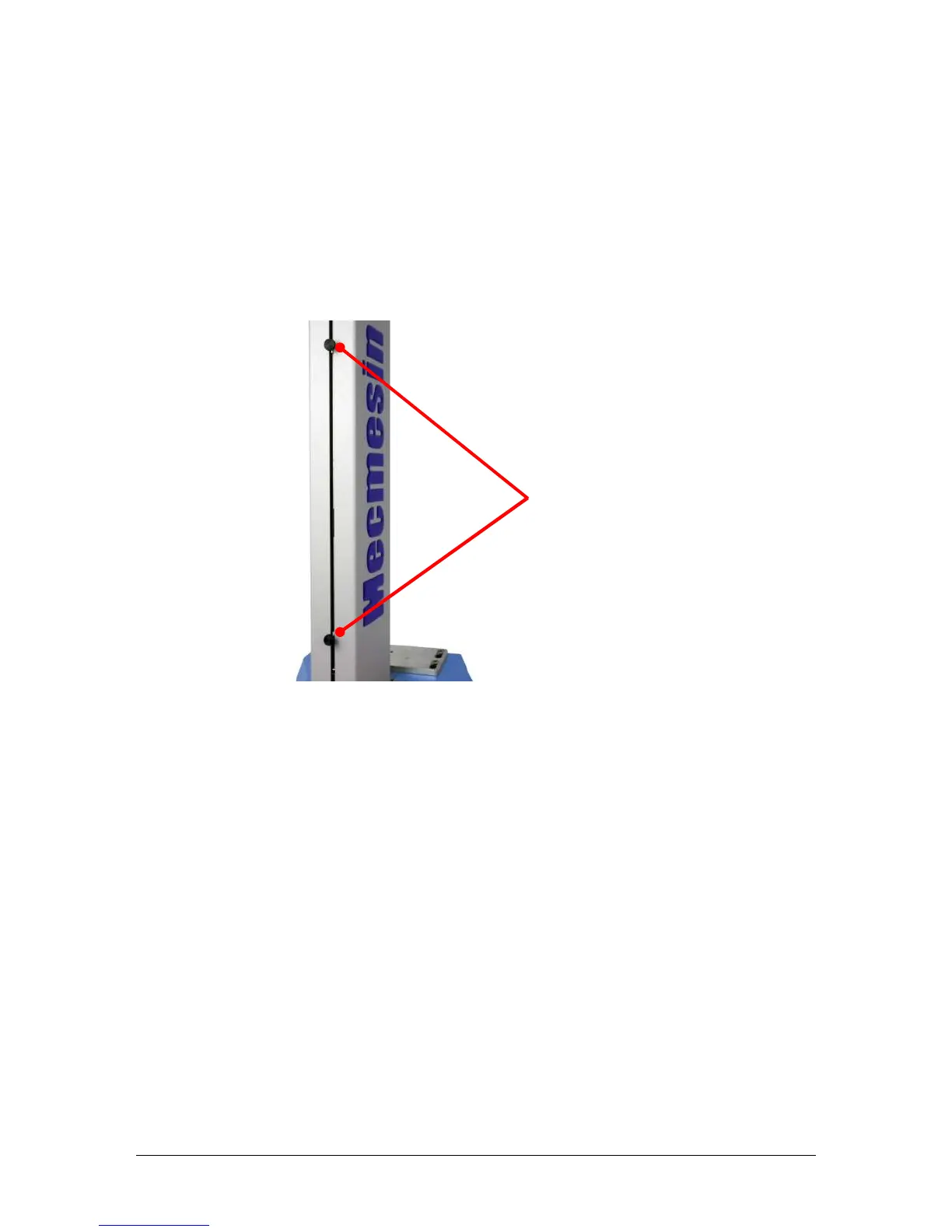
There are two manually set limit stops. These are set by loosening the thumbscrew,
moving the stop to a new position and retightening. When the crosshead meets a stop,
it activates a switch. This stops the crosshead movement at an upper or lower limit.
Note: Limit switches are also used to set cyclic test start and end positions (page 37).
4.14. Test Stand States
The test stand can be in one of five states:
1. Test readiness - ready to start, or complete,
2. Testing – test operation sequence is running,
3. Stopped - test interrupted or emergency stop pressed,
4. Jog mode - for jogging or positioning the crosshead manually,
5. Settings menu – for adjusting your test stands settings,
In each state, the selector buttons have functions described by the on-screen icons.


 To Next Page