28 Mecmesin MultiTest-dV Operating Manual
6. Automatic ELS Firmware Update
MultiTest-dV test stands with firmware 3.2.0.0 and above operating in dV(u) mode can
update the firmware of any attached ELS device. This feature is managed through the
front panel and ensures that the latest firmware version is loaded to the ELS device.
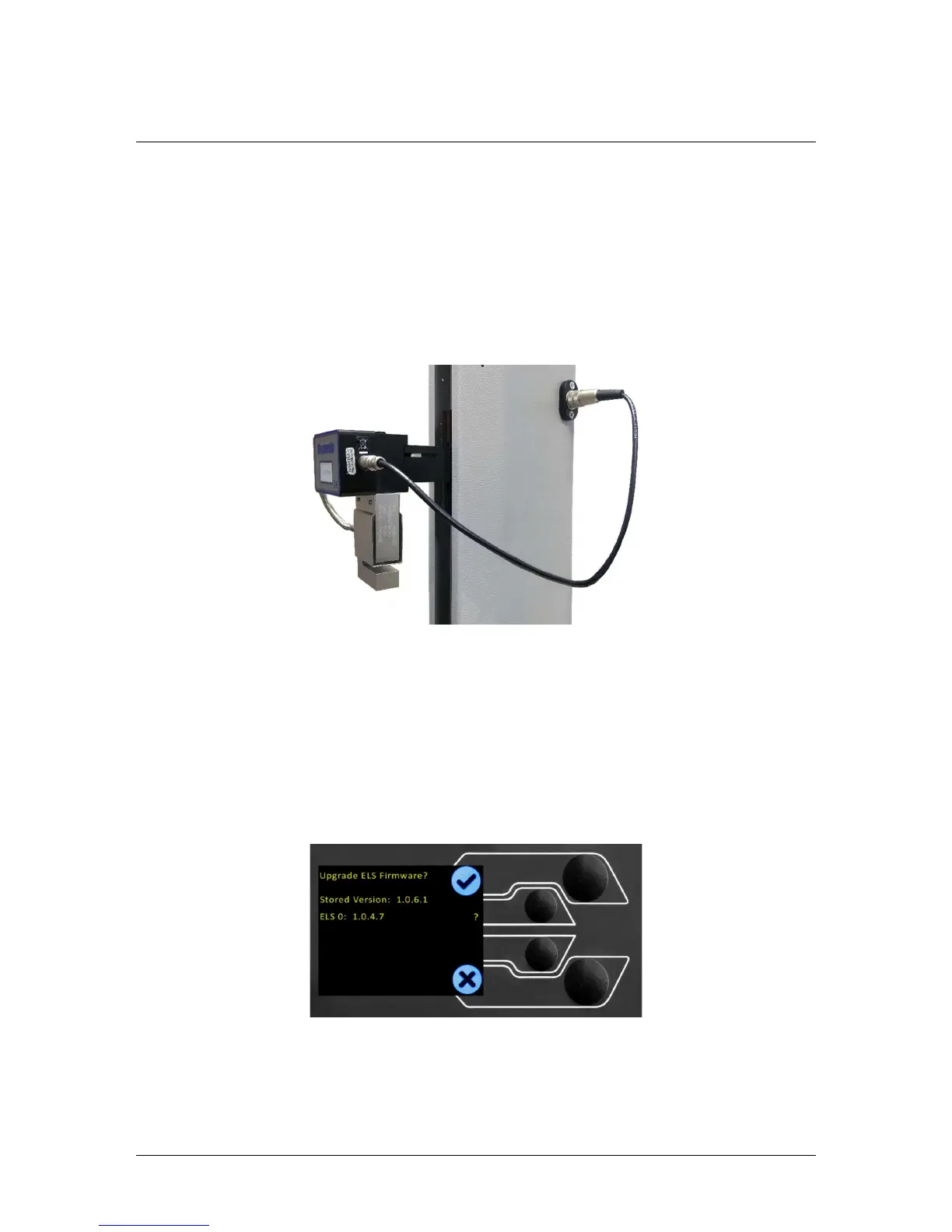
Step 1 - Connect an ELS Device
To start the update connect the ELS to your test system and then switch the test stand
on.
Note: Analogue short travel extensometers can also be updated in a similar method,
plug the extensometer device into the corresponding connector on the rear of your
MultiTest-dV to update the device.
Step 2 – Starting the Upgrade
Once the stand has powered on you the following screen will appear:
The new ‘Stored’ firmware is listed at the top of the display and the current ELS
firmware is displayed below. In this instance the current firmware for the ELS is 1.0.4.7,
starting the update will flash the device to version 1.0.6.1.


 To Next Page