MultiTest-dV Operating Manual Mecmesin 25
MultiTest-dV Display Panel
The display indicates the stand’s status, displays live values and is used to configure the
test stands settings.
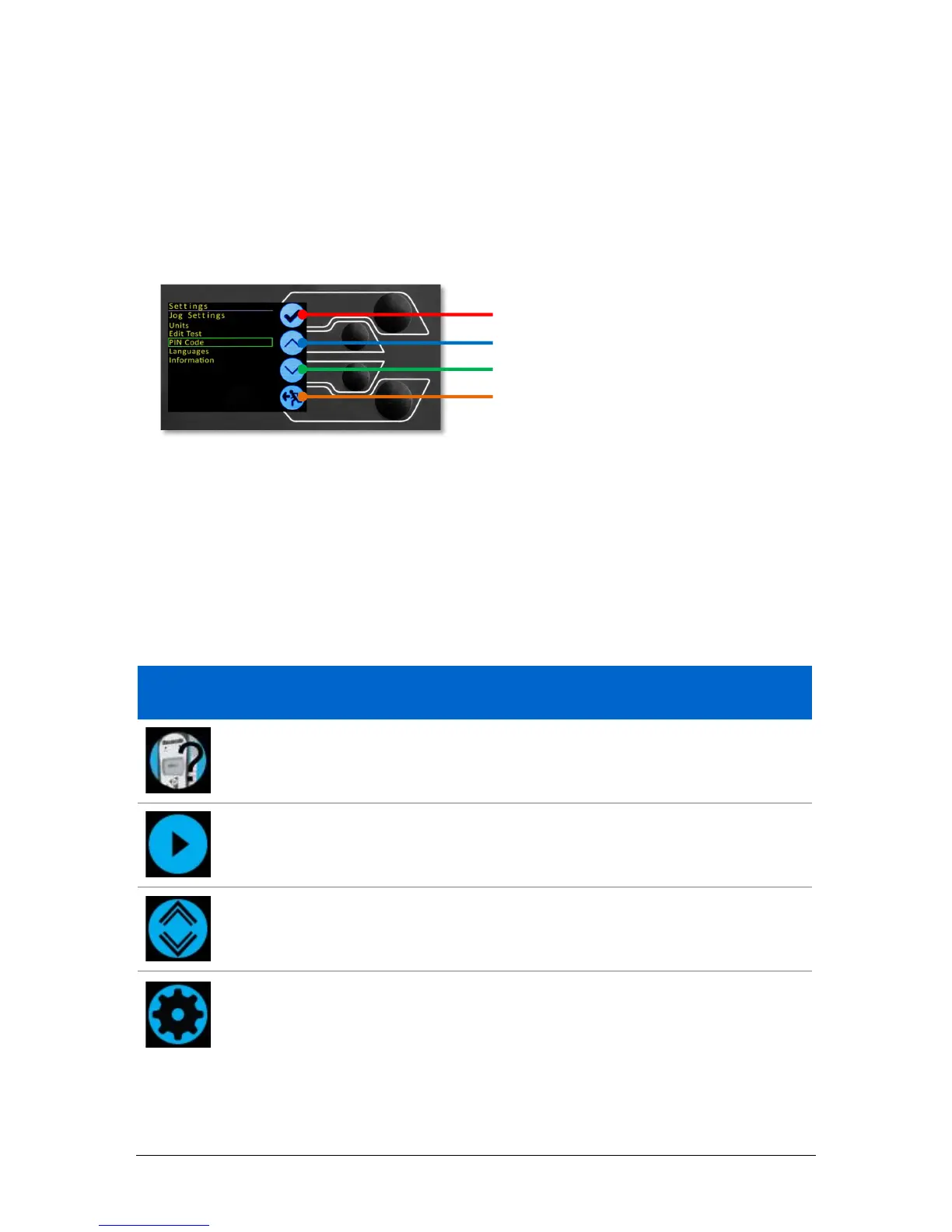
The purpose of the four multi-function buttons is indicated on screen by an adjacent
icon. Below is an image showing a typical example of the on-screen icons in relation to
the physical buttons.
On-Screen Icons
On-screen icons vary depending on the current state of the test stand and what functions
the physical buttons perform at that point. Below are reference tables to help explain the
icon definitions, in relation to the test stand state.
1. Test Readiness
Icon Action
No AFG connected / No ELS connected (if in dV(u) mode).
Start the test sequence.
Go to jog mode.
Go to settings.



 To Next Page