30 Mecmesin MultiTest-dV Operating Manual
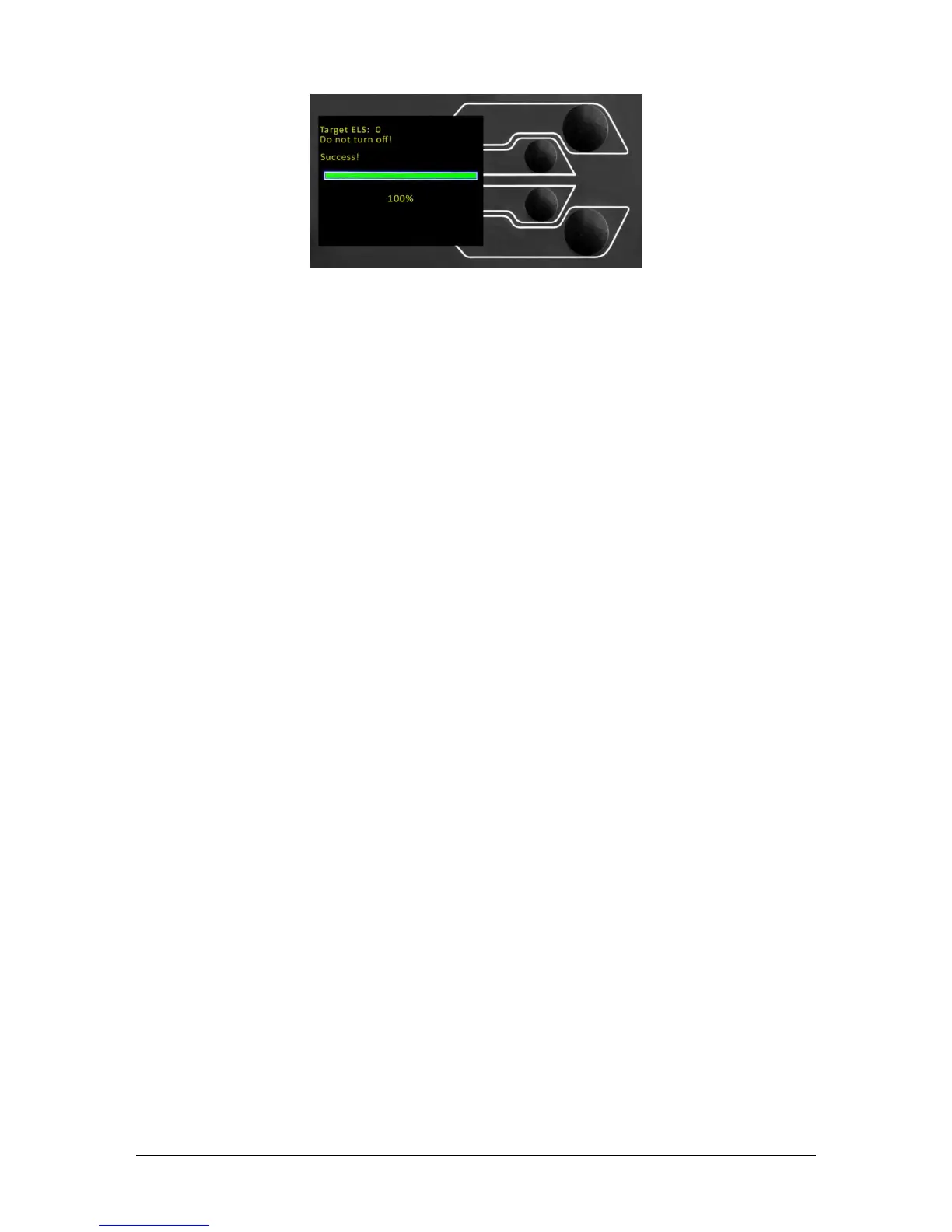
Once the process is at 100%, the display will indicate that the firmware upgrade has
been successful.
Either you will then be prompted to update the next ELS device currently connected or
the display will return to the start screen if no additional ELS devices are connected.
You can check the version of the ELS firmware manually by accessing the ‘Information’
screen located in the ‘Settings’ menu, See Section 6 for more information.


 To Next Page