EasyManua.ls Logo

Mecmesin MultiTest-x Series - Page 57

Mecmesin MultiTest-x Series
80 pages
Print Icon
To Next Page IconTo Next Page
To Previous Page IconTo Previous Page
Loading...
Appendix 6: MultiTest-x Menu Options Page 5
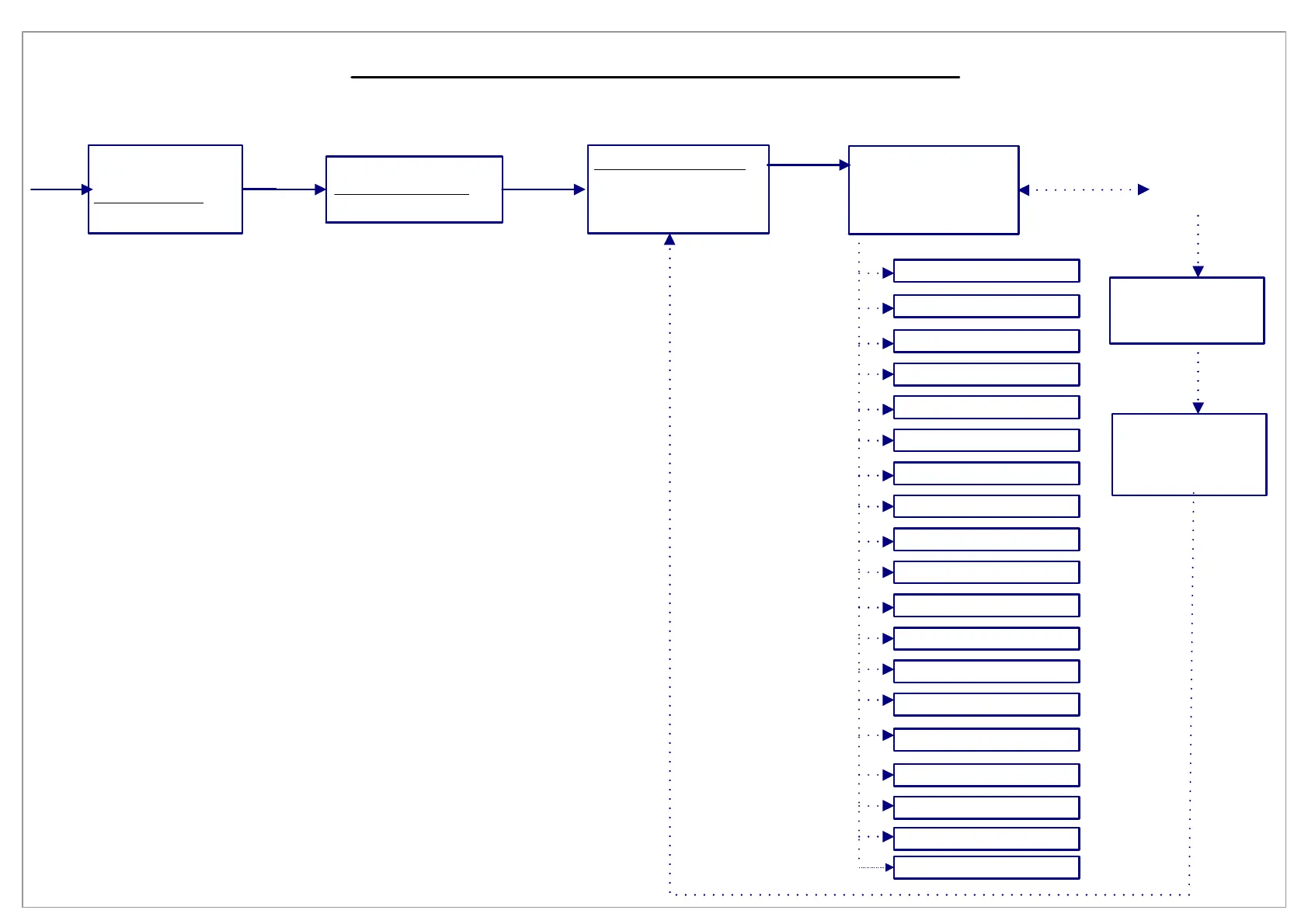
[1], [3], [2], [1] Select Analysis
Press
[1/Menu]
Press <1>
to toggle
between
ON and
OFF for all
calculations
If ‘ON’ is displayed
press [Start/ENT] to
enter the parameters
of the calculation
PK Ld <>Disp
Disp1 (mm): 0.00
Pts=0:ALL Data
Enter value
for Disp1
and press
[Start/ENT]
PK Ld <>Disp
Disp1 (mm): 0.00
Disp2 (mm): 0.00
Pts=0:ALL Data
Enter value
for Disp2
and press
[Start/ENT]
1)Disp5 @LdOccur-OFF
1) Disp4 @LdOccur-OFF
1) Disp3 @LdOccur-OFF
1) Disp2 @LdOccur-OFF
1) Displ @LdOccur-OFF
1)Ld AT Time-OFF
1)Ld5 @DispOccur-OFF
1)Ld4 @DispOccur-OFF
1)Ld3 @DispOccur-OFF
1)Ld2 @DispOccur-OFF
1)Ld1 @DispOccur-OFF
1)Load AT Break-OFF
1)AVG Ld <>Disp-OFF
1)AVG Ld <>Time-OFF
1)Pk Ld <>Disp-OFF
1)MIN Ld <>Disp-OFF
1)Disp At Time-Off
1)Stiffness-OFF
1) Free Height-OFF
1) Procedure 1
2) Print Menu
3) Setup Menu
4) Utilities Menu
Press
[3]
1) Acquisition Menu
2) Analysis Menu
3) Control Menu
Press
[2]
1) Select Analysis
2) Set Limits
3) Auto Xmit Res-OFF
4) Calculate Results
1)PK Ld <>Disp-ON
ARROWS)Scroll List
ENT)Param BKSP)Exit
Press
[1]
Press [Jog Up] or
[Jog Dn] to scroll
through the list of
all calculations
available

Table of Contents

Related product manuals