G
G
E
E
T
T
T
T
I
I
N
N
G
G
S
S
T
T
A
A
R
R
T
T
E
E
D
D
26
Getting started
The software on this PC comes fully pre-installed. You do not
have to load any of the CD's/DVD’s supplied. With many programs
(e.g., telephone-CD's or encyclopaedias), however, it is necessary
to insert the corresponding CD/DVD in order to call up the data
which is stored on it. The software will ask you to do this as nec-
essary. Once you have made all the connections and secured the
necessary connectors you can turn on the monitor, the other pe-
ripherals and finally the PC itself.
Step 1: Power on
1. Power on the monitor and your peripherals.
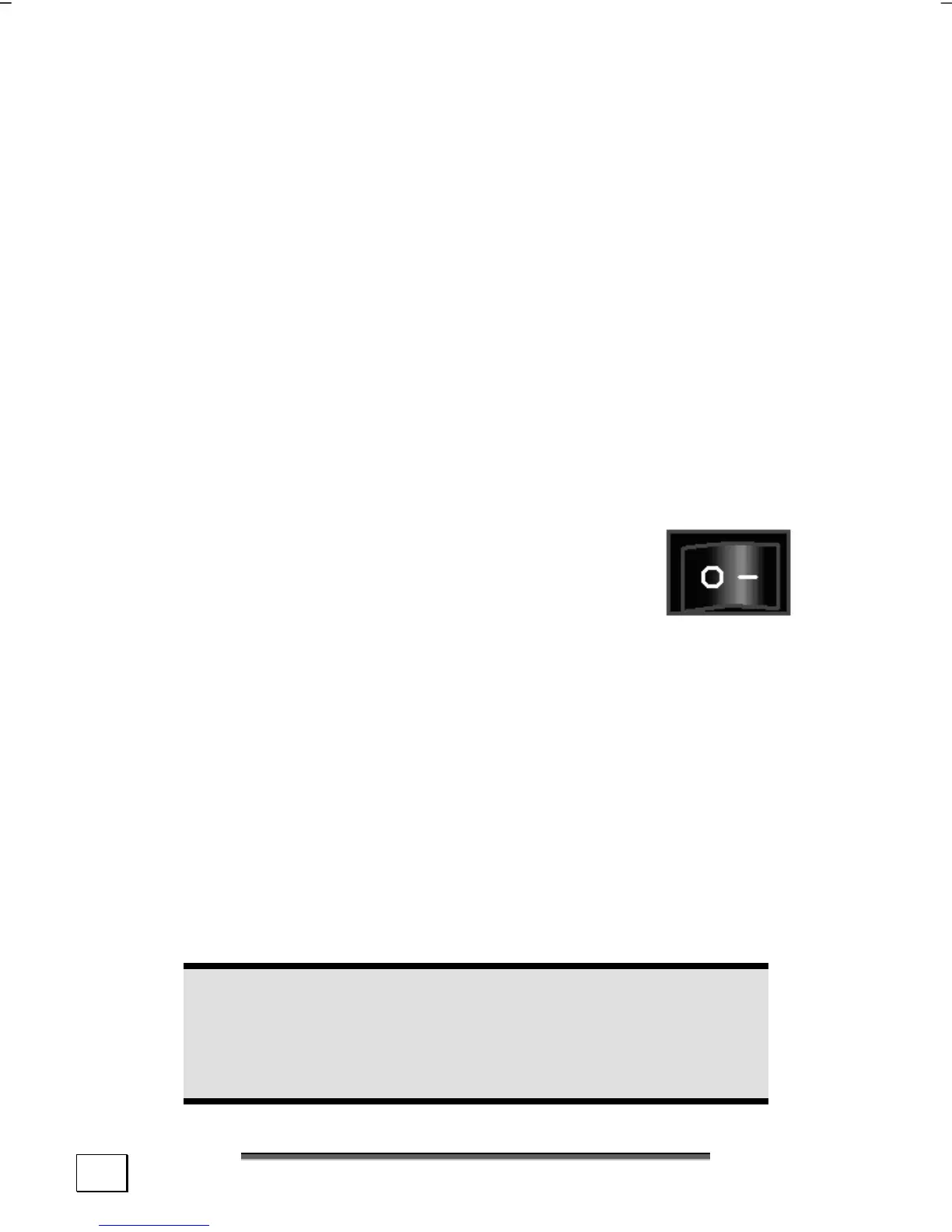
Switch
Diagram reference: X2
2. Power on your PC by pressing the Switch
to position [1]. (You will interrupt the
current entry by pressing the switch to
position 0.)
On/off switch
Diagram reference: N
3. Press the On/off switch briefly to start loading the operating
system. You can now use an optional wireless keyboard/
mouse.
You can program the function of the main switch in the power
management of Windows
®
(please refer to on-line help). The PC
will always be switched off, if the main switch is pressed for more
than 4 seconds.
Warning!
If the operating system is not shut down properly
(through á Ö Shut Down), then there is a risk of data
loss.



 To Next Page